
Send a patient to a station
Send a visit to the nurses, the consulting room, the cashier, the lab or the pharmacy, and say who has it and why.
- Where
- Practice portal
- Who can do this
- Administrator, Doctor, Midwife, Nurse, Reception and Staff
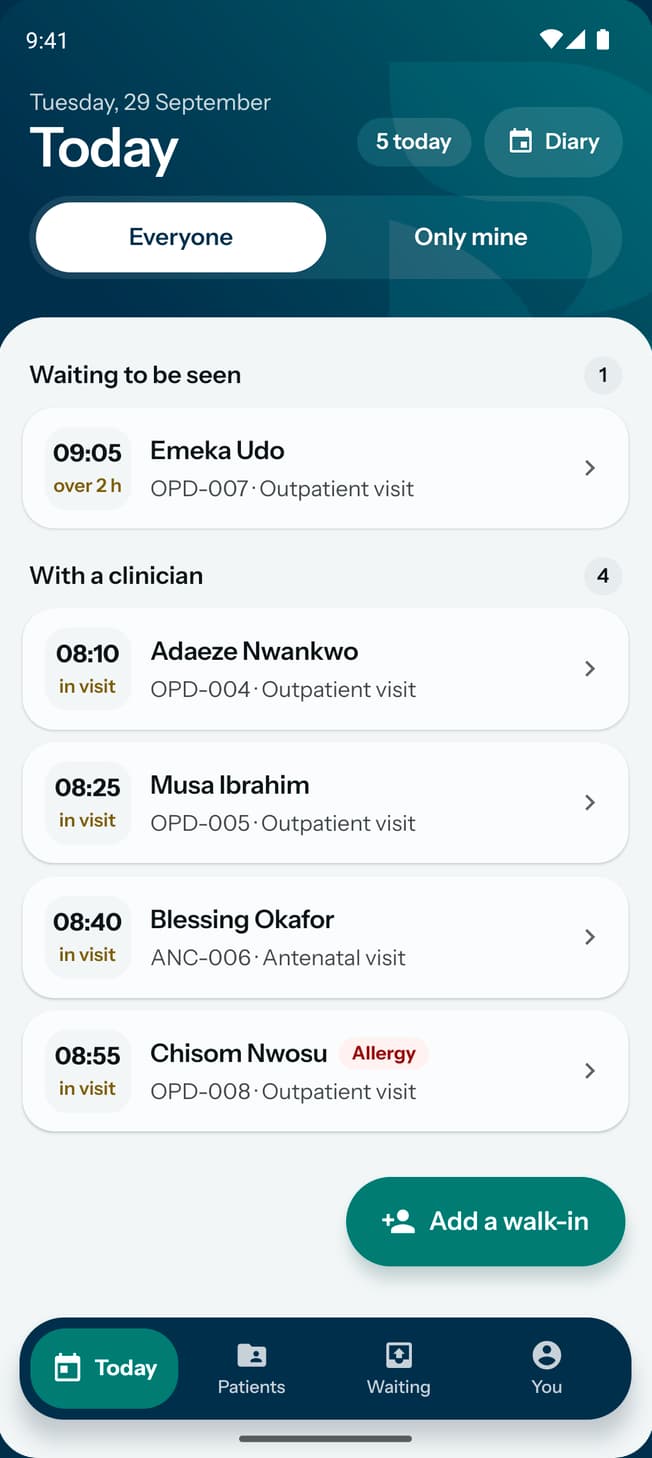
Send a visit on when the patient needs to go somewhere else in the practice. The next person sees where the patient is, who has them and why they were sent.
Steps
- Open the patient's visit.
- Choose Send to. At the front desk it is the filled button at the top. Anywhere else, choose More first.
- Under Where to, choose Nurses' station, Consulting room, Cashier, Lab or Pharmacy. The place the visit is at now is not offered.
- Under Who with, choose a clinician, or leave Nobody in particular.
- Type a reason in Reason, if one helps.
- Choose Send.
What to expect
Under This visit the visit names its station, the clinician and the reason, and how long ago it arrived. Sending to the nurses', the consulting room or the lab moves the visit to the matching stage, so the dashboard shows it there too. The cashier and the pharmacy leave the stage as it was.
A booked patient whose appointment names a clinician arrives with that clinician already on the visit.
Offline, the list of clinicians is not offered. Choose where to and add a reason, and the move is sent when you are back online.