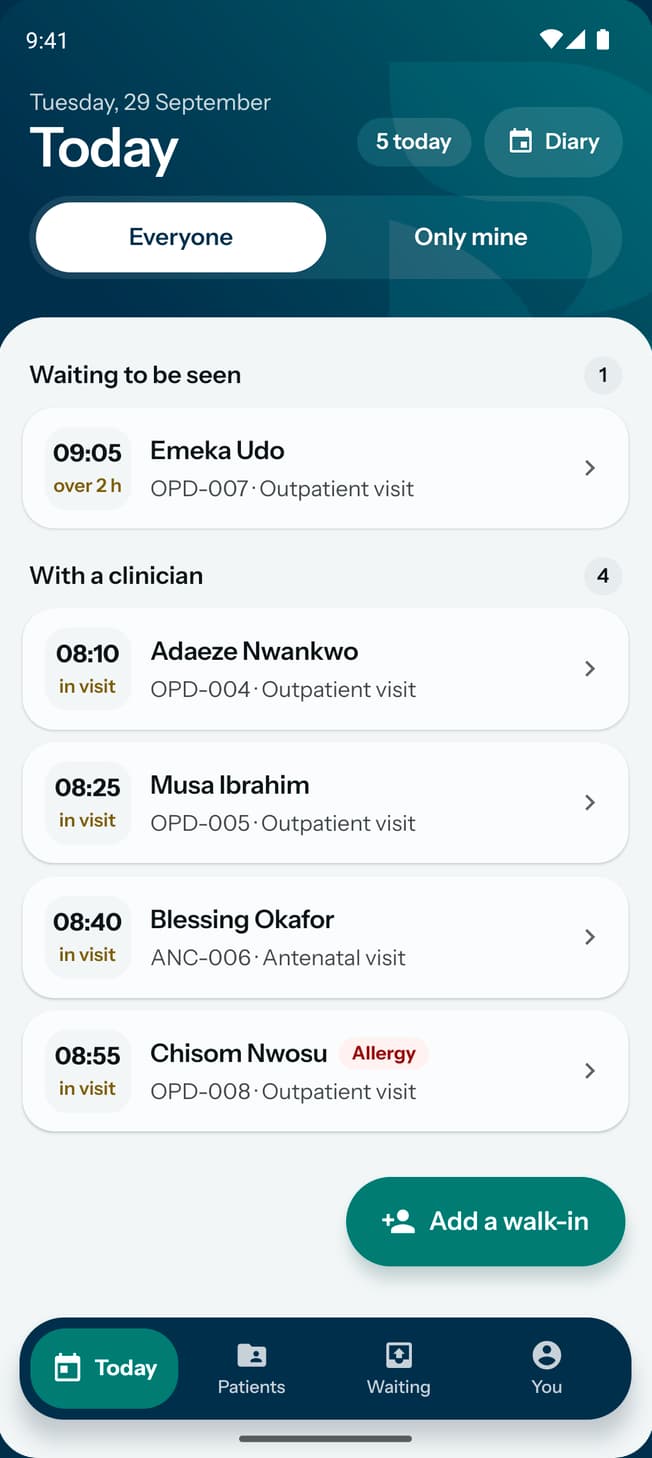

See who is at each station
Read the queue at the front desk, the nurses' station, the consulting room, the cashier, the lab or the pharmacy, and send a patient on to the doctor.
- Where
- Practice portal
- Who can do this
- Administrator, Doctor, Midwife, Nurse, Reception and Staff
Each station has its own queue. Stations shows who is at one of them, what readings have been taken and how long each patient has been there.
Steps
- Choose Stations on the left.
- Choose the station: Front desk, Nurses' station, Consulting room, Cashier, Lab or Pharmacy. It opens on Nurses' station.
- Read down the list. Each row has the patient's name and folder, the readings taken or No vitals yet, and the time at the station. A time past thirty minutes is heavier.
- Choose a patient to open their visit. A visit with no readings opens on Vitals.
- At the nurses' station, once readings are in, choose Send to the doctor on the row.
What to expect
The patient moves to the consulting room and leaves the nurses' list. Send to the doctor is not offered before the readings are taken. To send a patient somewhere else, open the visit and choose Send to.
The list is read from the practice, so it needs a connection. Offline, Stations says so and the visit can still be opened from Patients.
Call the next patient to the consulting room
- On Stations, choose Consulting room.
- Choose My patients to see the patients who are with you and the ones nobody has. Choose Everyone to see the rest.
- Choose Call next at the top. The patient who has waited longest and has not been called is called, and becomes yours if nobody had them.
Anyone at the desk sees Called and the time on the patient's row, on the dashboard and on the visit. A patient sent somewhere else is no longer called. Call next is greyed out when everyone is called.
Take payment at the cashier
- On Stations, choose Cashier.
- Each row is a patient from today who has something unpaid, wherever they are in the building, with what they owe in one amount. Nothing owed is a patient sent here with nothing to pay.
- Choose Take payment on the row, fill in the payment and record it. If the visit has more than one invoice, they come one after another.
A patient who has paid in full leaves the list when it is next read. A patient who left owing stays on it till they pay or the amount is taken off.