Record readings at a visit
Record blood pressure, pulse, temperature, weight and other readings against a patient's visit.
- Where
- Practice portal
- Who can do this
- Doctor, Midwife, Nurse and Staff
Record the readings you take at triage or in the consulting room, so the clinician sees them when they open the visit.
Steps
- Open the patient's visit.
- Choose the Vitals tab.
- Choose Record readings.
- Type each reading you took, such as Systolic BP (mmHg), Diastolic BP (mmHg), Pulse (beats/min), Temperature (°C) and Weight (kg). Leave the rest empty.
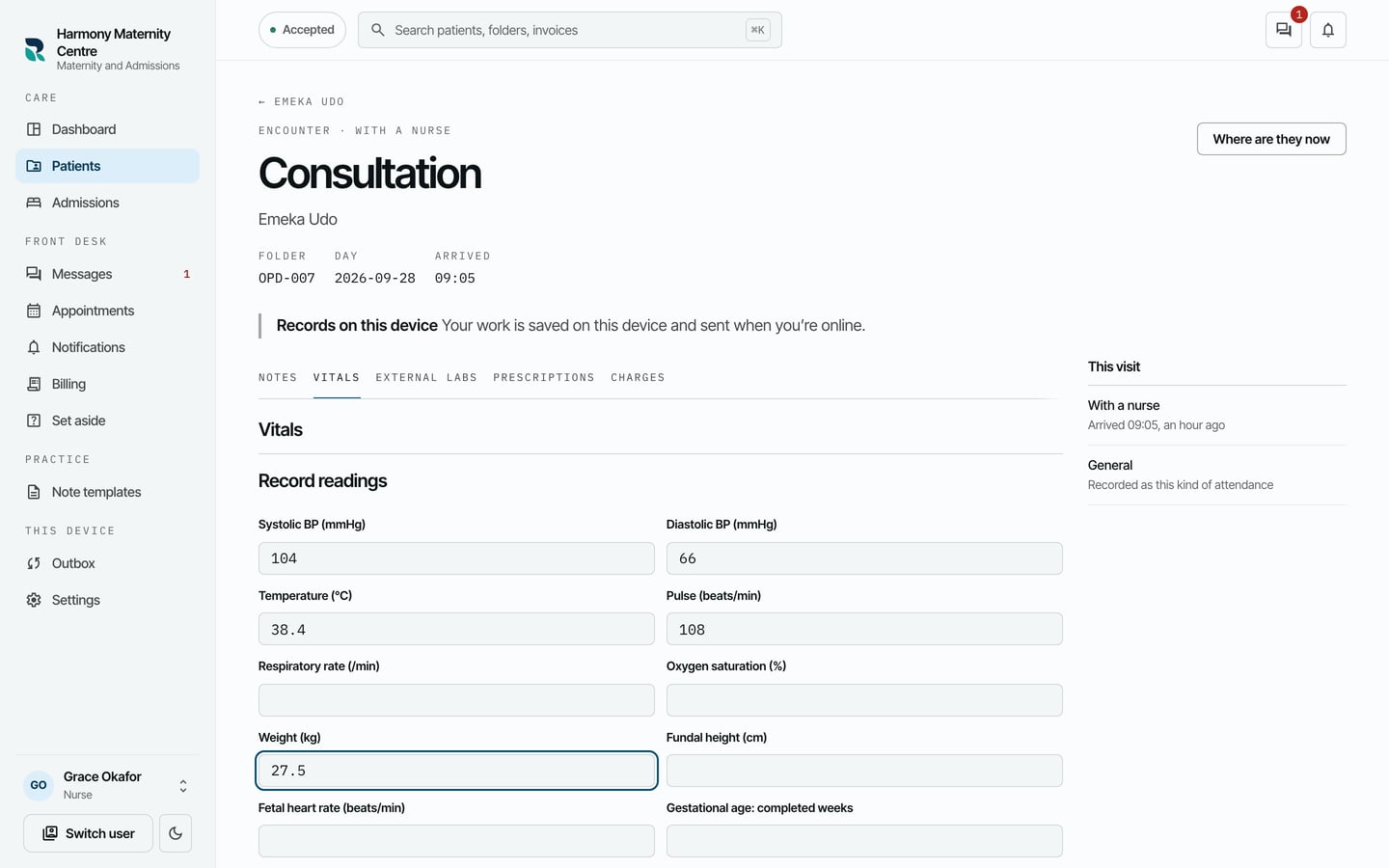
- Choose Record these readings.
- When RizCare says Readings saved on this device., choose Close readings.
What to expect
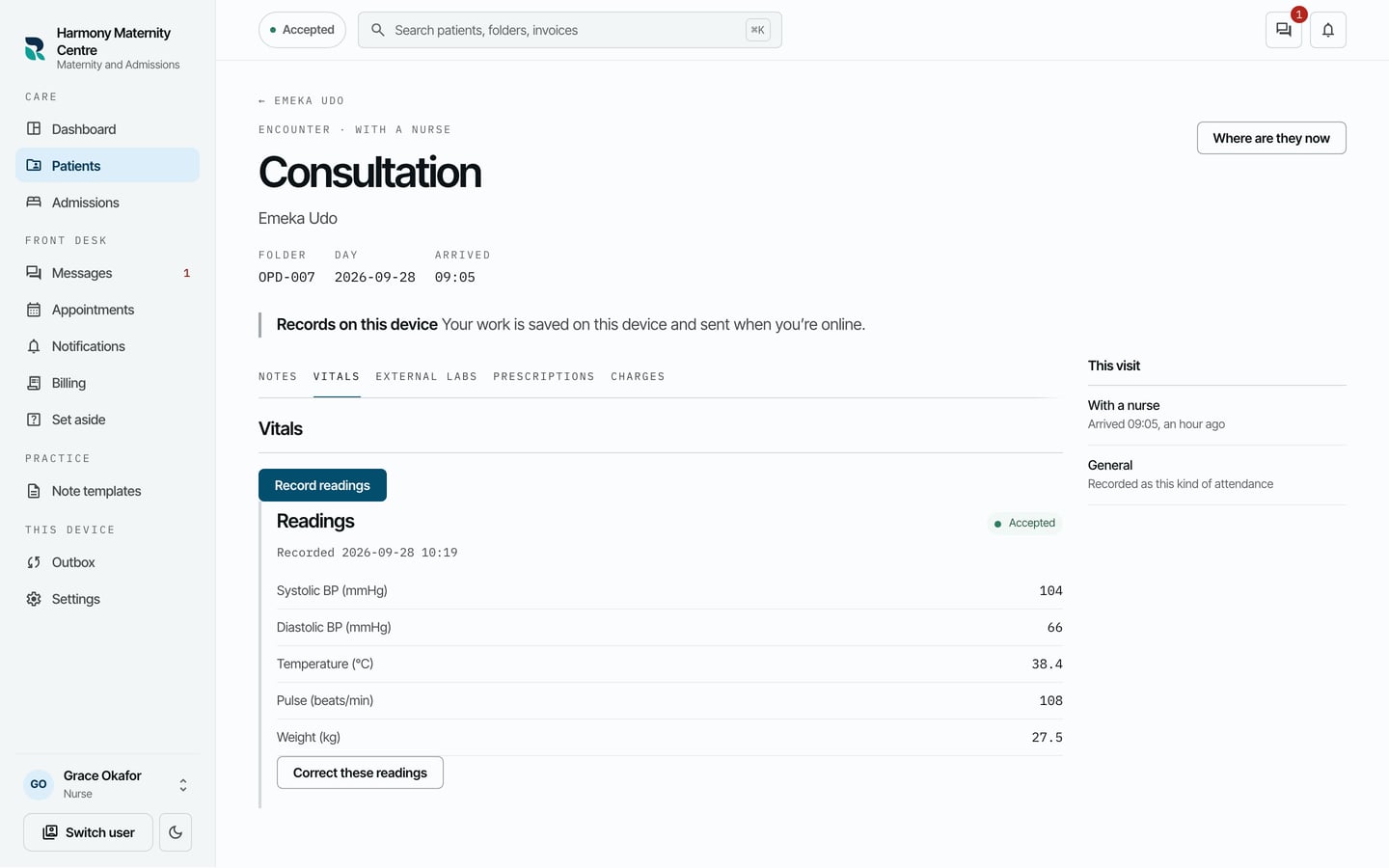
The readings are listed on Vitals with the time they were recorded, and Accepted once the practice has them. Correct these readings sits under them for a reading typed wrong.