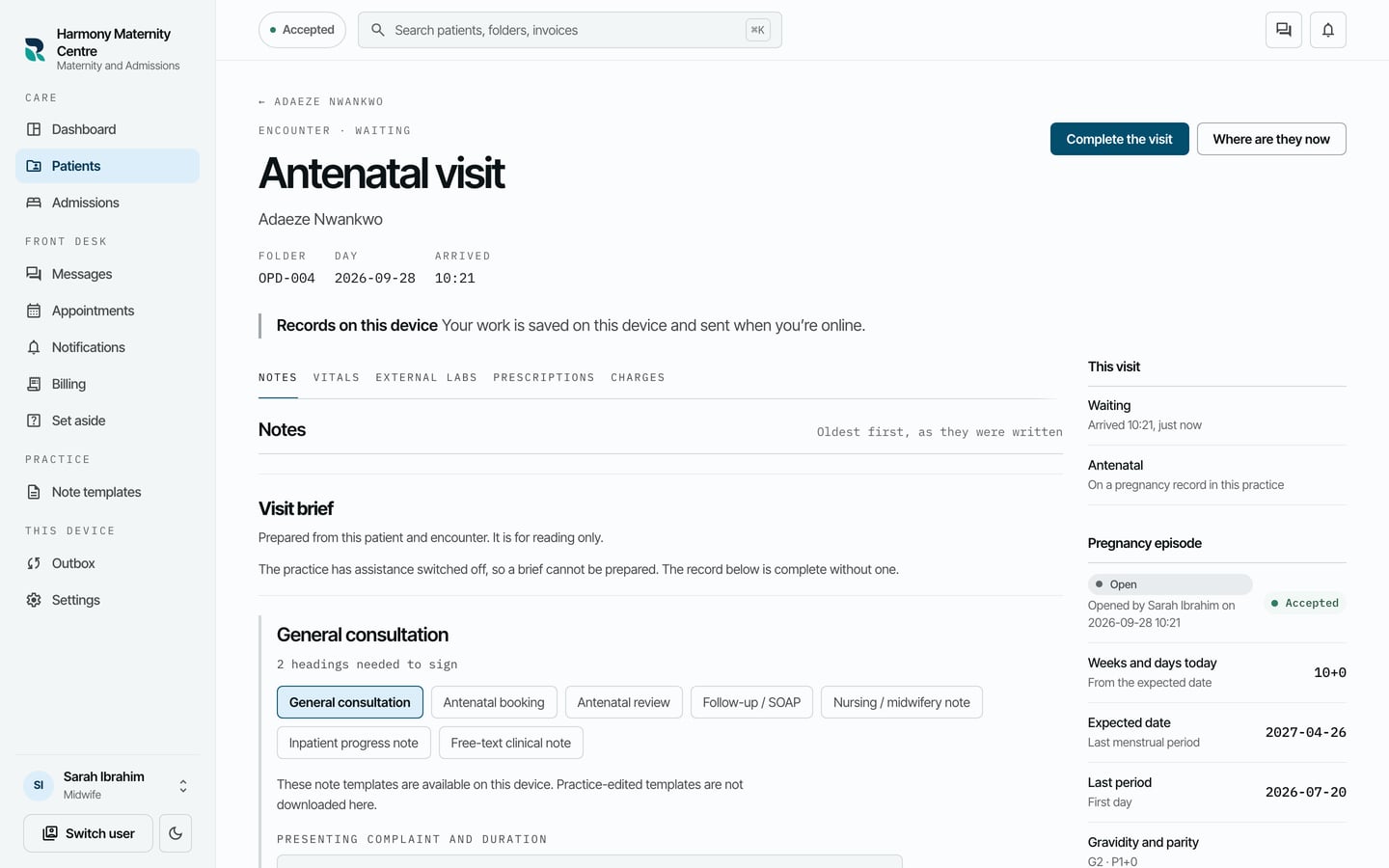
Open an antenatal visit
Open an antenatal visit and, for a new pregnancy, the pregnancy episode that follows it.
- Where
- Practice portal
- Who can do this
- Doctor, Midwife and Staff
An antenatal visit belongs to a pregnancy episode. For the first visit of a pregnancy, RizCare opens the episode and the visit together.
Before you start
Your practice must run maternity. An administrator switches it on in Settings > Modules.
Steps
- Open the patient's chart.
- Choose Open a visit.
- Under What kind of visit, choose Antenatal. If no pregnancy episode is open, the form asks for its details.
- Fill in First day of the last period, Gravidity and Parity.
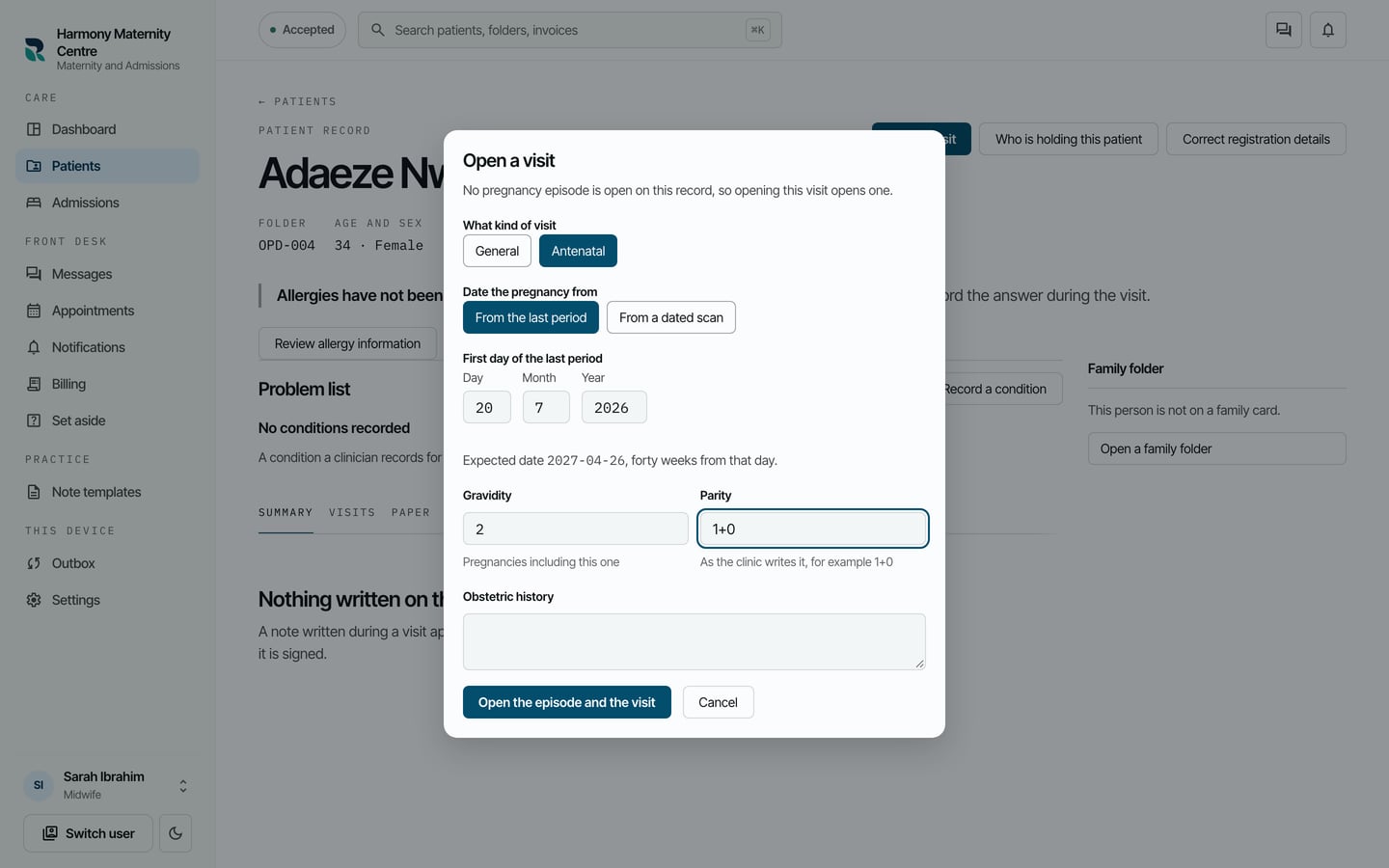
- Choose Open the episode and the visit.
What to expect
The antenatal visit opens, and Pregnancy episode beside it shows the weeks and days today, the expected date, the last period, and gravidity and parity.