Sign out of the practice app
End your session with the practice on this phone, and what happens the next time you open the records.
- Where
- Practice phone app
- Who can do this
- Administrator, Doctor, Midwife, Nurse, Reception, Billing and Staff
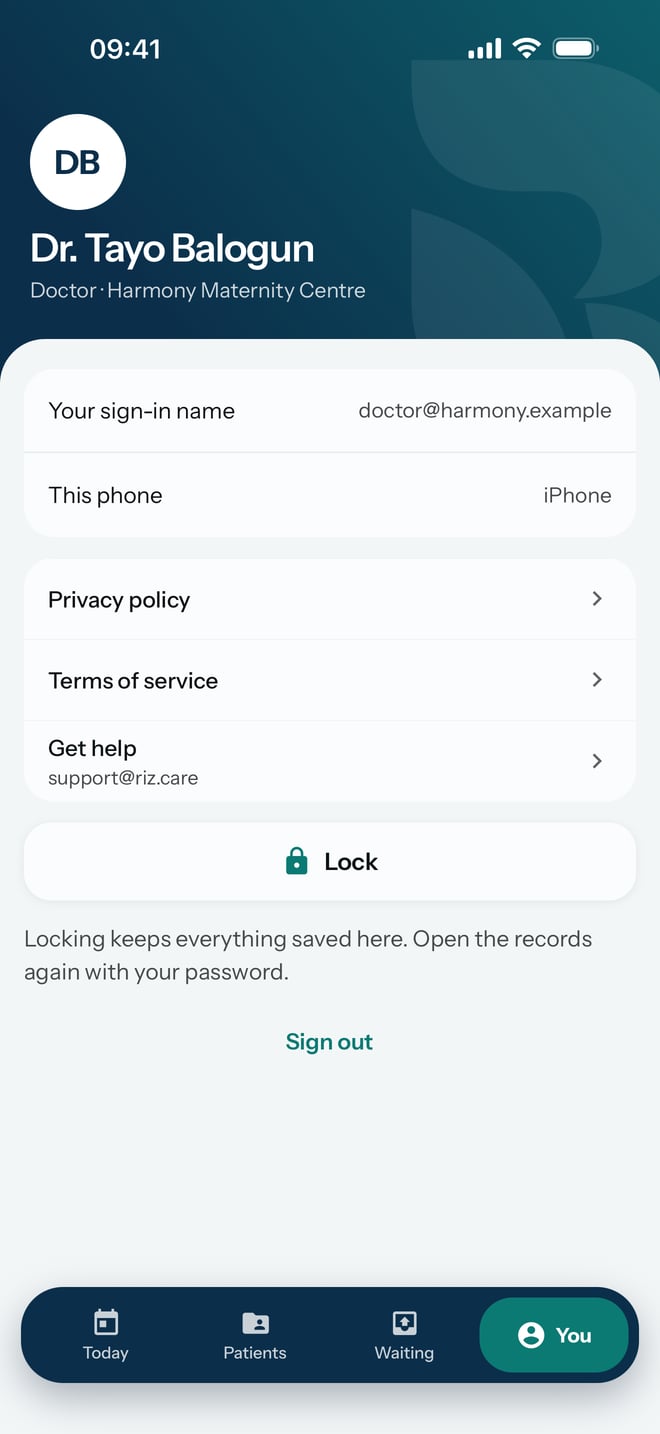
Signing out ends your session with the practice and locks RizCare. Your account and the records stay on the phone. Use Lock when you only step away; sign out at the end of your time with the phone.
Steps
- Tap You at the bottom of the screen.
- Tap Sign out.
What to expect
RizCare locks and shows Enter your RizCare password to open records on this phone. Work you saved on the phone stays there, and it is sent once you sign in again.
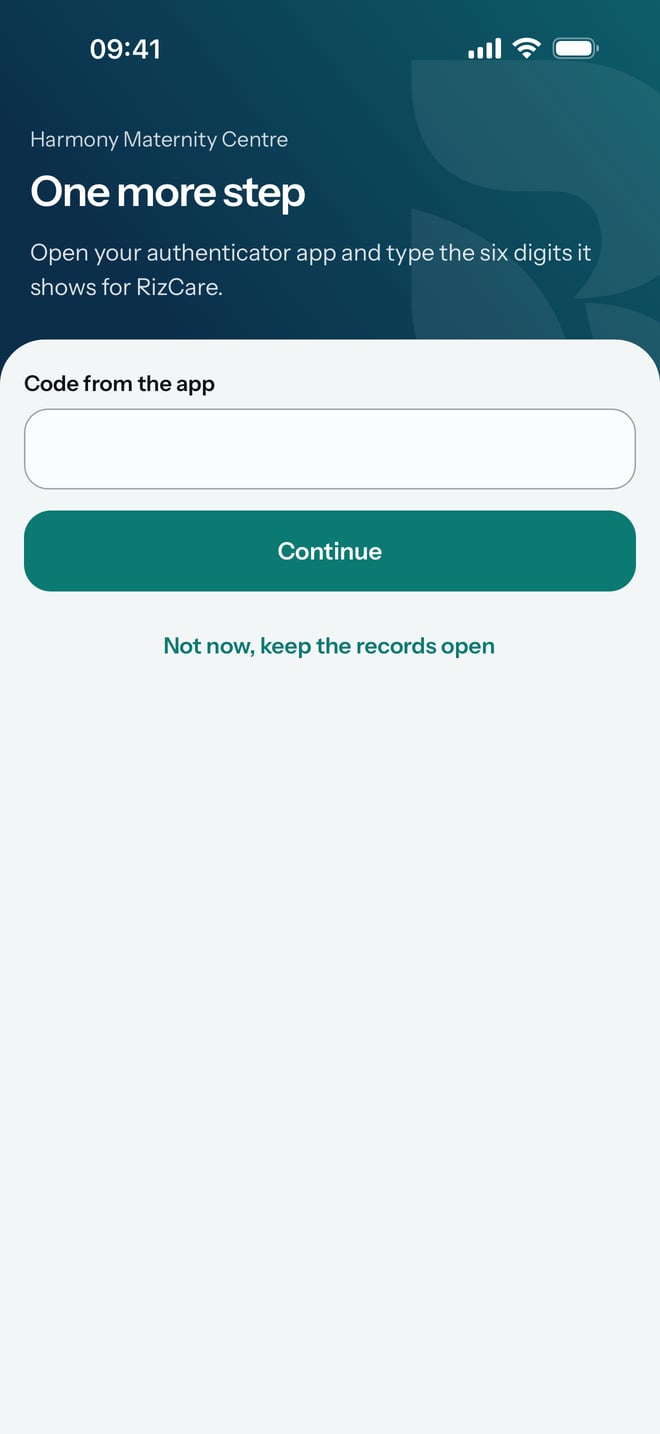
The next time you type your password and tap Open, RizCare signs you back in to the practice. If your account has a second step, it asks for the code from your authenticator app first.