Lock RizCare before you put the phone down
Close the records on the phone so nobody else can read them, without losing anything you have saved.
- Where
- Practice phone app
- Who can do this
- Administrator, Doctor, Midwife, Nurse, Reception, Billing and Staff
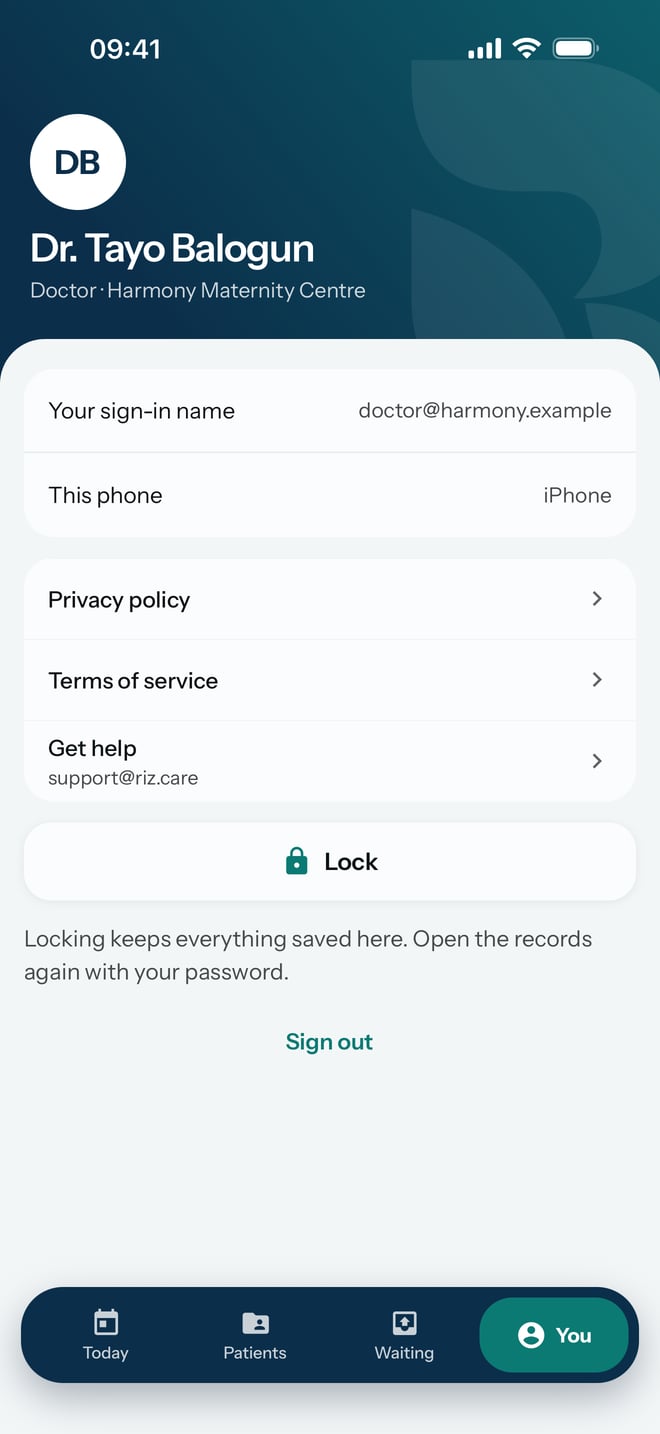
Lock RizCare when you leave the phone on a desk, hand it to a colleague or put it in your pocket. Locking closes the records until somebody types the password again. It does not sign you out or throw anything away.
Steps
- Tap You at the bottom of the screen.
- Tap Lock.
What to expect
RizCare shows Enter your RizCare password to open records on this phone, with your name above it. Nobody can read a record until the password is typed.
Everything you saved stays on the phone. Work waiting to send is kept, and it is sent once you open RizCare again and the phone has a connection.