Set up RizCare on your phone
Sign in once on a phone so the practice's records are stored on it and open with or without a connection.
- Where
- Practice phone app
- Who can do this
- Administrator, Doctor, Midwife, Nurse, Reception, Billing and Staff
Do this the first time you use RizCare on a phone. You sign in with the account your practice gave you, and RizCare copies the practice's records onto the phone so you can open them anywhere in the practice.
Before you start
- You need your RizCare sign-in name and password. Your practice administrator gives you these.
- The phone needs a connection for this part. After it, the records open without one.
Steps
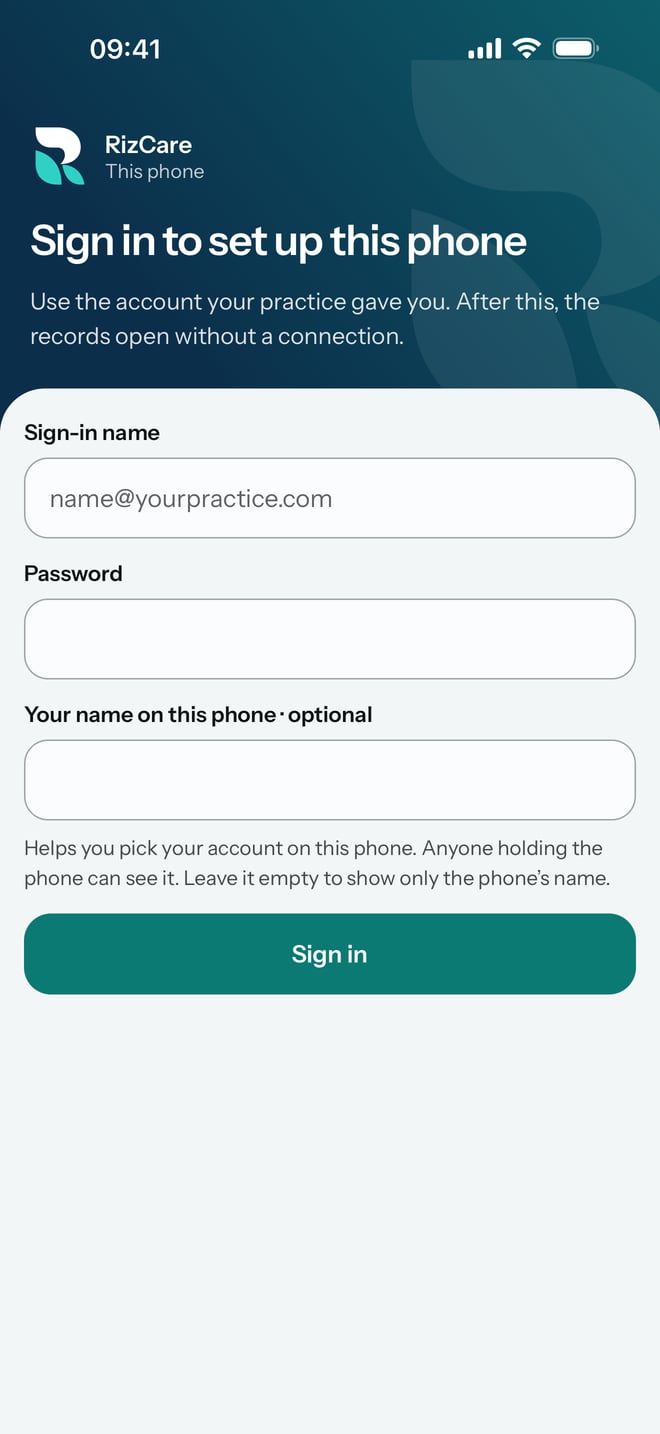
- Open RizCare. You see Sign in to set up this phone.
- Type your sign-in name in Sign-in name.
- Type your password in Password.
- If you like, type the name you want this phone to show in Your name on this phone. Anyone holding the phone can see it.
- Tap Sign in.
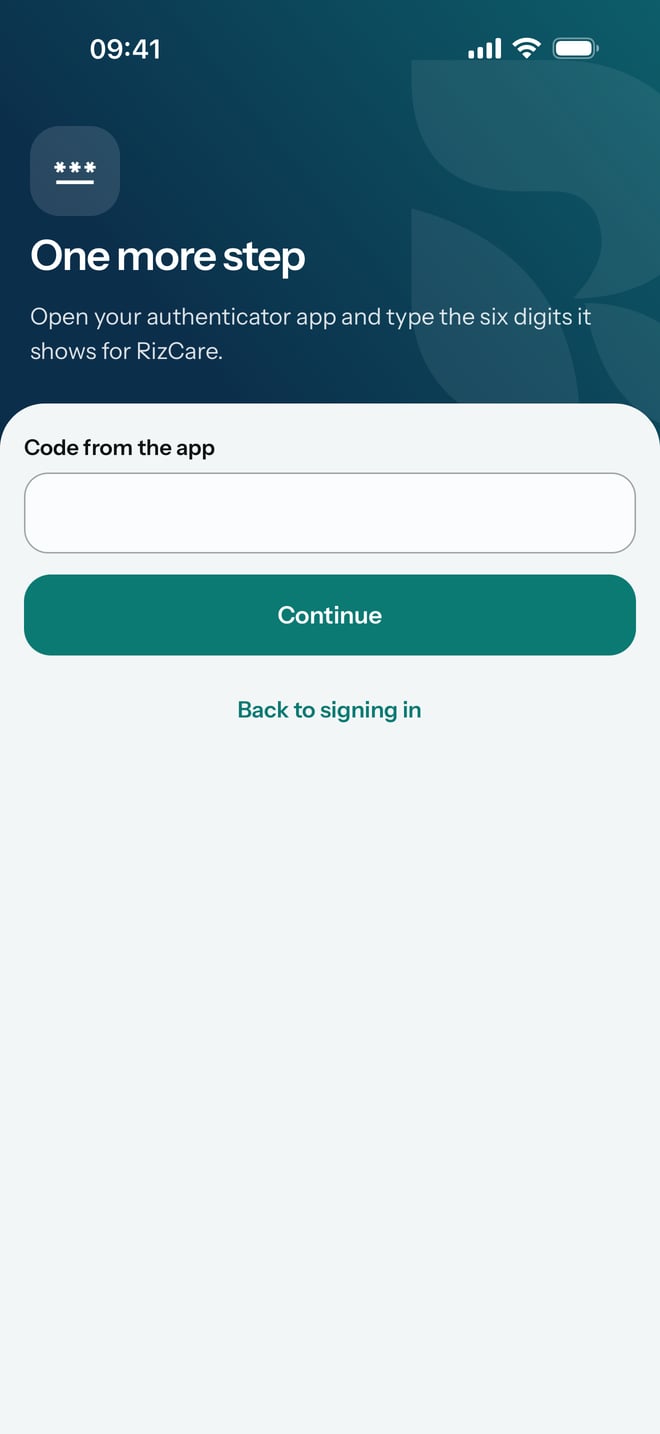
- If your account has a second step, RizCare shows One more step. Open your authenticator app, type the six digits it shows for RizCare in Code from the app, and tap Continue.
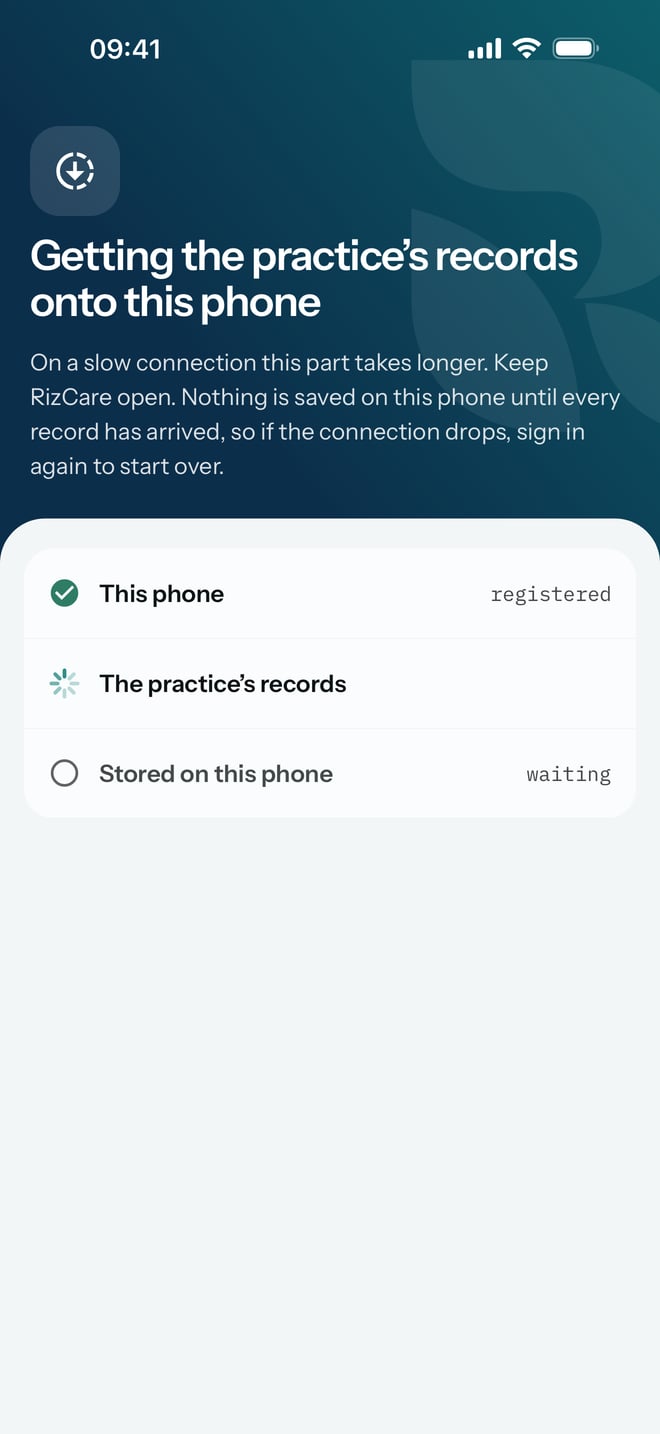
- Wait on Getting the practice's records onto this phone while the three lines tick: This phone, The practice's records and Stored on this phone. Keep RizCare open.
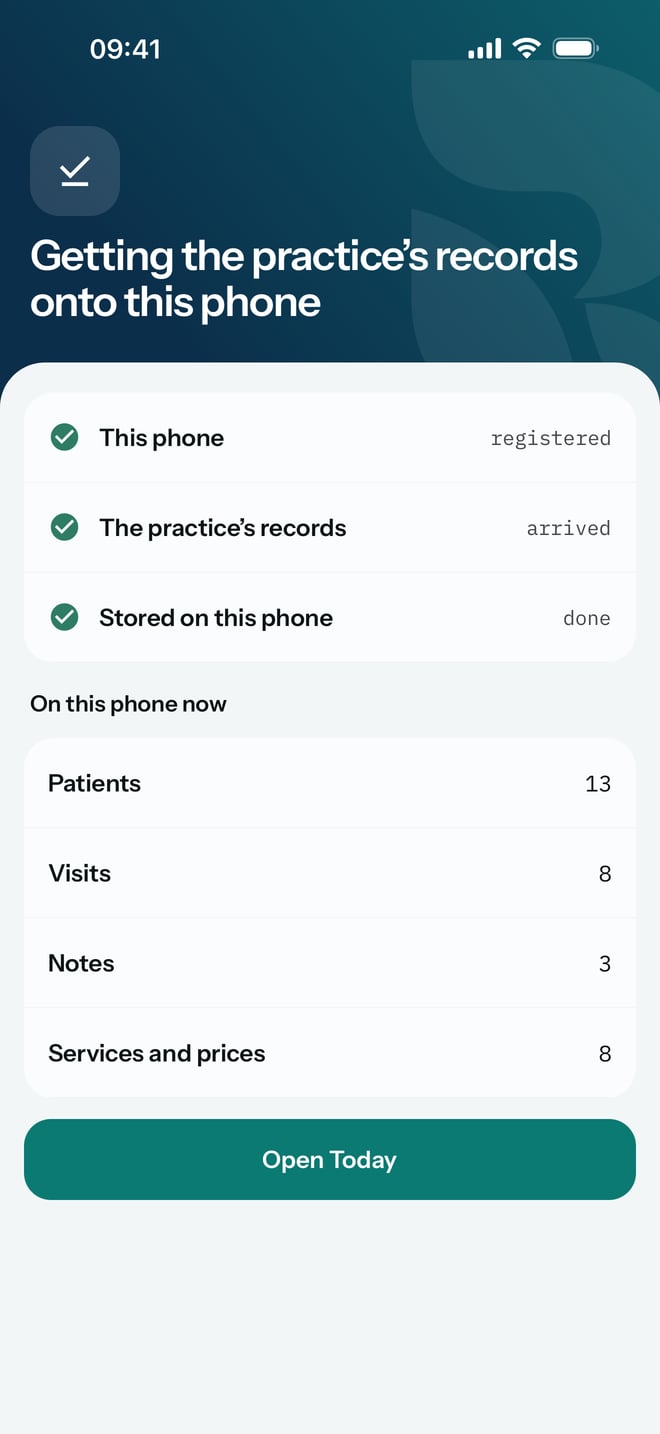
- When all three are ticked, check the counts under On this phone now, then tap Open Today.
What to expect
You land on Today, the day's patients grouped by where each one is. From now on RizCare asks for your password each time you open it, and the records open from the phone even when there is no connection. Records on the phone are encrypted, and they open only with your password.
The phone keeps itself up to date with the practice while it has a connection. Anything you save on it is stored on the phone first and sent to the practice when it can be.