Draft a visit note on the phone
Write the assessment and plan for a visit on the phone as a draft in your name, ready to sign on a computer.
- Where
- Practice phone app
- Who can do this
- Doctor, Midwife, Nurse and Staff
Start the note while the patient is still with you, so the findings go down in your words before the next patient comes in. The phone saves a draft; you sign the note on a computer.
Steps
- Open the patient's visit from Today.
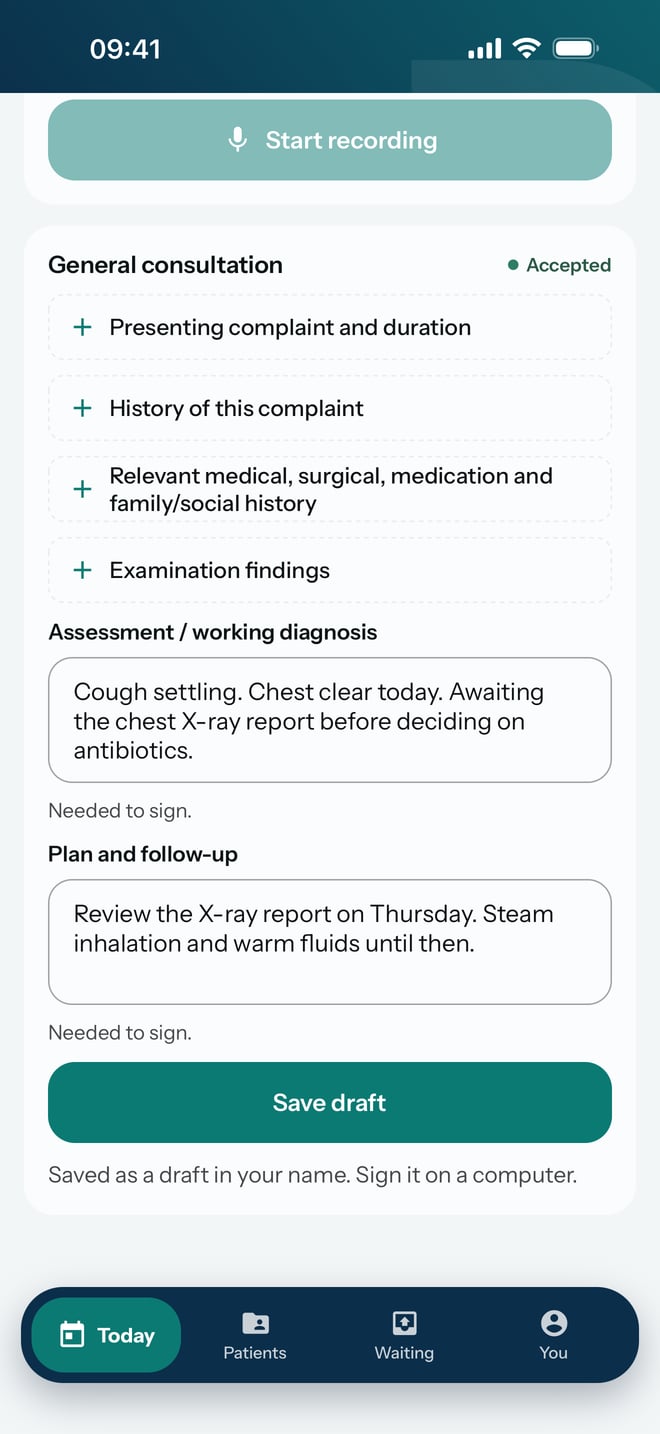
- Scroll down to the note. The kind of note is its heading, for example General consultation.
- Tap Assessment / working diagnosis and write your assessment.
- Tap Plan and follow-up and write the plan.
- Tap Save draft.
What to expect
The note shows Saved here, then Accepted once the practice has it. It is a draft in your name. Open the visit on a computer to finish and sign it.