Record readings at a visit
Add blood pressure, temperature, pulse and weight to a patient's visit on the phone, with or without a connection.
- Where
- Practice phone app
- Who can do this
- Doctor, Midwife, Nurse and Staff
Take the reading where the patient is and type it straight into their visit. It shows on the visit as soon as you save it, and reaches the rest of the practice once it is sent, with no paper slip to carry.
Before you start
The patient needs a visit open today. Record their arrival or add them as a walk-in first.
Steps
- On Today, tap the patient to open their visit.
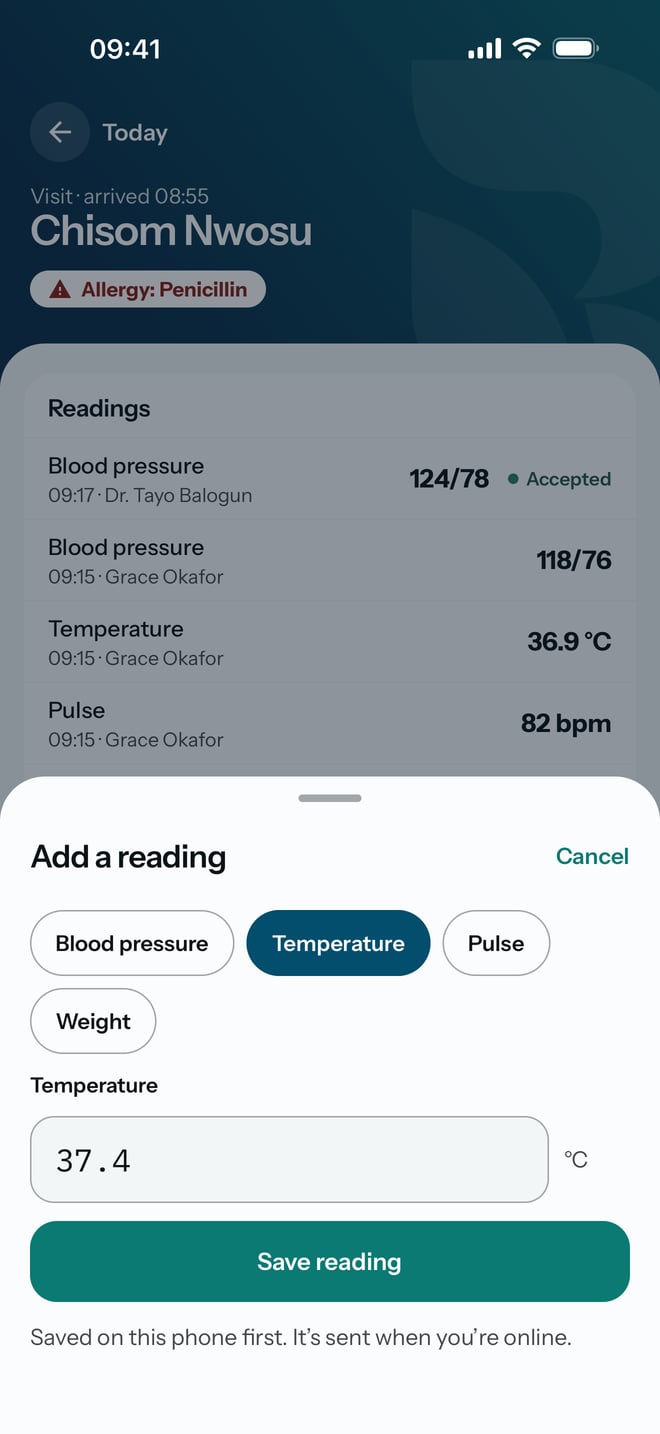
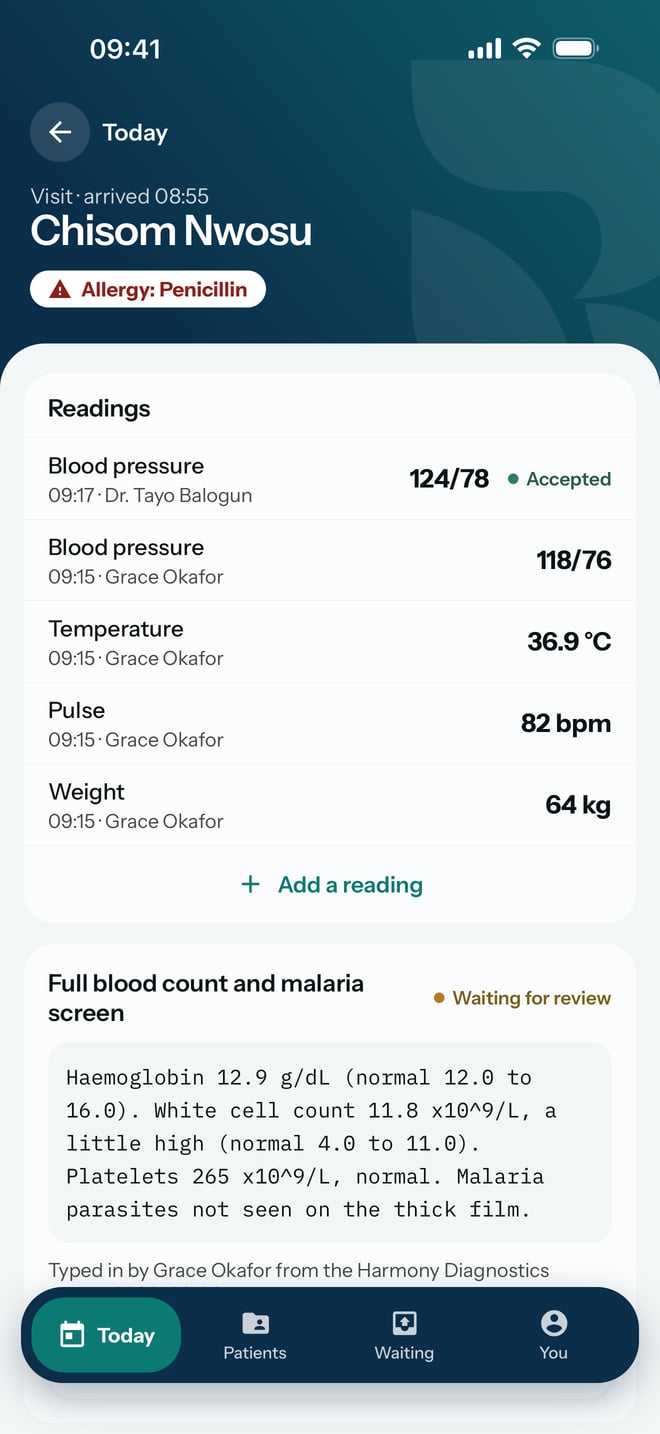
- Under Readings, tap Add a reading.
- Choose the measurement: Blood pressure, Temperature, Pulse or Weight. Blood pressure is chosen first.
- Type the reading. A blood pressure is two numbers with a slash, such as 124/78. The unit is shown beside the box, so do not type it.
- Tap Save reading.
- For the next measurement, tap Add a reading again.
What to expect
The sheet closes and the reading appears at the top of Readings with the time and your name. It shows Saved here until the practice has it, then Accepted.
If the phone has no connection, the reading still saves. It waits under Waiting and goes to the practice when the connection returns. Nothing you saved is lost in the meantime.