Check the diary on the phone
See each clinician's appointments for a day, with the free times between them, from the Today screen.
- Where
- Practice phone app
- Who can do this
- Administrator, Doctor, Midwife, Nurse, Reception, Billing and Staff
Open the diary when a patient at the desk asks when they can come back, or to see how full tomorrow is. It shows each clinician's day in turn, with every booking and the free time around it.
Steps
- On Today, tap Diary at the top.
- The diary opens on today. To look at the next day, tap the arrow on the right of the date. Tap the arrow on the left to go back a day.
- Scroll down to read each clinician's day.
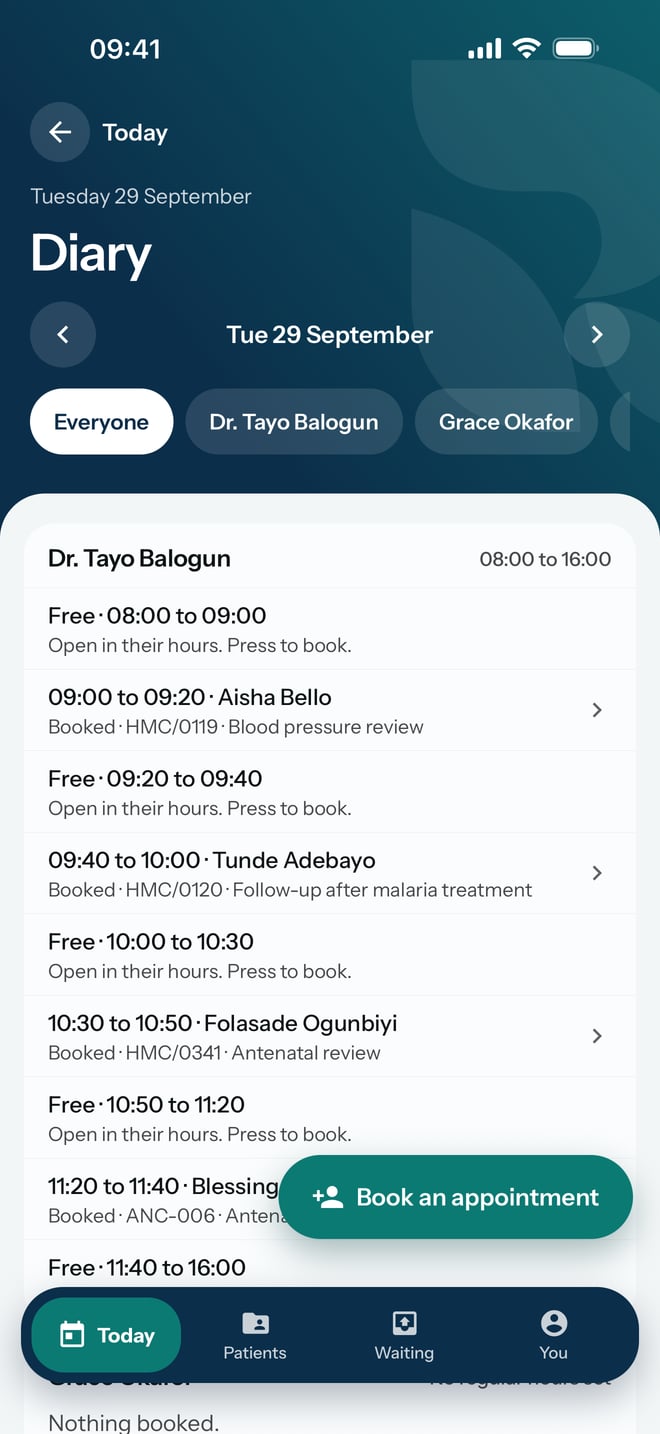
- To see one clinician's day on its own, tap their name in the row under the date.
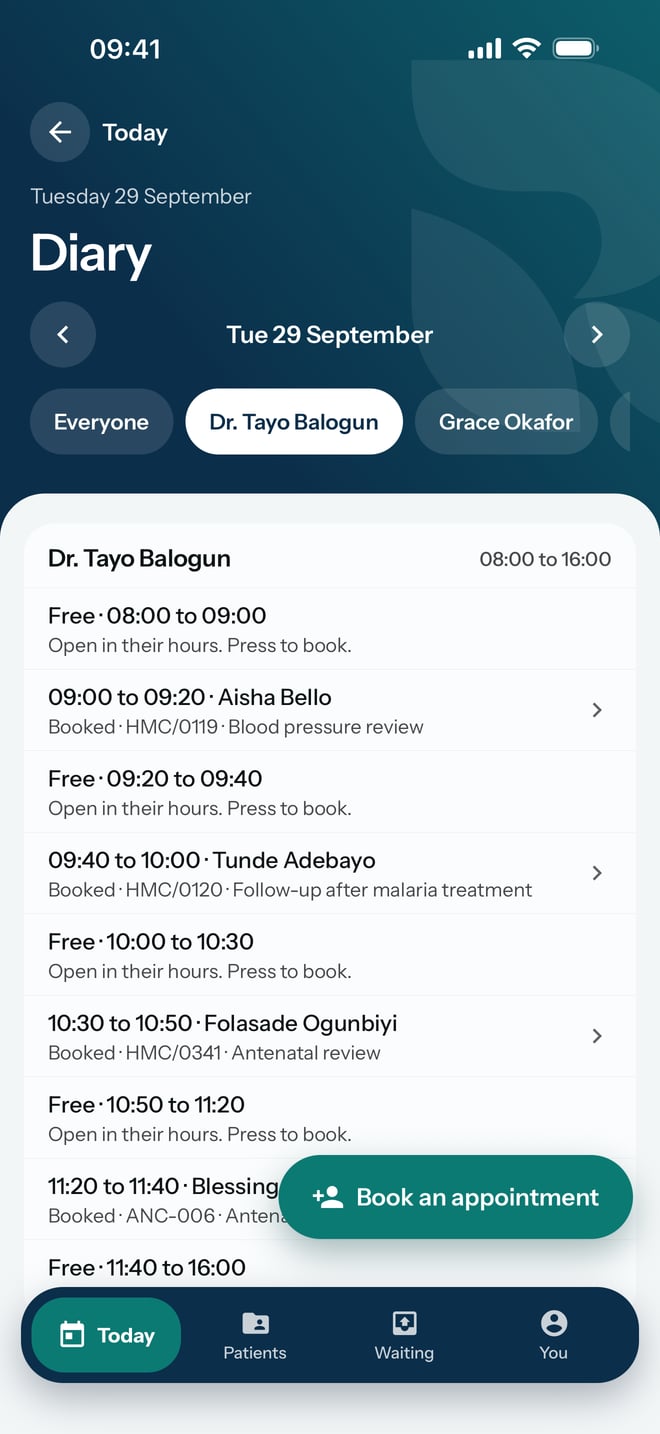
What to expect
Each clinician has a card with their name and their working hours for that day. Inside it, each booking shows its time, the patient's name, Booked, their folder number and the reason for the visit, and each gap shows Free with its start and end times.
A clinician with nothing booked that day shows Nothing booked.