Register a new patient
Add a new patient with their folder number, date of birth and contact details, and open their chart.
- Where
- Practice portal
- Who can do this
- Administrator, Doctor, Midwife, Nurse, Reception and Staff
Register a patient the first time they come to the practice. Search for them first, so nobody ends up with two records.
Steps
- Choose Patients on the left.
- Choose Register a patient.
- Type their name in Full name. It is the only thing you must fill in.
- Type the number from the paper folder in Folder number. Leave it empty and the practice gives them one.
- Add their Phone, Email, Date of birth, Sex and Address if you have them.
- If they want a reminder email before each appointment, tick Agrees to appointment reminders. Tick it only if they said yes.
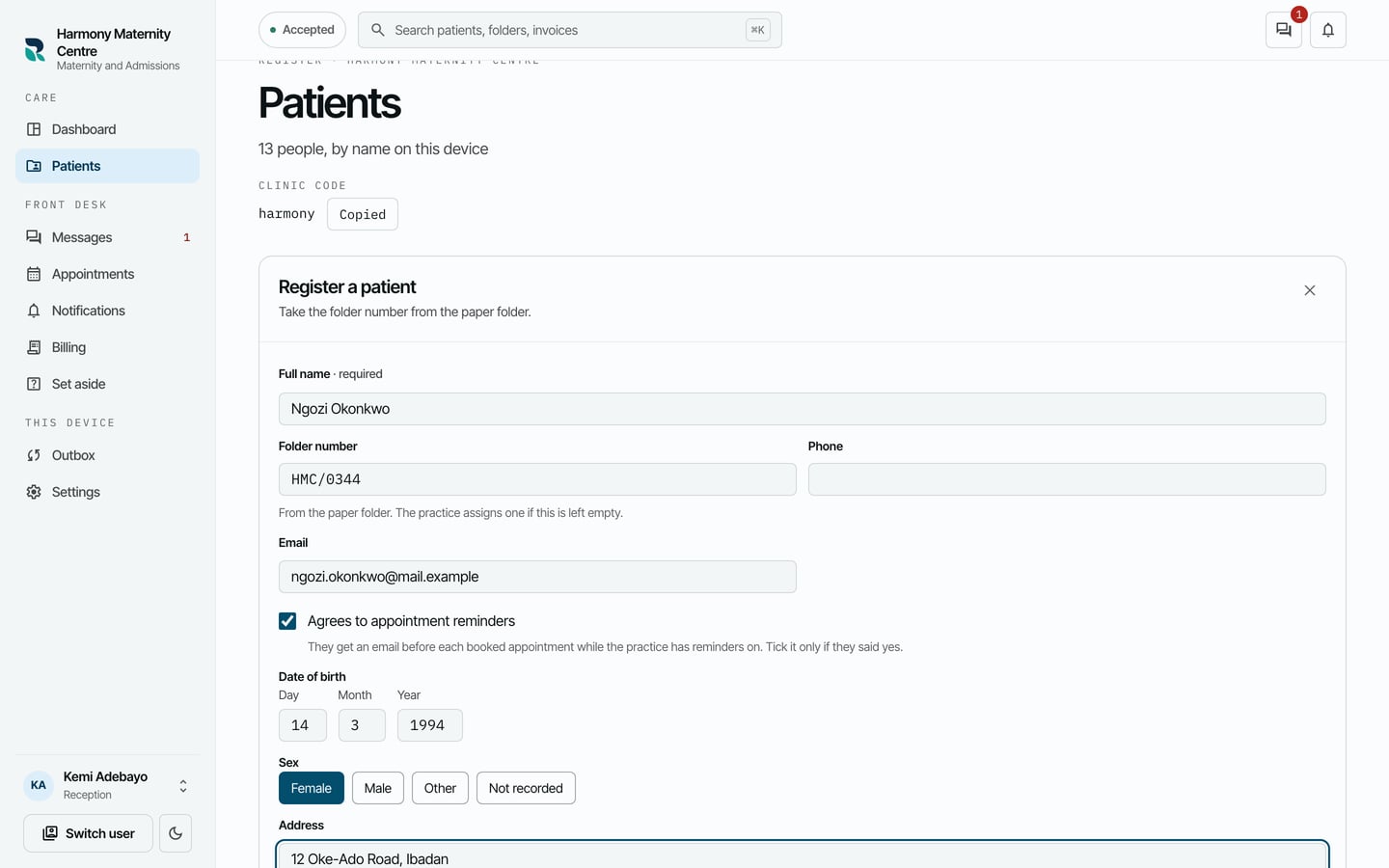
- Choose Register this patient.
If someone with the same name and date of birth is already registered, RizCare stops before registering. Search for that patient and use their record if it is the same person. If it really is somebody else, choose Register them anyway.
What to expect
The form closes and the patient is on the list. Search for them to open their chart. Their registration details are on it, and Delivery says Accepted once the practice has the record.
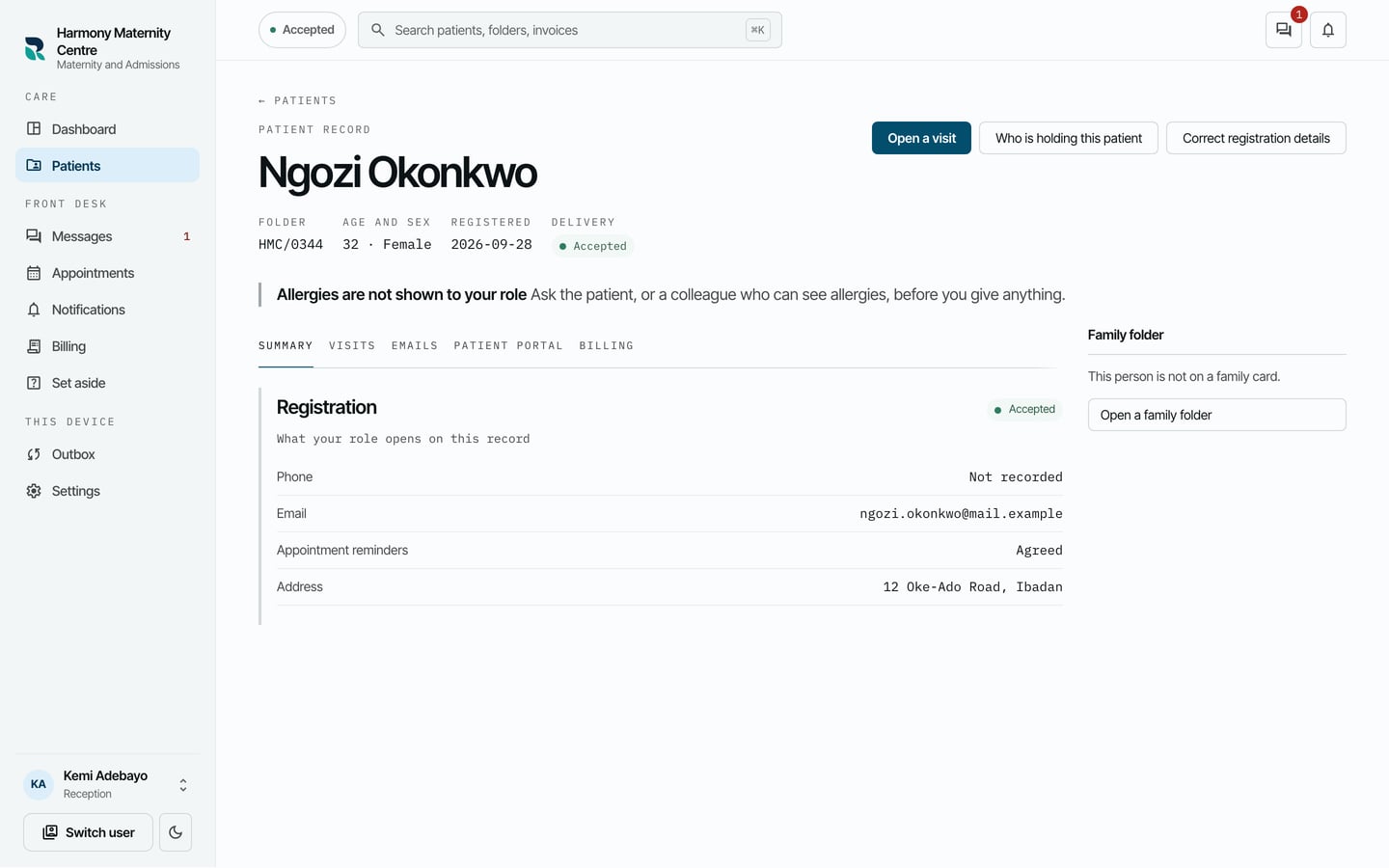
The record is saved on your computer first and then sent to the practice. If you are offline, it waits on your computer and is sent when you are back online.