Correct a patient's registration details
Change a patient's name, folder number, contact details, date of birth or address when they were recorded wrong or have changed.
- Where
- Practice portal
- Who can do this
- Administrator, Doctor, Midwife, Nurse, Reception and Staff
Correct registration details when a patient moves house, gets a new email address, or a detail was typed wrong at the desk.
Steps
- Open the patient's chart.
- Choose Correct registration details.
- Change what needs changing. Date of birth accuracy lets you say whether a date of birth is exact or estimated.
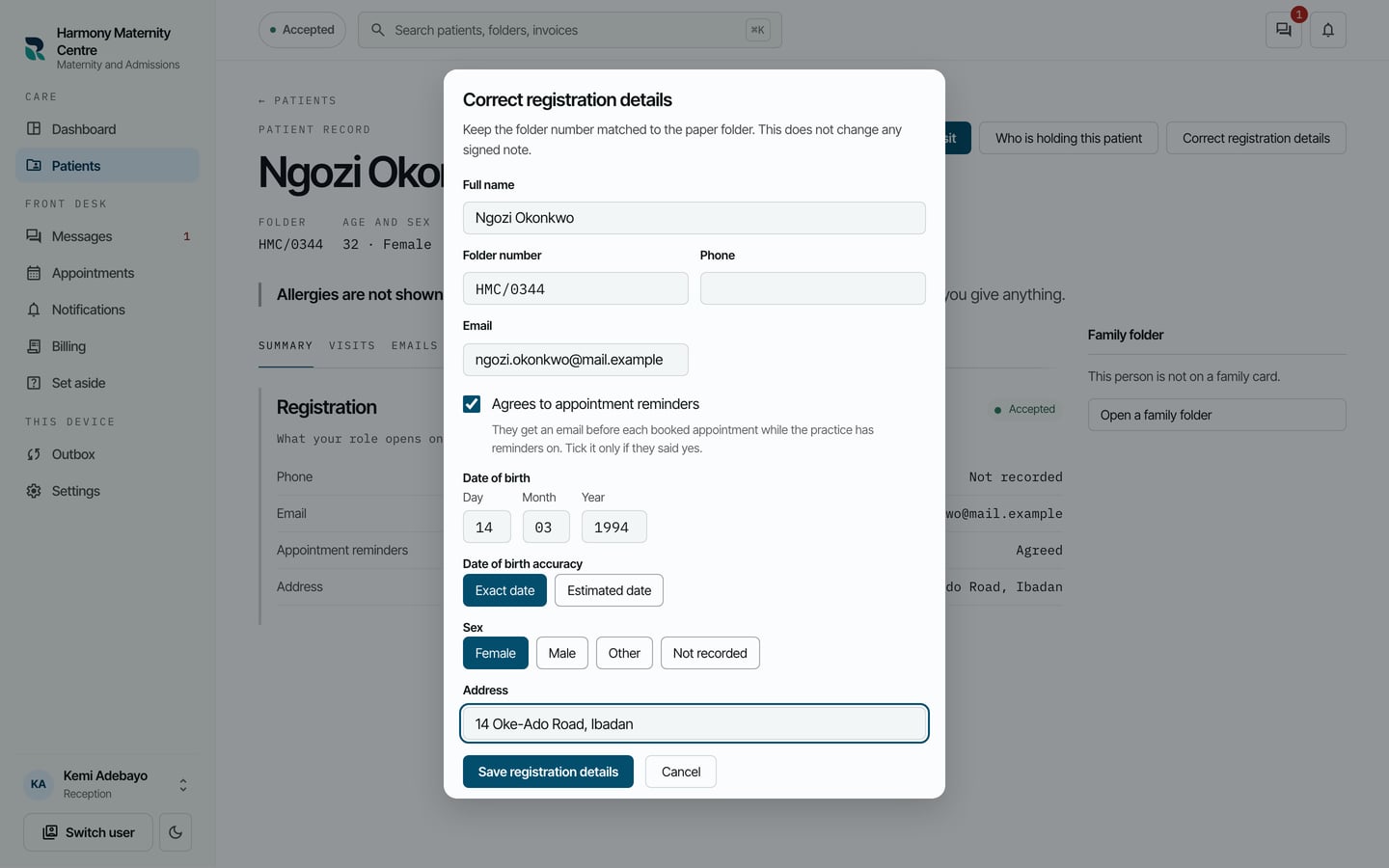
- Choose Save registration details.
What to expect
The form closes and the chart shows the new details. Correcting registration details does not change any signed note. Only a colleague whose role can register patients sees this button.