Record a patient's allergies
Record what a patient is allergic to, or that they know of no allergy, so it shows at the head of their chart.
- Where
- Practice portal
- Who can do this
- Doctor, Midwife, Nurse and Staff
Ask about allergies at the first visit and record the answer. Until somebody does, the chart says Allergies have not been asked about.
Steps
- Open the patient's chart.
- Choose Review allergy information.
- Under Allergy information, choose the answer the patient gave: Not asked, None known or Allergy recorded.
- For Allergy recorded, type the substance and what happened in Substance and reaction.
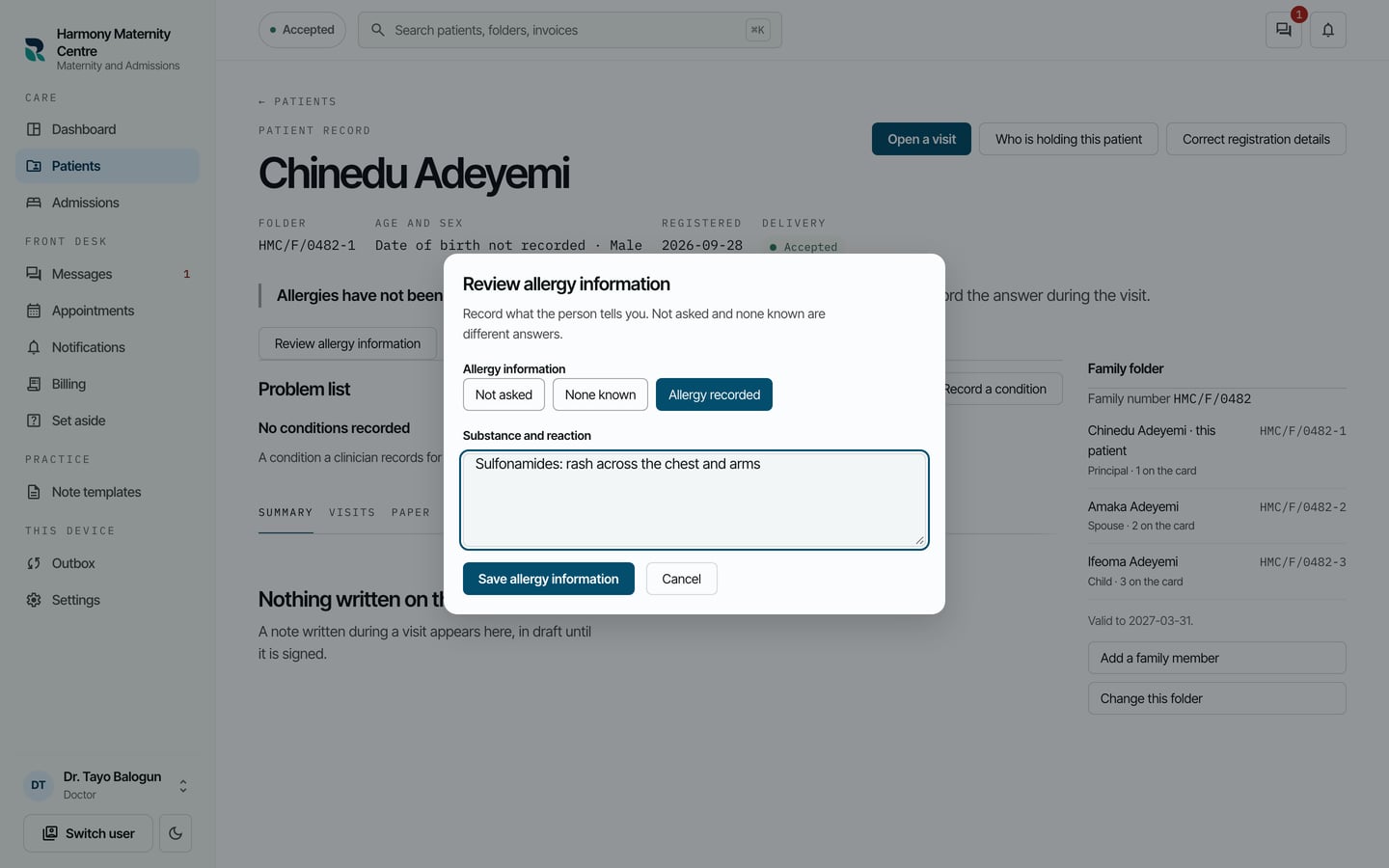
- Choose Save allergy information.
What to expect
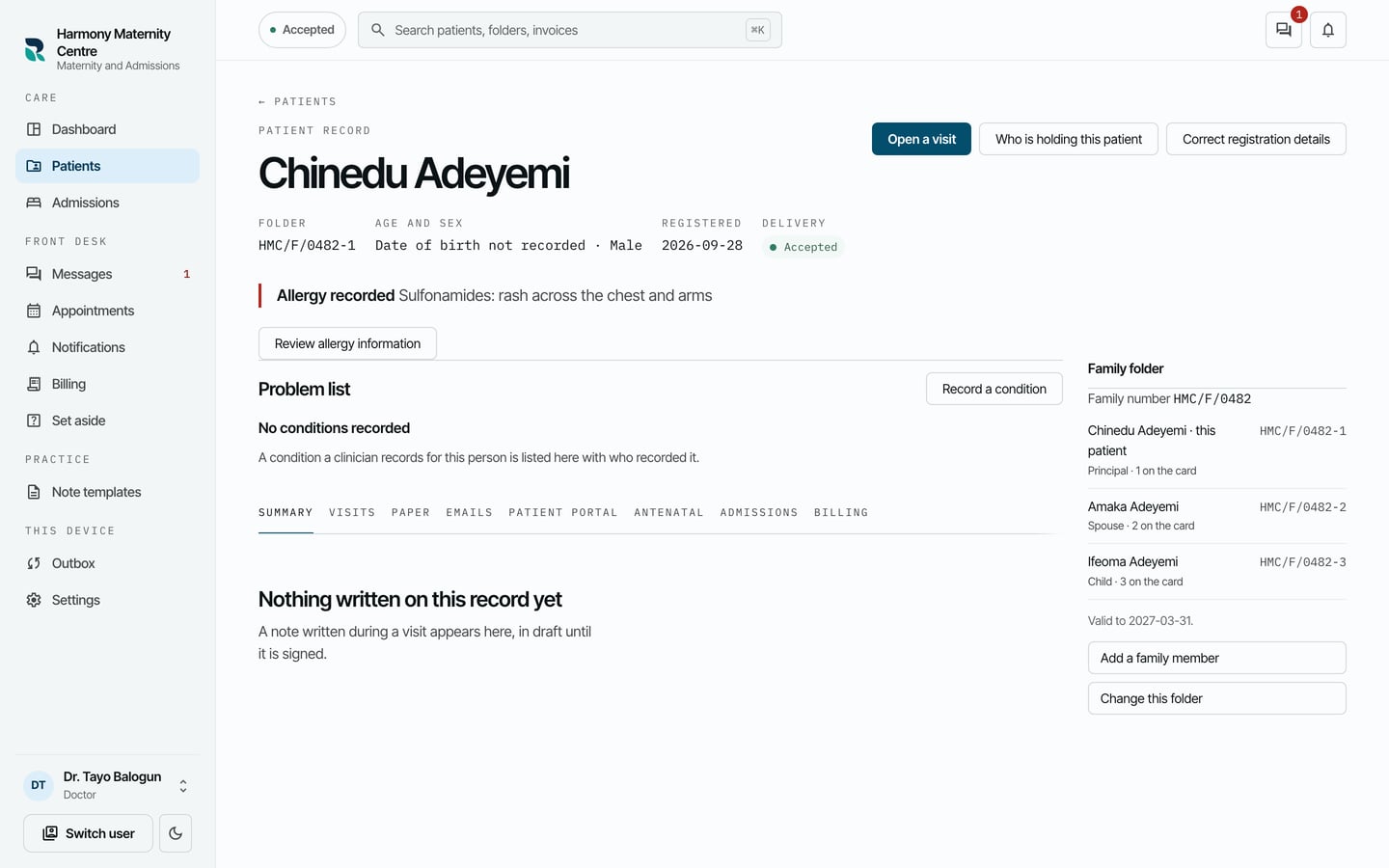
The allergy shows at the head of the chart, above the problem list, on every screen that opens the chart.
Reception and billing staff do not see allergies. Their chart says Allergies are not shown to your role.