Open a patient's chart
Read a patient's chart, with their allergies, problem list, latest signed note and every past visit.
- Where
- Practice portal
- Who can do this
- Administrator, Billing, Doctor, Midwife, Nurse, Reception and Staff
The chart is where everything about one patient comes together. Open it before a consultation, or when somebody at the desk asks about a past visit.
Steps
- Find the patient on Patients and choose their name.
- Read the head of the chart: Folder, Age and sex, Registered, and their allergies just below.
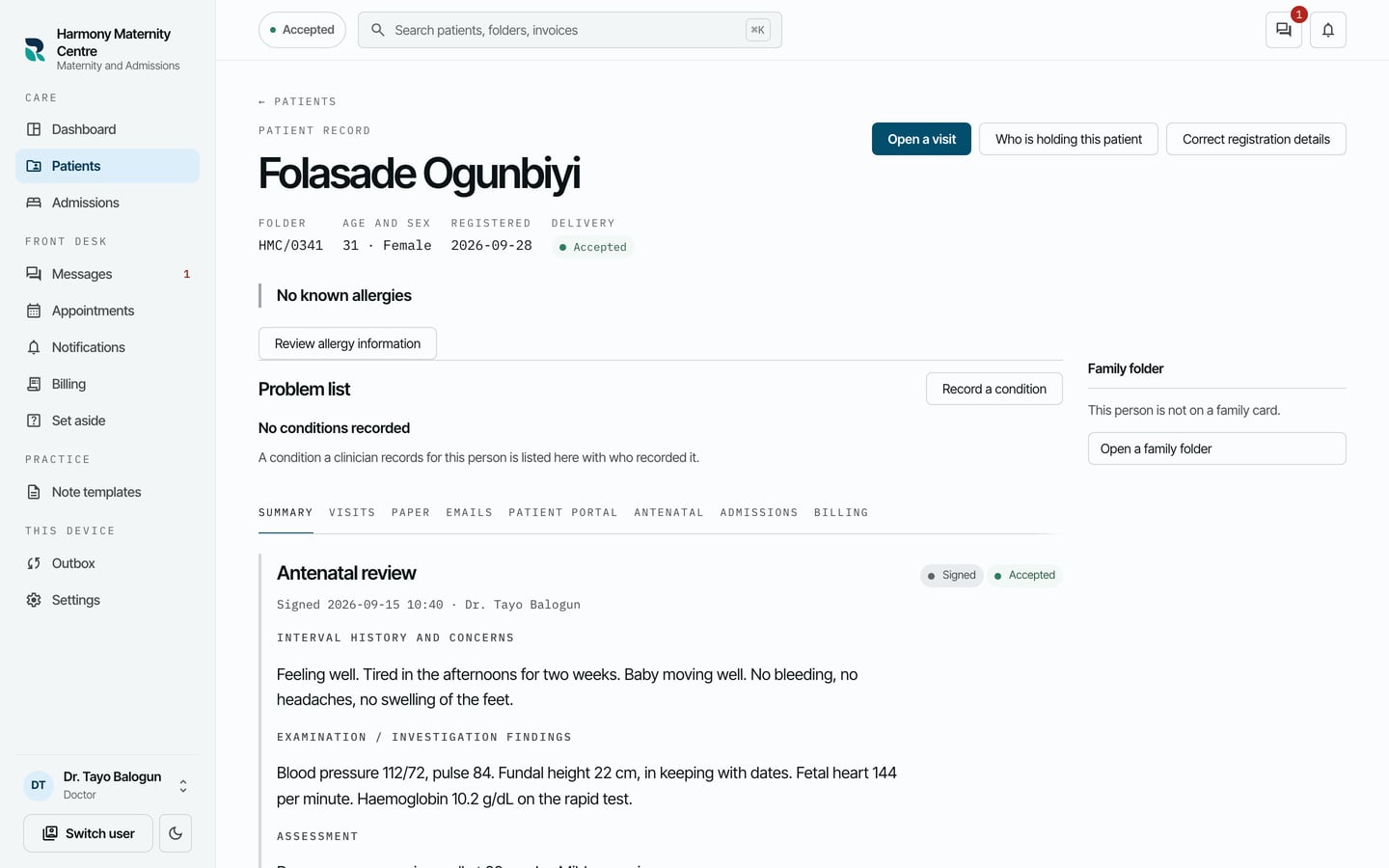
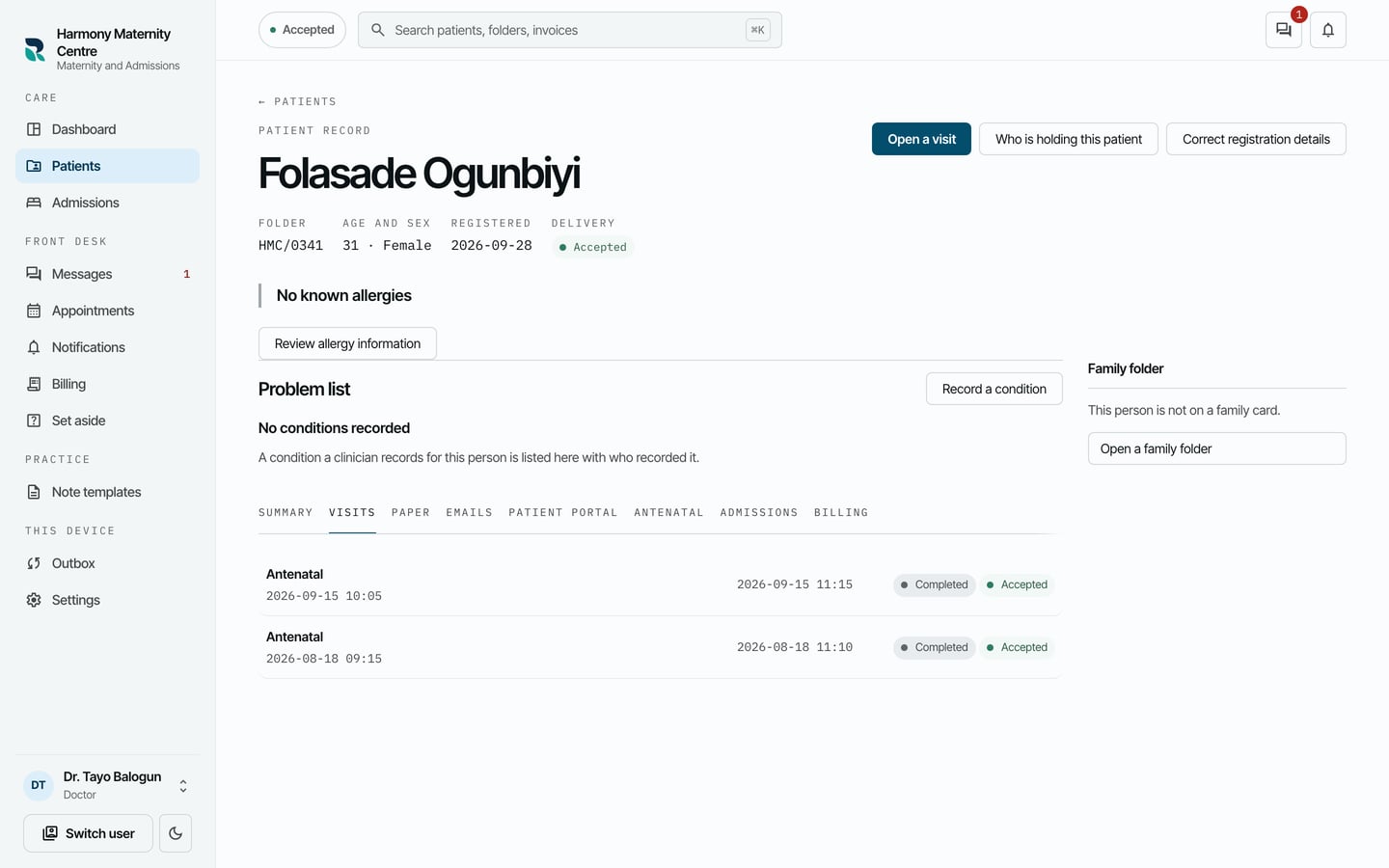
- Use the tabs under the problem list to read the rest of the record: Summary, Visits, Paper, Emails, Antenatal, Admissions and Billing.
- Choose Visits to see every visit, newest first. Choose one to open it.
What to expect
Summary shows the latest notes, each marked Signed or Draft, with who wrote it and when. A signed note cannot be changed; a correction appears as a new note beside it.
Antenatal and Admissions appear when the practice runs those modules. Delivery at the head of the chart says Accepted once the practice has everything recorded here.