Give a patient your hospital code
Find the hospital code a patient types into the RizCare patient app, and the patient portal address where your practice has one.
- Where
- Practice portal
- Who can do this
- Administrator, Doctor, Midwife, Nurse, Reception and Staff
The first time a patient opens the RizCare patient app, it asks them to find their hospital. They type the hospital code your reception gives them.
Before you start
The patient portal must be on for your practice. An administrator turns it on in Settings > Patient portal. Until then, the code is not shown.
Steps
- Choose Patients on the left.
- Read the code under Hospital code, at the head of the list.
- Choose Copy to copy it, for example into a message to the patient.
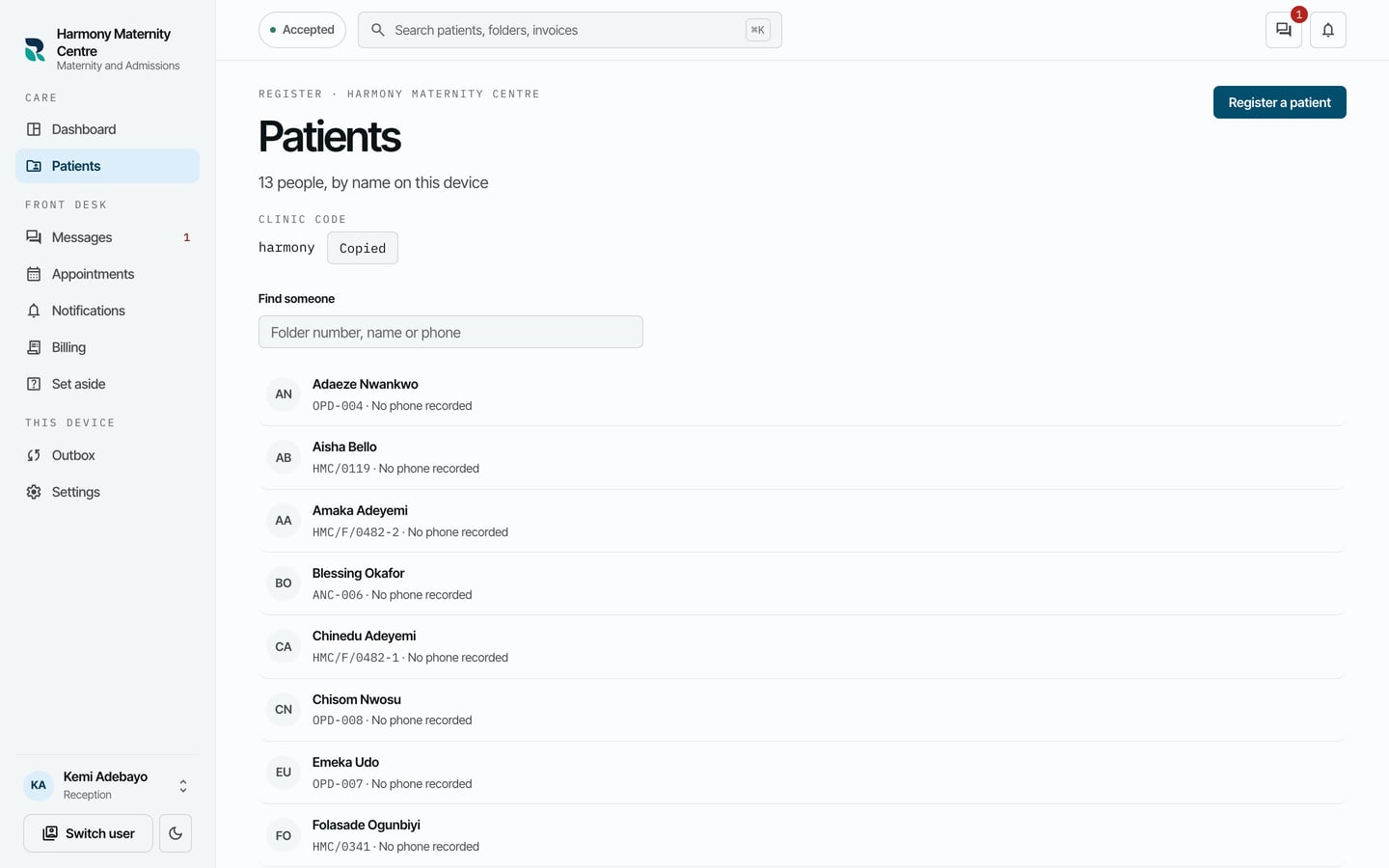
Where your practice has a patient portal address, it is shown beside the hospital code under Patient portal, with its own Copy.
What to expect
The button reads Copied once the code is on your clipboard. Anybody who can register patients sees the code here. An administrator also sees the code, and the patient portal address where there is one, in Settings > Patient portal.