Ask for a new password
Ask for a link to set a new password when you have forgotten yours.
- Where
- Practice portal
- Who can do this
- Administrator, Billing, Doctor, Midwife, Nurse, Reception and Staff
If you have forgotten your password, ask for a link from the sign-in screen. It goes to the email address on your account.
Before you start
Your account needs an email address on it. You can set one in Settings > Email about your work while you can still sign in.
Steps
- On the sign-in screen, choose I have lost my password.
- Type your Sign-in name.
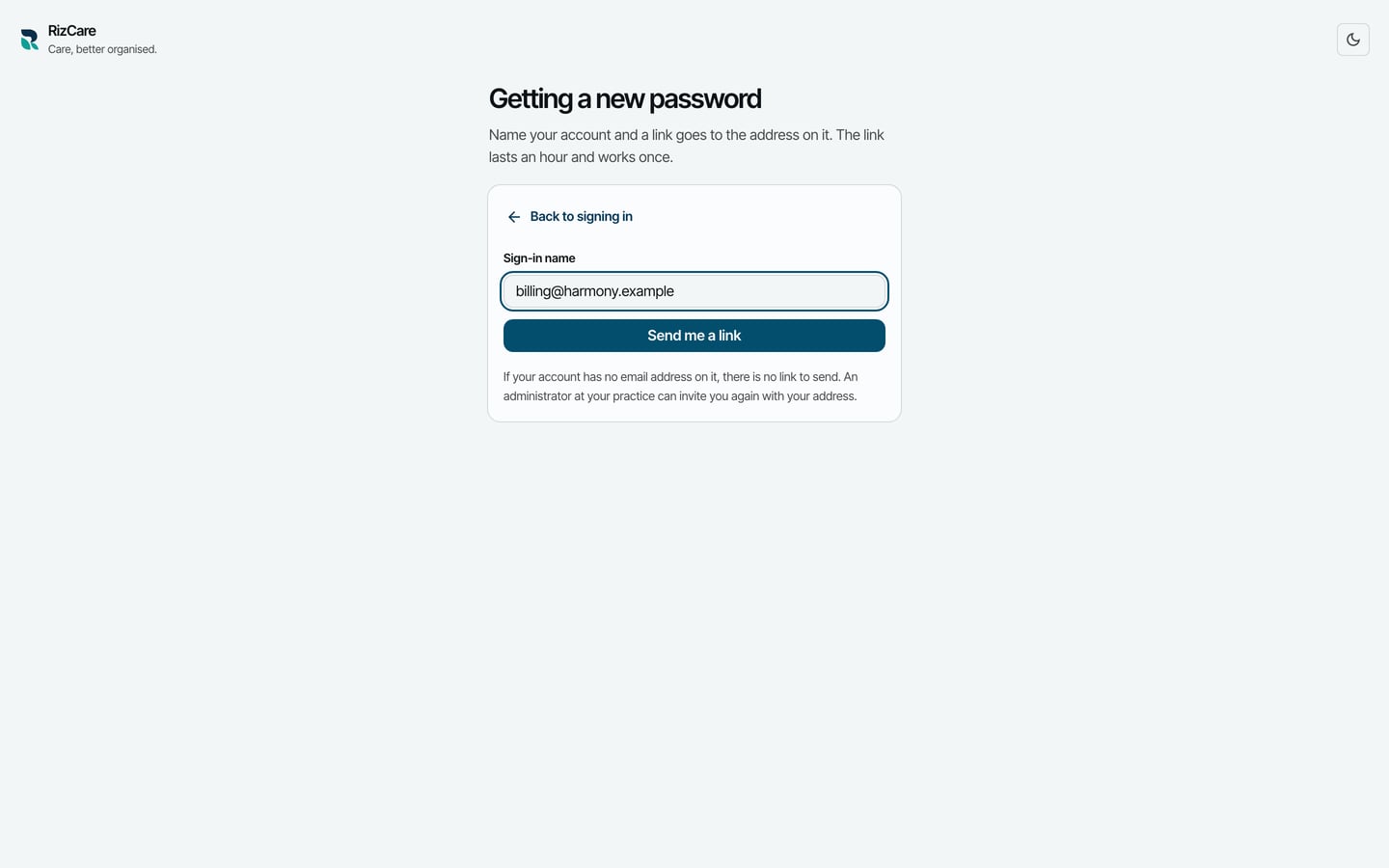
- Choose Send me a link.
What to expect
RizCare says Check the address on your account. If the account has an address, a link is on its way. It lasts an hour and works once.
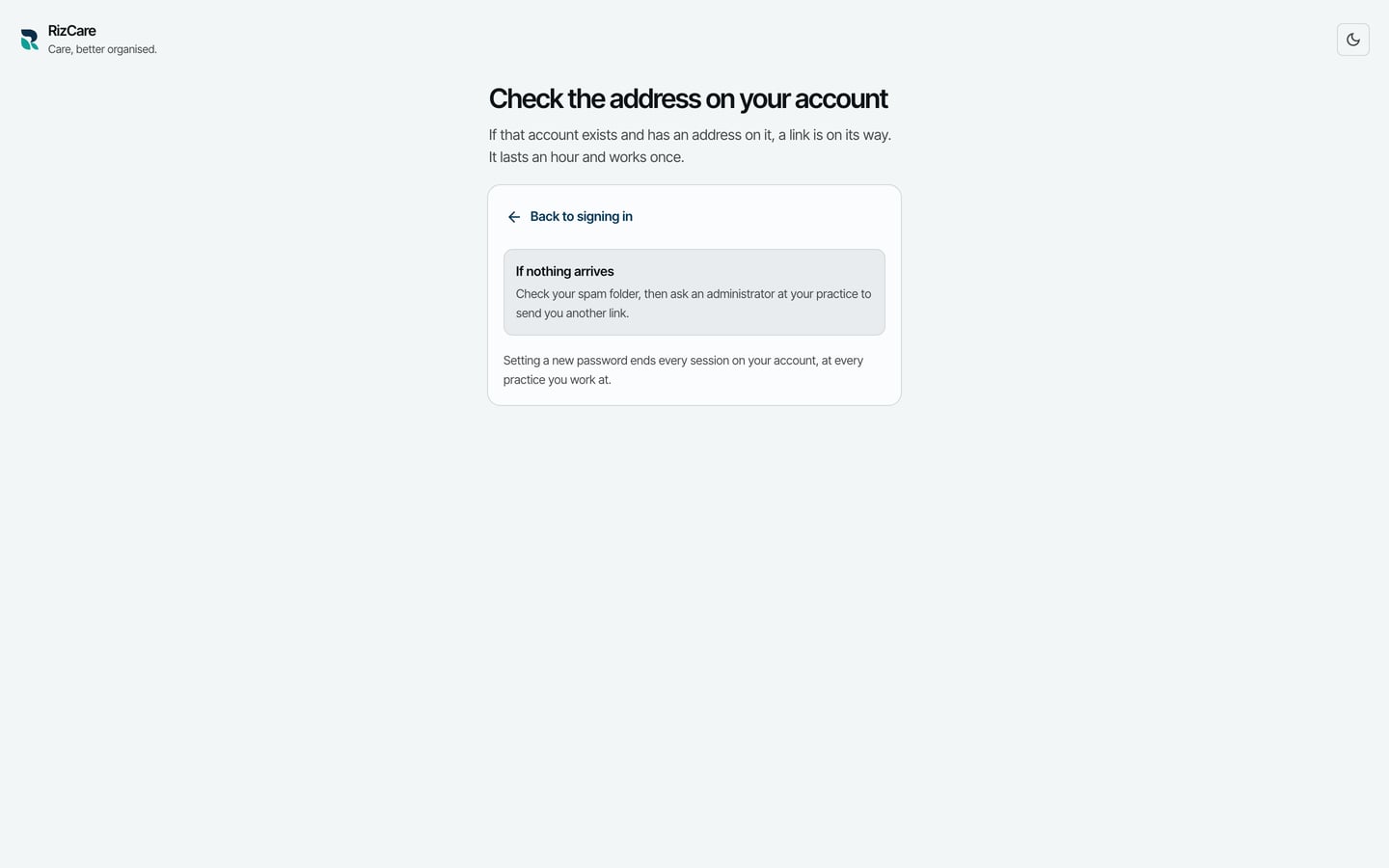
Follow the link in the email to set a new password. If nothing arrives, ask an administrator at your practice to send you a link. Setting a new password ends every session on your account, at every practice you work at.