Get email about your work
Give an email address for the few notices about your work that are worth an email.
- Where
- Practice portal
- Who can do this
- Administrator, Billing, Doctor, Midwife, Nurse, Reception and Staff
Notices about your work stay in Notifications. Two of them can also be emailed to you, so you see them away from the practice.
Steps
- Choose Settings on the left, then Email about your work.
- Type your address in Email notices to. It may already hold the address your invitation went to.
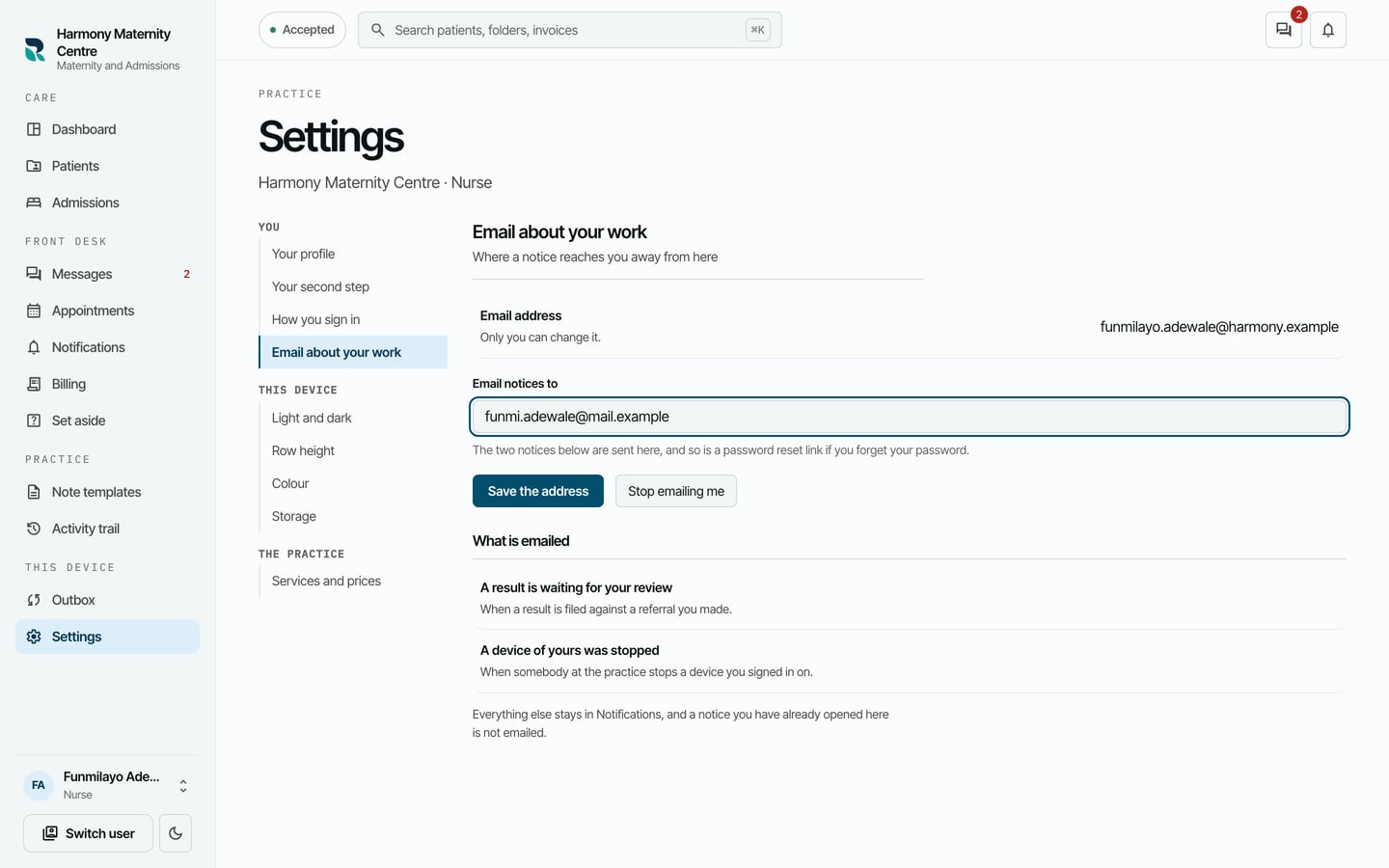
- Choose Save the address.
What to expect
These two are emailed: a result is waiting for your review, and a device of yours was stopped. Everything else stays in Notifications, and a notice you have already opened there is not emailed.
A password reset link also goes to this address.