Sign in and set up your computer
Sign in to your practice for the first time on a computer, and set the computer up so your records open on it.
- Where
- Practice portal
- Who can do this
- Administrator, Billing, Doctor, Midwife, Nurse, Reception and Staff
The first time you sign in on a computer, RizCare sets it up with the records you can see. After that, the records open on that computer even when the internet is down.
Before you start
You need your sign-in name and password. A practice administrator opens your account; if you have not had an invitation email, ask them.
Steps
- Open RizCare in your browser.
- Type your Sign-in name and Password.
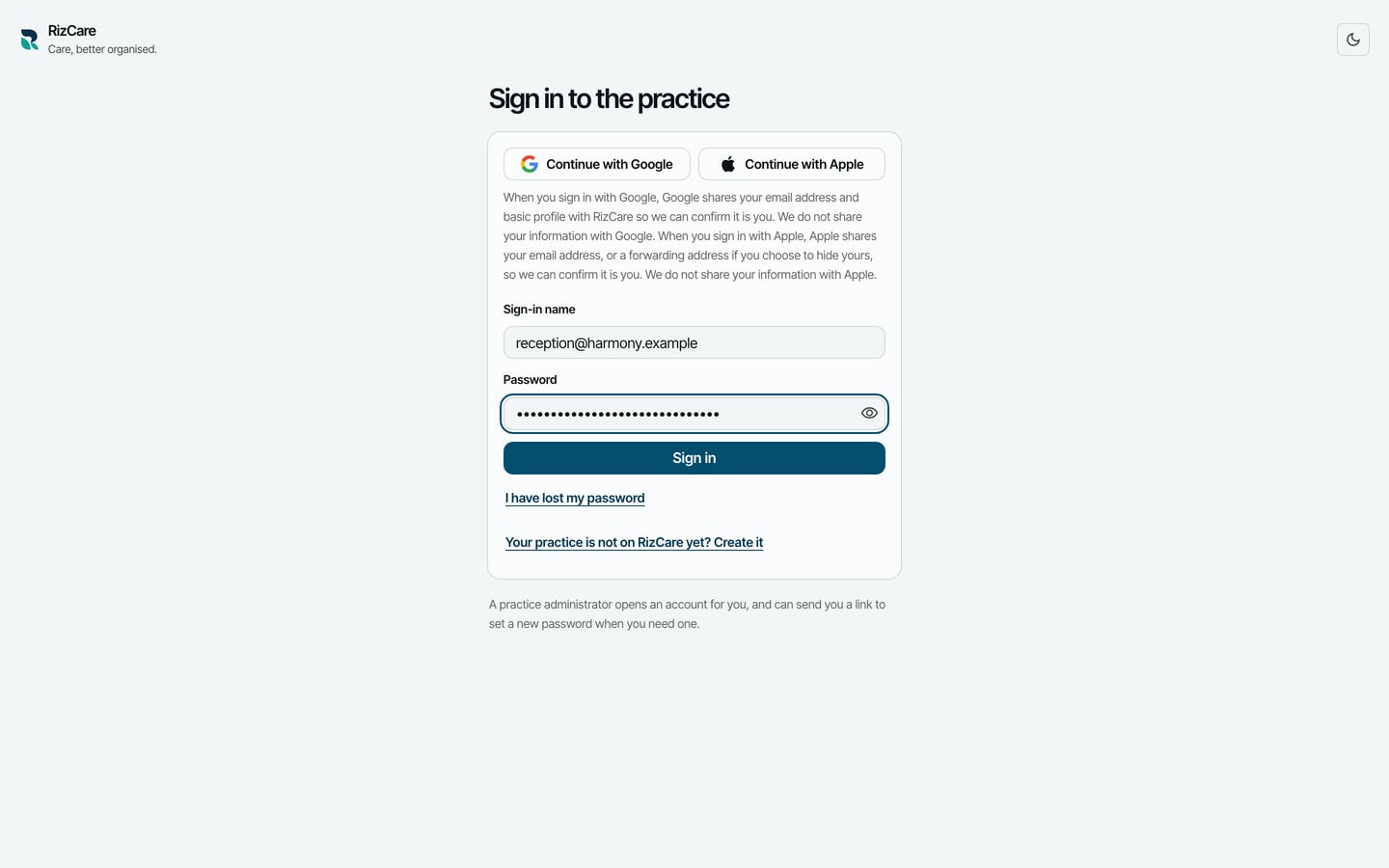
- Choose Sign in. RizCare asks to set up this device.
- Type your Sign-in name and Password again. The password is also what opens this computer's records when you are offline.
- In Your name on this device · optional, type the name you want to find yourself by on a shared computer.
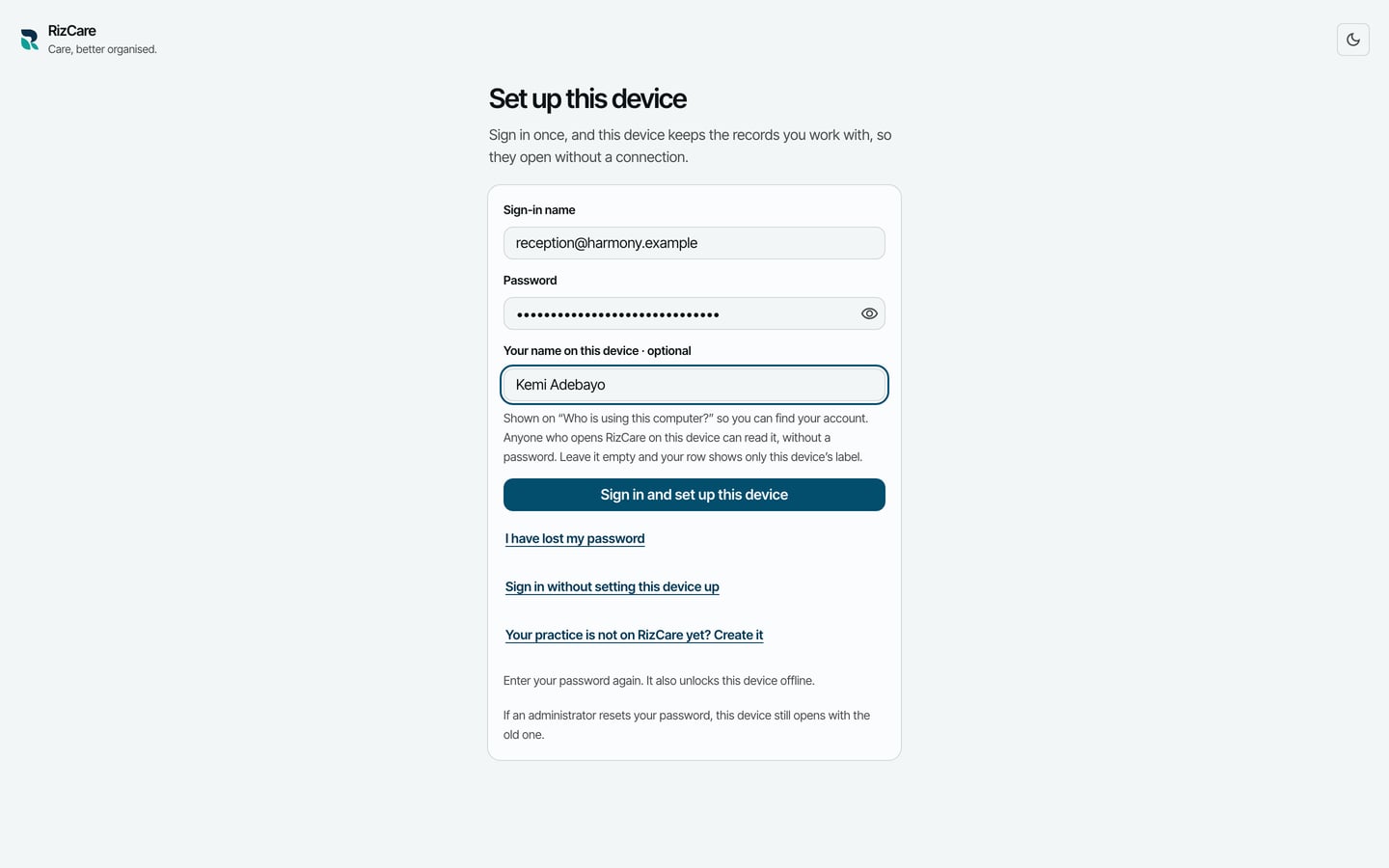
- Choose Sign in and set up this device.
What to expect
RizCare brings the practice's records onto the computer and opens the dashboard: who is in the building, how long each person has waited, and the money taken today.
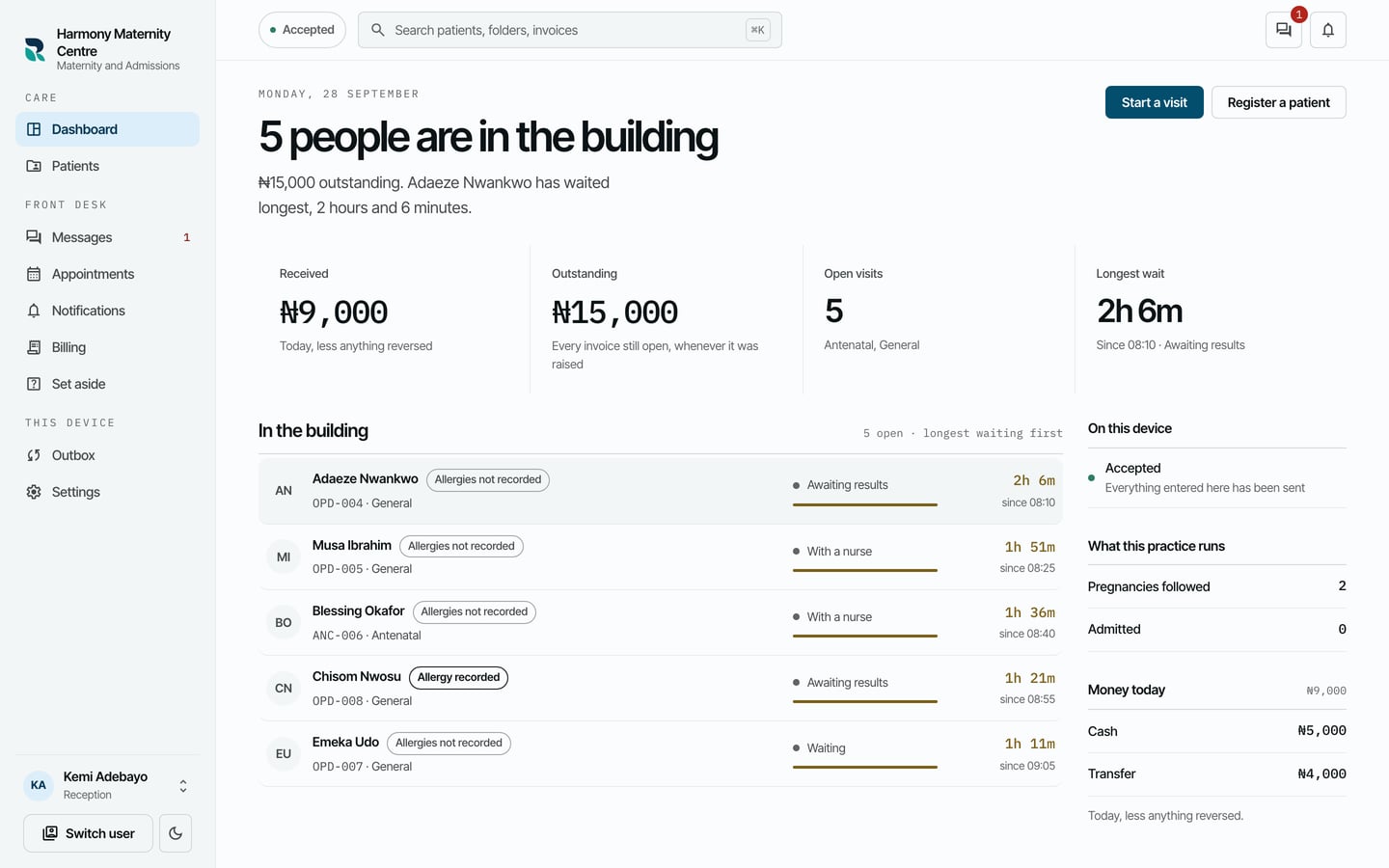
The sections on the left are the ones your position opens. The button at the top left says how your work stands, such as Accepted when everything is sent.