Set a new password from the emailed link
Follow the link in the email to choose a new password, whether you asked for it or an administrator sent it.
- Where
- Practice portal
- Who can do this
- Administrator, Billing, Doctor, Midwife, Nurse, Reception and Staff
A link to set a new password comes by email when you ask for one on the sign-in screen, or when an administrator at your practice sends you one.
Steps
- Open the email and follow the link. RizCare opens Choose a new password.
- Type your New password, at least 14 characters.
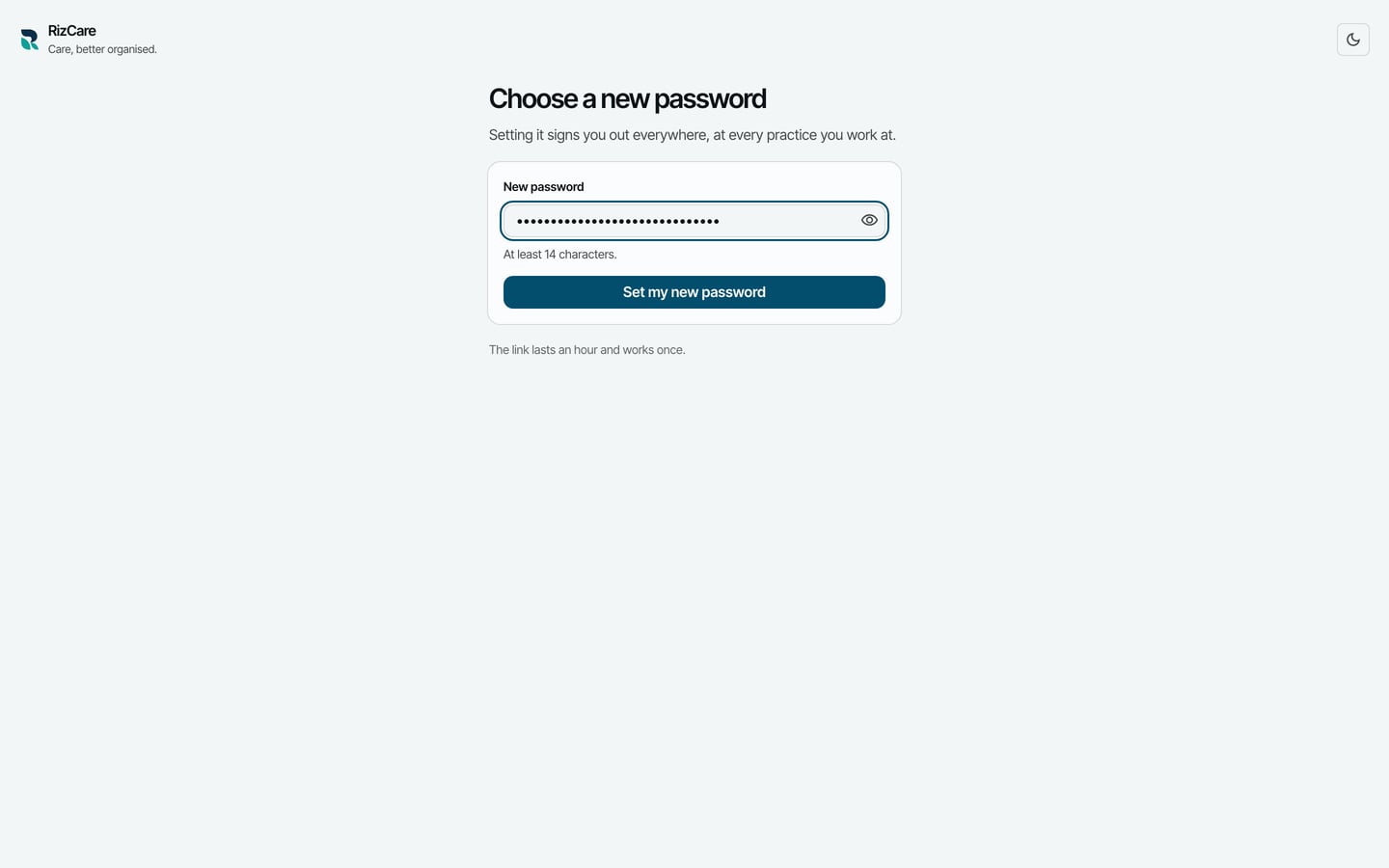
- Choose Set my new password.
What to expect
RizCare says Your password is changed. Choose Sign in and sign in with it.
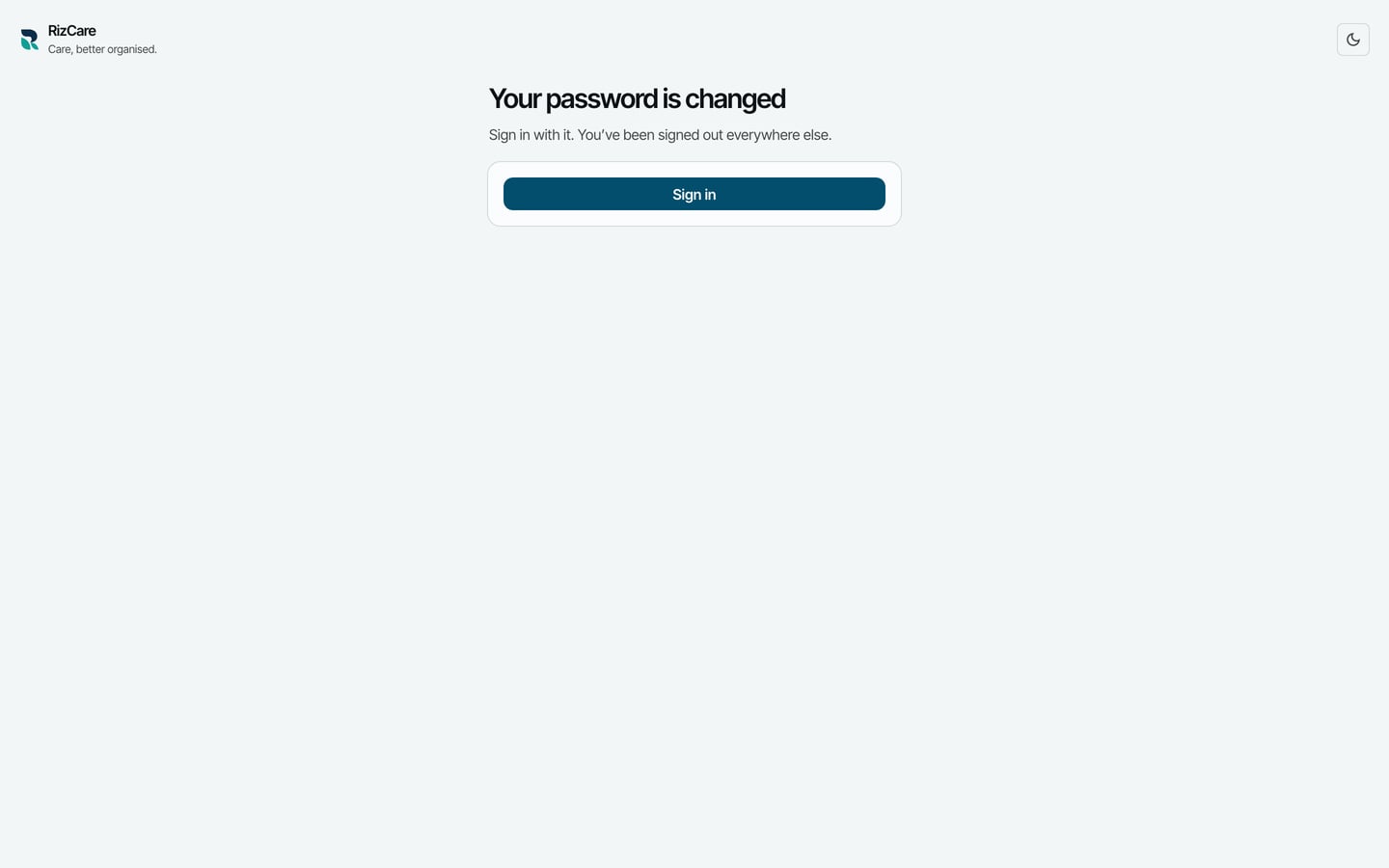
Setting it signs you out everywhere, at every practice you work at. A computer already set up for your account still opens with the password it was set up with.