Sign in to the app with a code
Sign in to your hospital on the RizCare app with a six-digit code sent to the email address the hospital has for you.
- Where
- Patient app
- Who can do this
- Patients and the family members linked to them
The app has no password. Each time you sign in, it sends a six-digit code to the email address your hospital has for you, and you type the code in.
Before you start
- The app is open on your hospital's page, See your visits and bills.
- Your hospital must already have your email address.
- You need a connection to sign in.
Steps
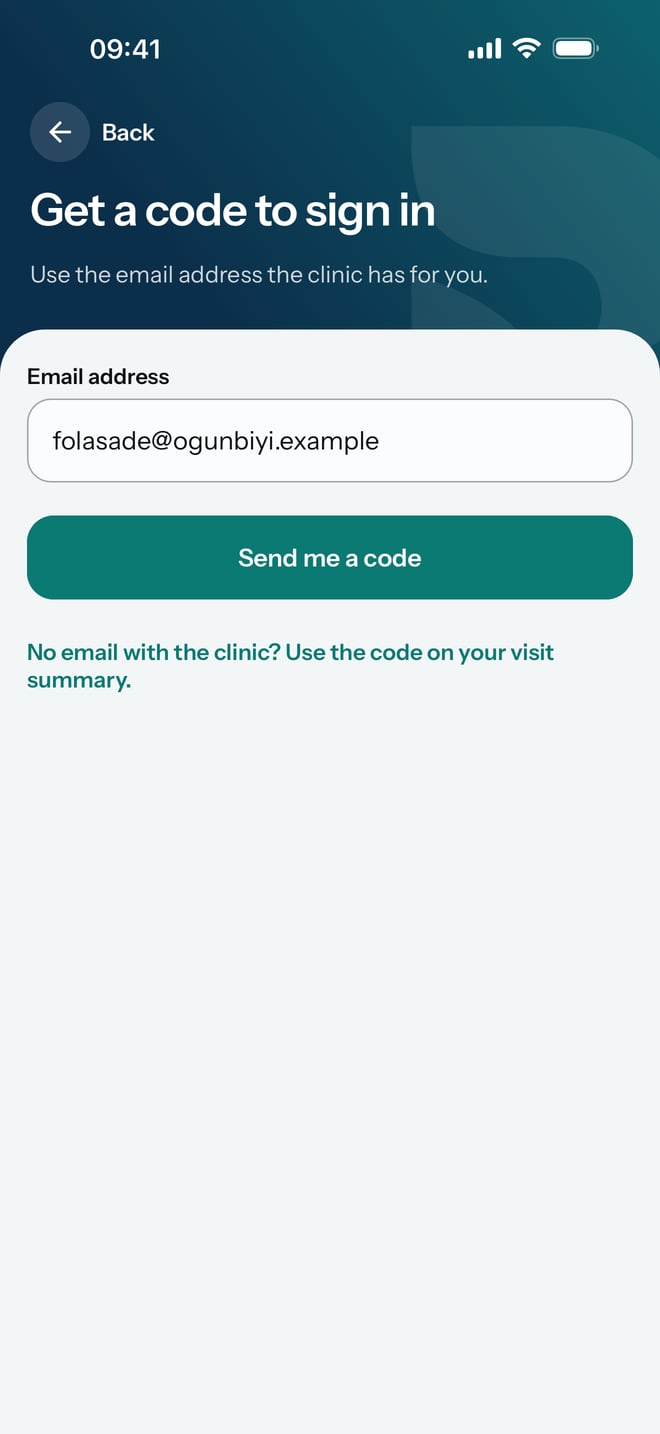
- Tap Get a code by email.
- Type your email address in Email address. Use the one the hospital has for you.
- Tap Send me a code.
- Open the email with your code in it and find the six digits.
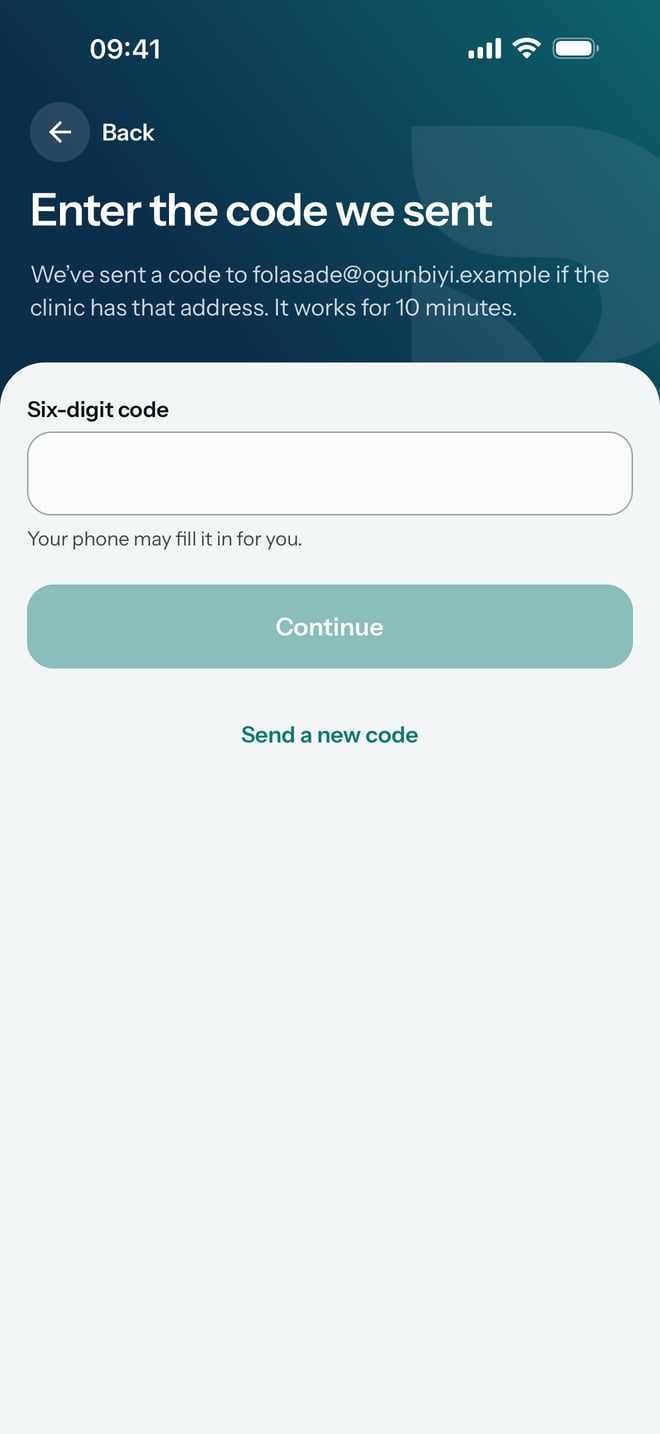
- Back in the app, type the code in Six-digit code. Your phone may fill it in for you.
- Tap Continue.
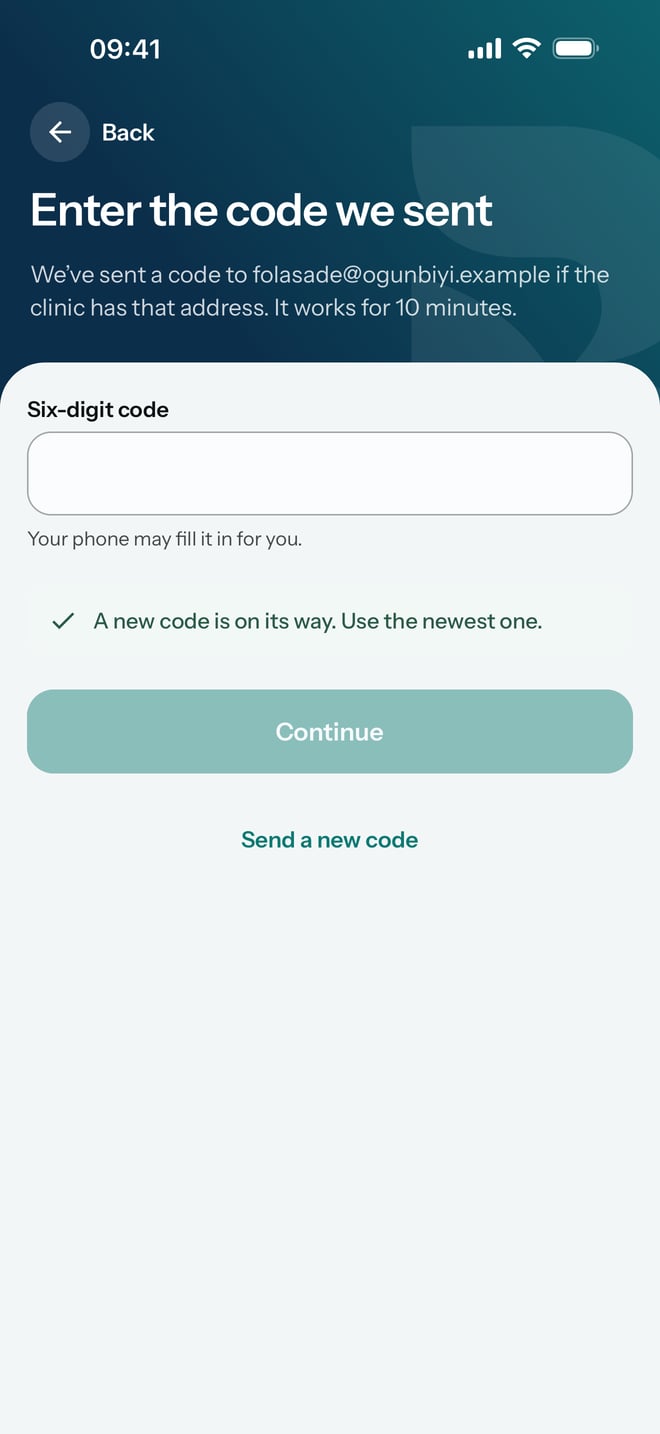
If the code has not come, or more than 10 minutes have passed, tap Send a new code. The app says a new code is on its way; use the newest one.
What to expect
When the hospital has linked more than one person's records to you, such as your own and a child's, the app asks Whose records do you want to see? Tap a name to open that person's Home screen.
The app says it has sent a code if the hospital has that address. If no code arrives, check your spam folder, then check with reception which email address they hold for you.