Switch between your records and a child's
See your own records or those of a child the hospital has linked to you, and move between them at the top of the app.
- Where
- Patient app
- Who can do this
- Patients and the family members linked to them
A parent can see a child's visits, bills and what the hospital shares about them in the same app as their own. The hospital decides whose records are linked to you.
Steps
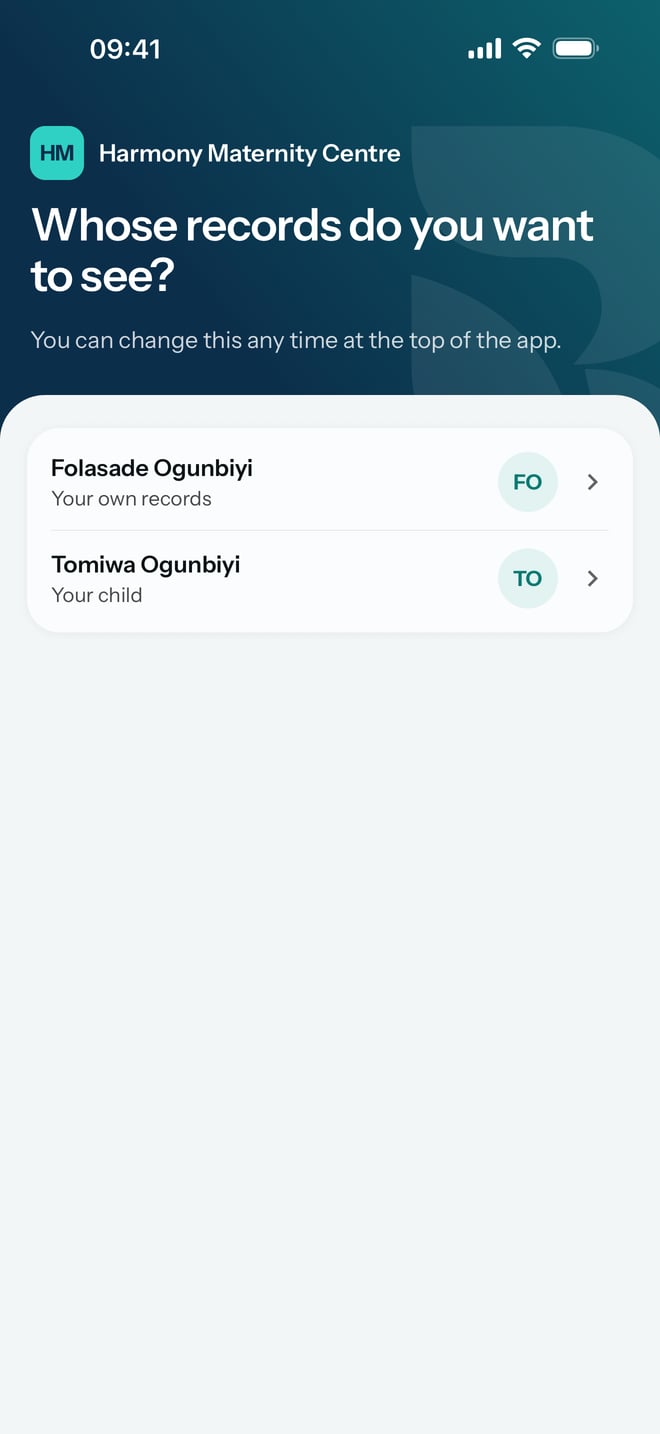
- After you sign in, the app asks Whose records do you want to see? Tap a name. Under each name it says whose records they are, such as Your own records or Your child.
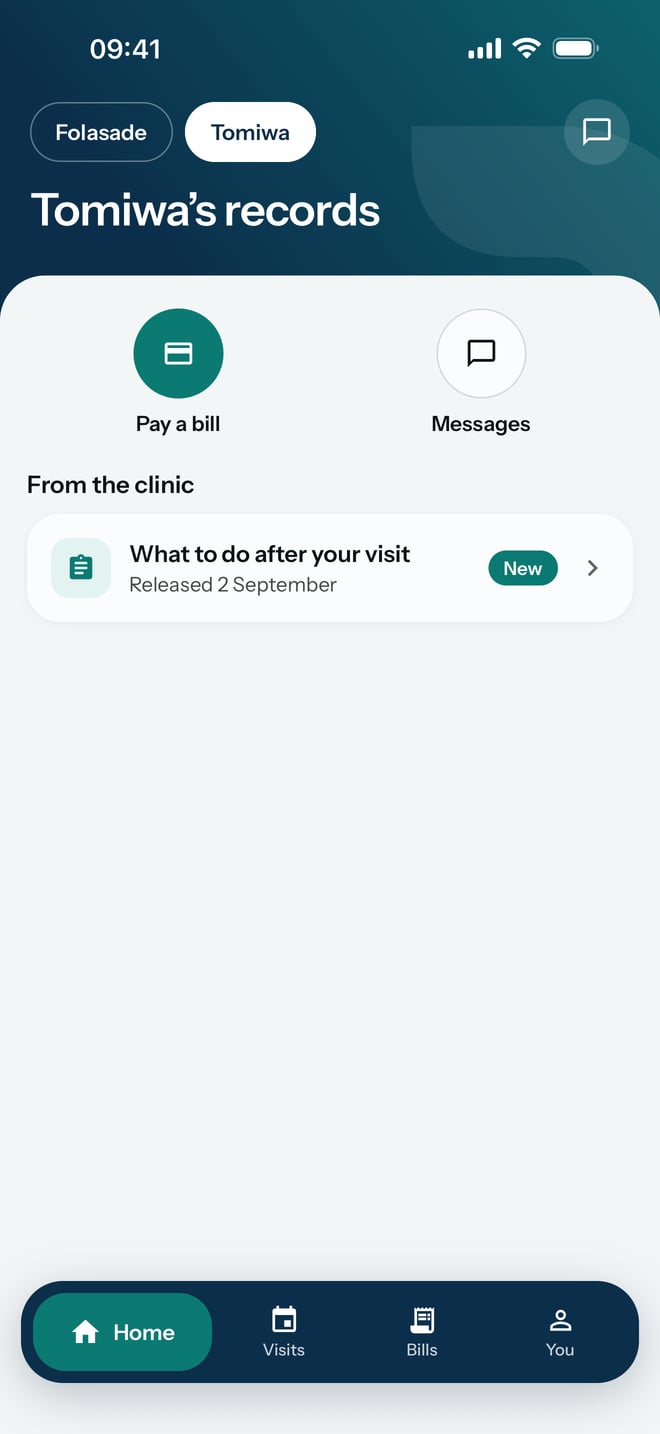
- To switch later, tap a first name at the top of the screen. The one you are looking at is filled in white.
What to expect
Home shows the person you chose. Your own greets you by name, and a child's reads, for example, Tomiwa's records.
You lists everyone on the app under People on this app. To add someone, ask at reception. They will give you a code for them.