Find your hospital in the RizCare app
Open the RizCare app on your hospital's page, with the hospital code reception gave you or the link your hospital emailed.
- Where
- Patient app
- Who can do this
- Patients and the family members linked to them
The RizCare app works with the hospital you attend. The first time you open it, it needs to know which hospital that is. Reception can give you the hospital's code, or email you a link.
Before you start
- Install the RizCare app on your phone.
- Have the hospital code reception gave you, or the email from your hospital with the link in it. If you have neither, ask at reception.
- You need a connection to find your hospital.
Steps
- Open the RizCare app. It shows Find your hospital.
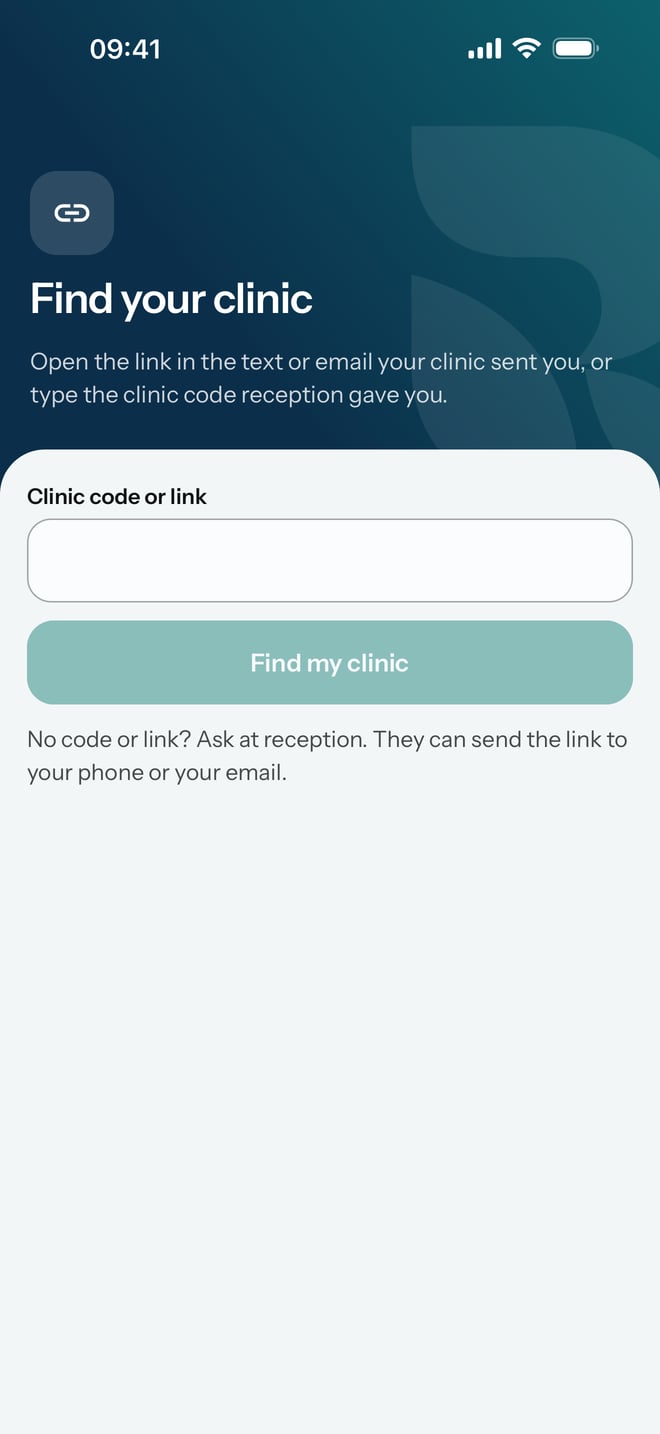
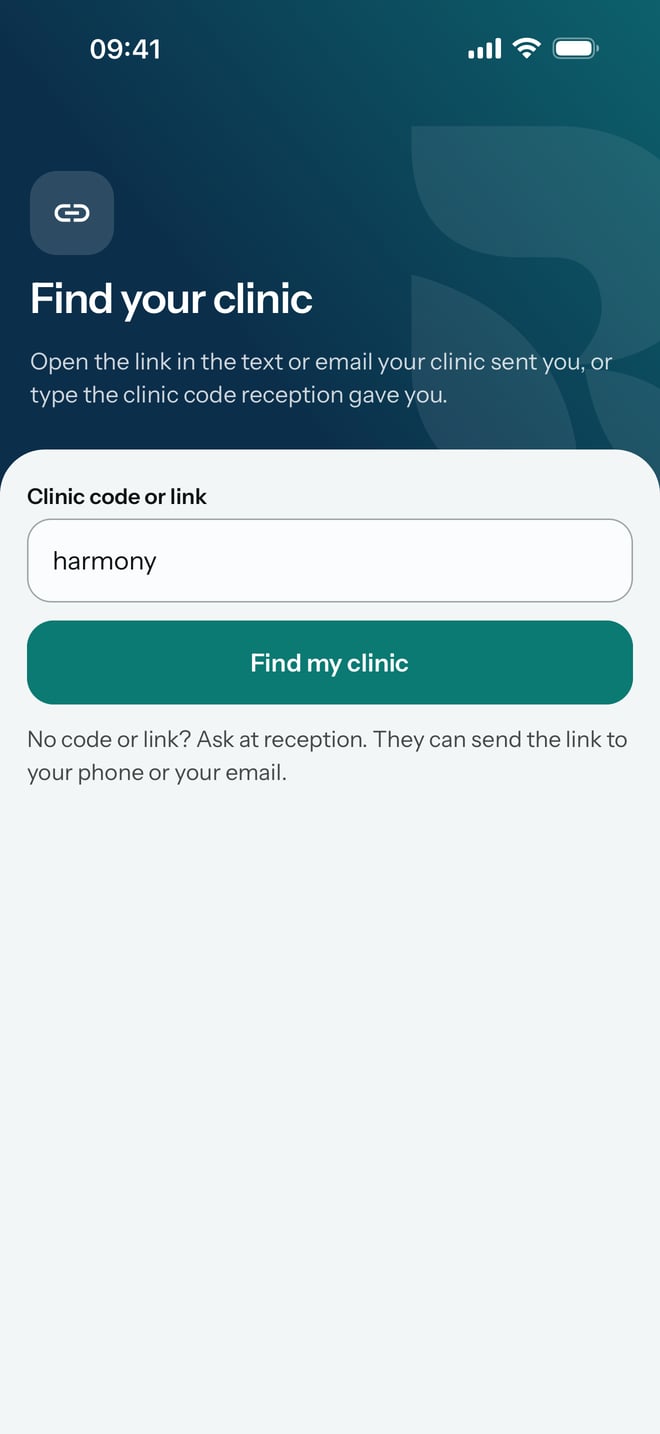
- Type the hospital code in Hospital code or link, then tap Find my hospital.
If you have the email instead, open it and tap the link. If your phone asks whether to open the link in RizCare, tap Open.
What to expect
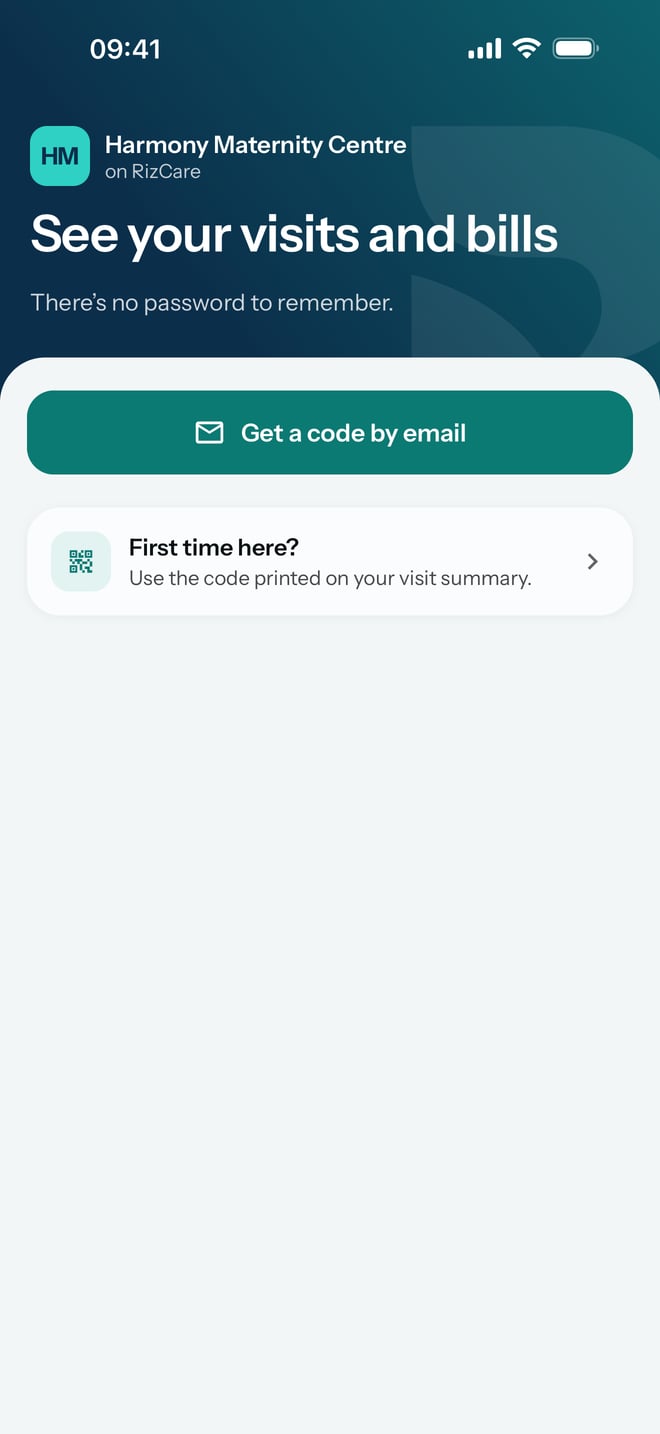
The app opens on your hospital's page, with the hospital's name at the top and See your visits and bills. From there you sign in. There is no password to remember. You sign in with a code sent to your email.