Sign in for the first time with the code from your visit summary
Link your records to the RizCare app the first time, with the code printed on your visit summary and your date of birth.
- Where
- Patient app
- Who can do this
- Patients and the family members linked to them
The first time you use the app, the hospital needs to know the records are yours. The code printed on your visit summary does that, together with your date of birth. You only do this once.
Before you start
- The app is open on your hospital's page, See your visits and bills.
- Have your visit summary with the code on it. If you have no code, ask at reception on your next visit.
- You need a connection.
Steps
- Tap First time here?
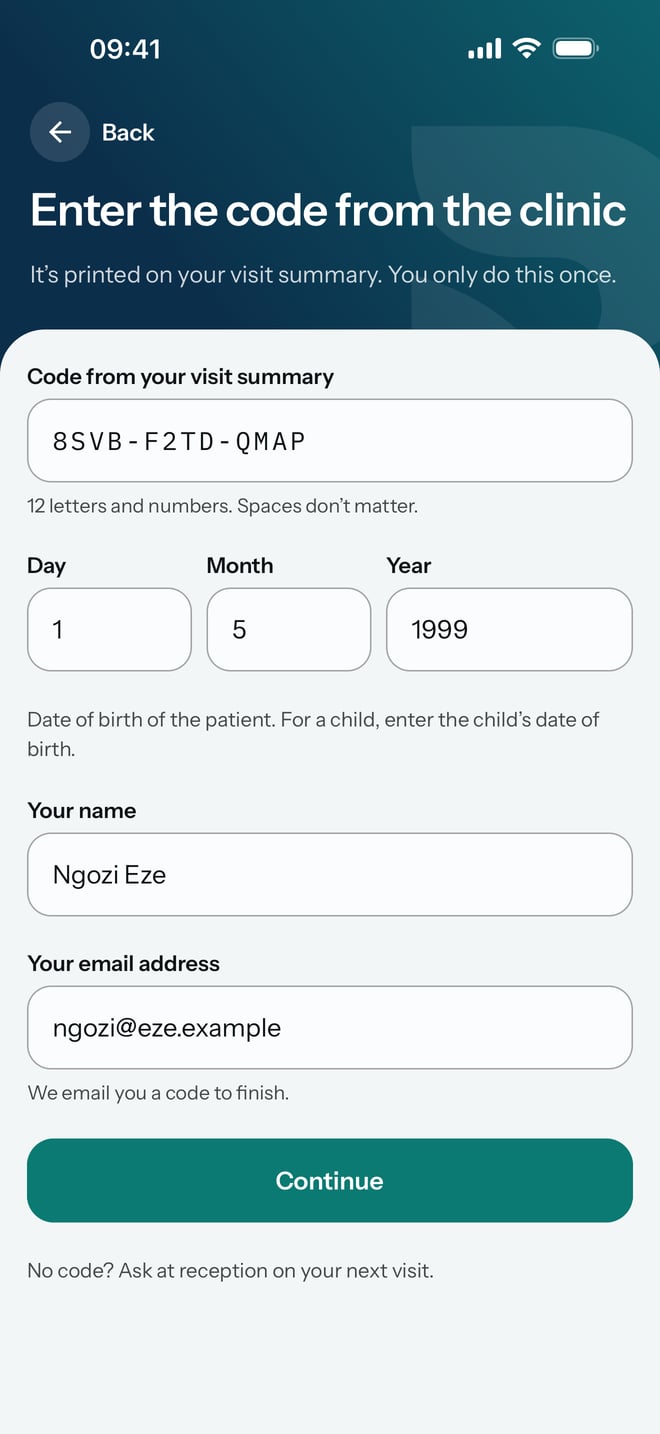
- Type the code from your visit summary in Code from your visit summary. Spaces do not matter.
- Type the date of birth of the patient in Day, Month and Year. For a child, type the child's date of birth.
- Type your name in Your name.
- Type your email address in Your email address. The app emails you a code to finish.
- Tap Continue.
- Open the email with your six-digit code, type it in Six-digit code and tap Continue.
What to expect
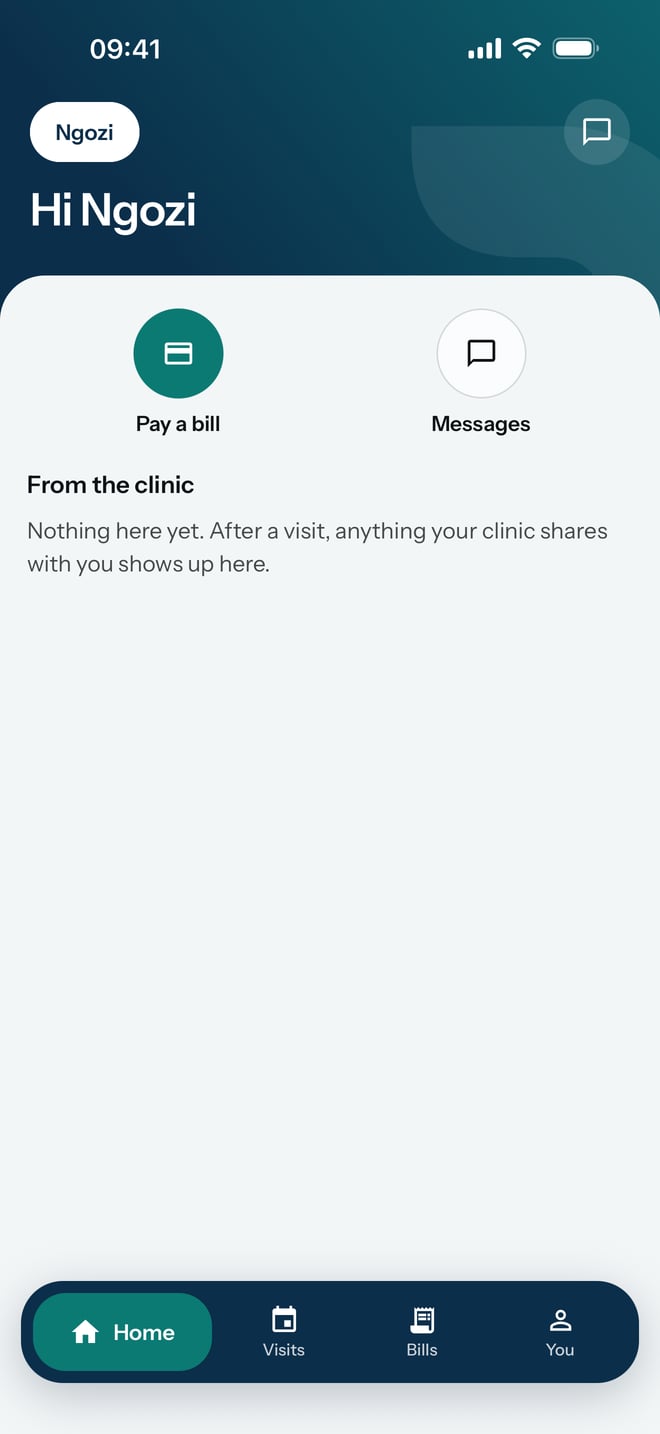
The app opens on your Home screen with your records. Next time, sign in with Get a code by email.