Read your visit notes and instructions
Open the instructions and visit notes your hospital has released to you, and see who wrote and signed each one.
- Where
- Patient app
- Who can do this
- Patients and the family members linked to them
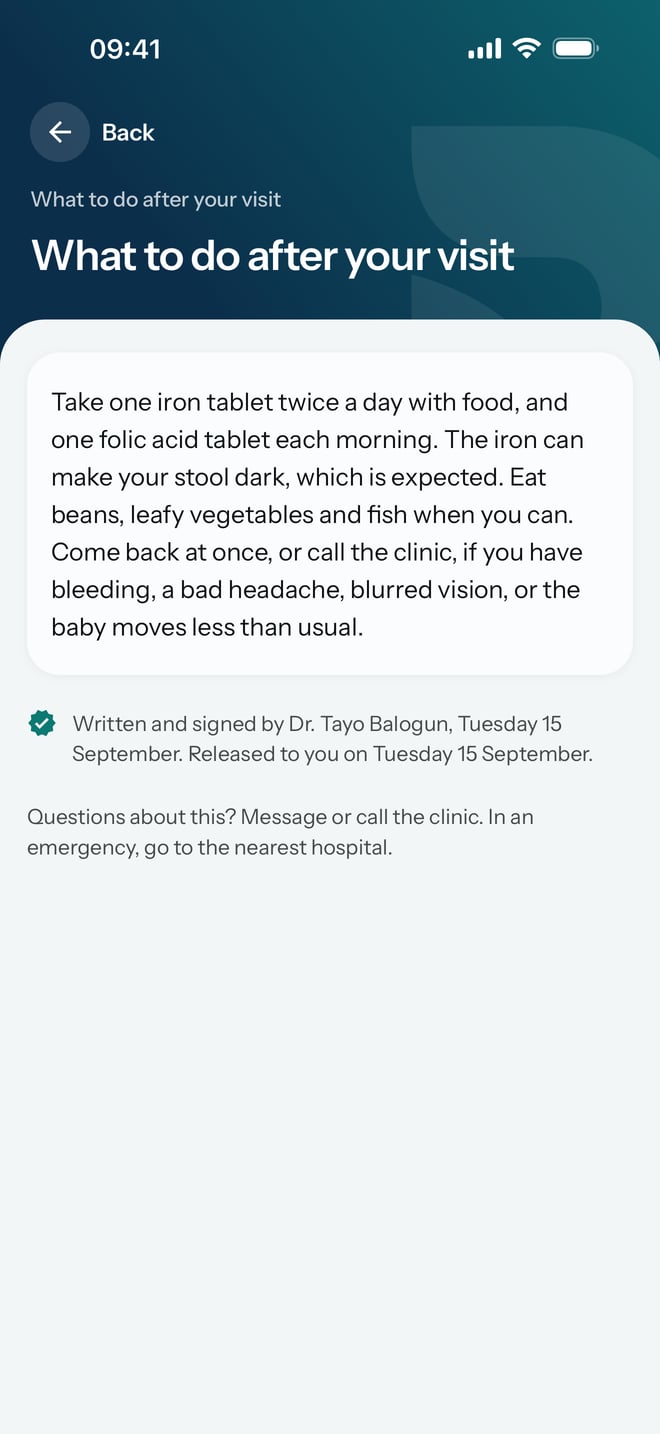
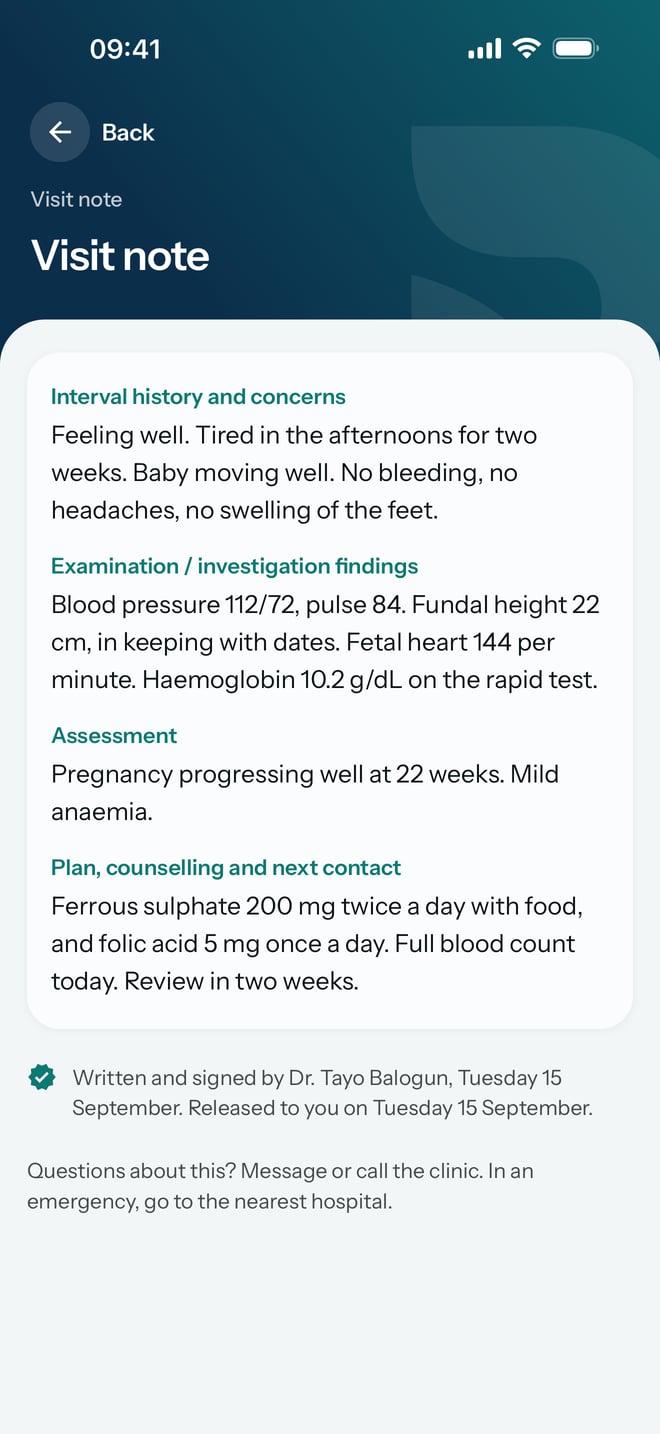
After a visit, your hospital can release some of what it wrote to you, such as What to do after your visit or a Visit note from the doctor. The hospital decides what to release. Anything released shows in the app.
Steps
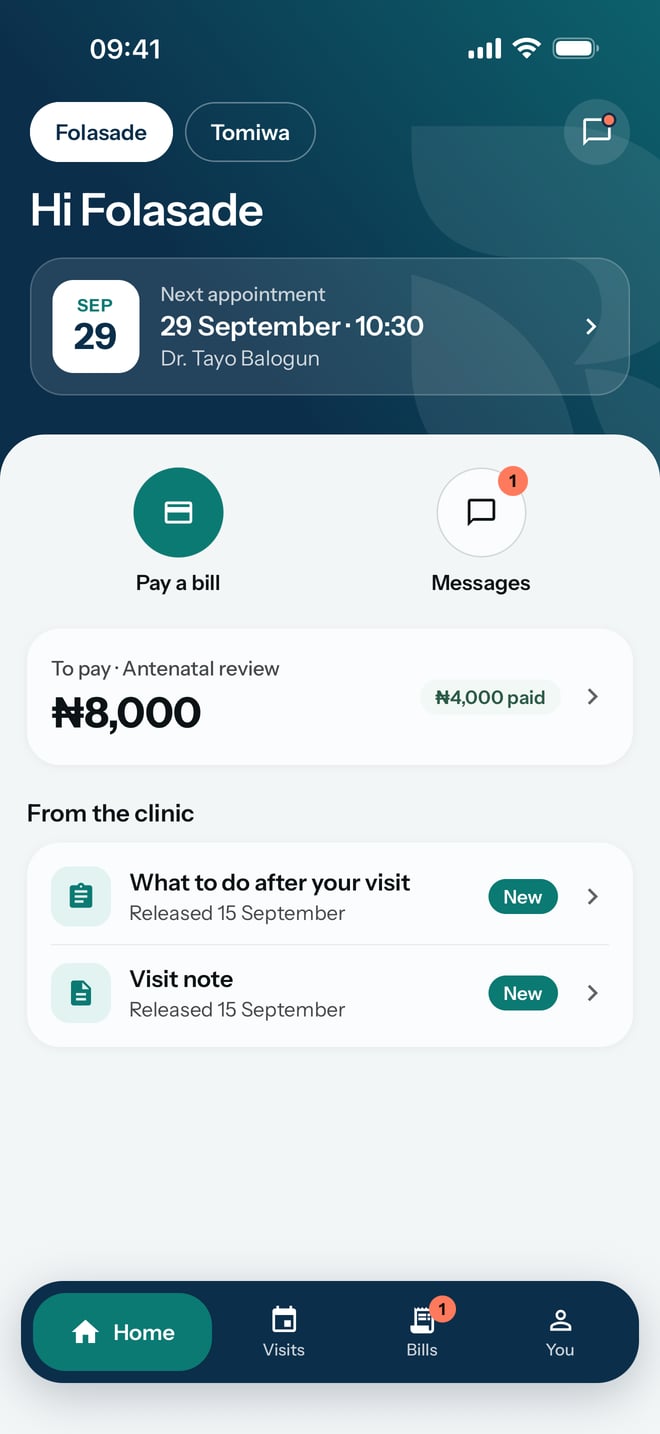
- On Home, look under From the hospital. Each item shows its title and the day it was released. New marks one you have not opened.
- Tap an item to open it.
- Read it, then check the line at the bottom that says who wrote and signed it, and when it was released to you.
- Tap Back to return.
What to expect
Instructions and notes stay in the app after you have read them. You can find them again under Past visits on Visits, below the date of the visit they came from.
Once a note is signed, nobody can change it. If the hospital needs to correct something, it writes a new note.