Make your practice's own note template
Copy a note template, rename it and add, remove or require headings, so notes are written the way your practice works.
- Where
- Practice portal
- Who can do this
- Administrator
Every practice starts with the templates shipped with RizCare. An administrator can save a copy of one and change its name and headings. The copy is your practice's own.
Steps
- Choose Note templates on the left.
- Choose the template to start from, such as General consultation.
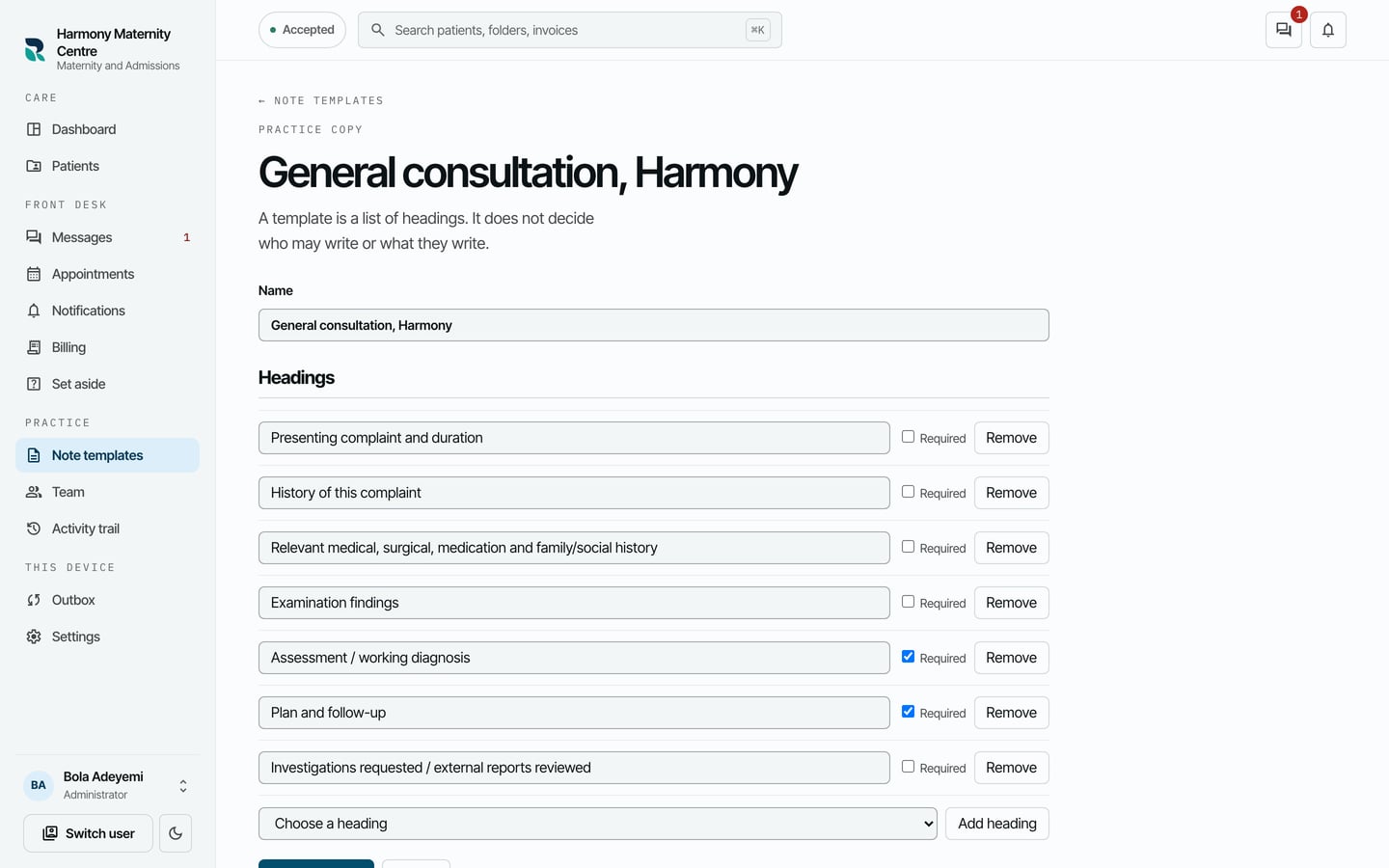
- Change the Name, for example to add your practice's name.
- To add a heading, choose it under Choose a heading, then choose Add heading. It goes to the end of the list.
- Tick Required beside a heading that must be written before a note can be signed. Choose Remove beside a heading you do not use.
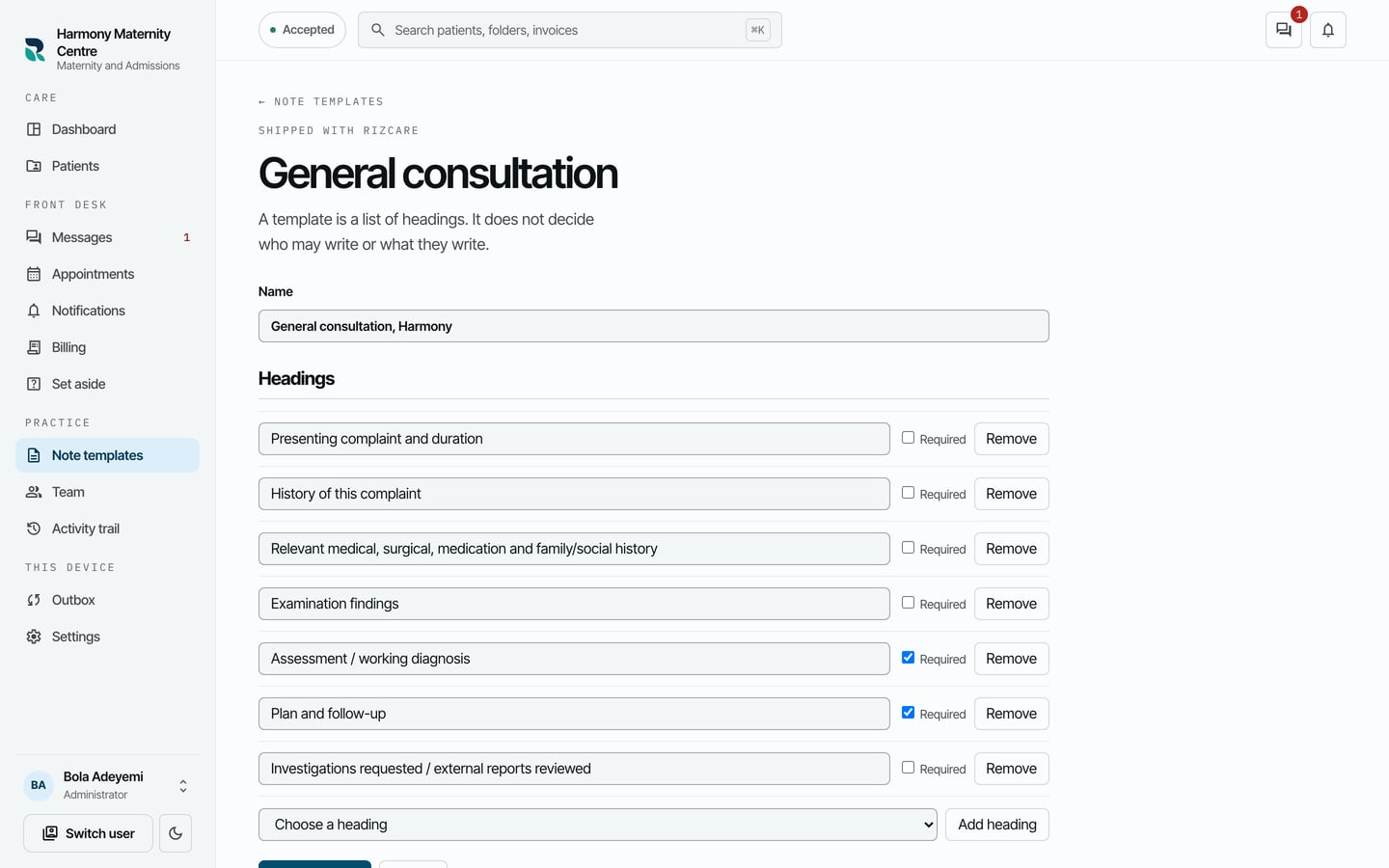
- Choose Fork and save.
What to expect
The copy is listed in Note templates, marked Forked by this practice. Choose it to see it again, and choose Save template after changing it.