Switch maternity or admissions on or off
Choose whether your practice runs maternity and admissions beside general practice.
- Where
- Practice portal
- Who can do this
- Administrator
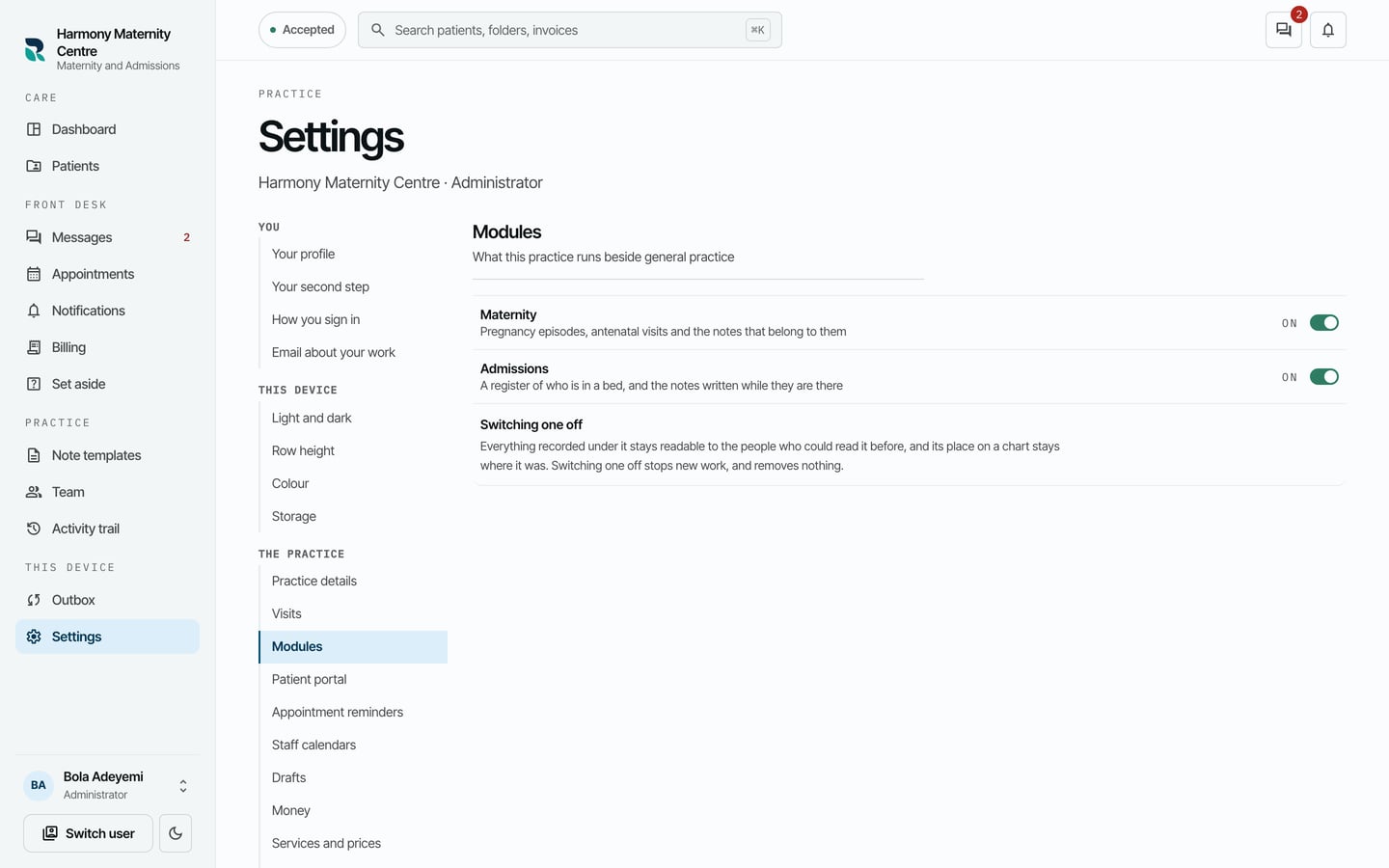
Every practice runs general practice. Maternity adds pregnancy episodes and antenatal visits. Admissions adds the ward register. Switch on what your practice offers.
Steps
- Choose Settings on the left, then Modules.
- Use the switch beside Maternity or Admissions to turn it on or off.
What to expect
A module that is on adds its own places: Admissions on the left for the ward register, and Antenatal under What kind of visit for maternity.
Switching one off stops new work under it. Everything already recorded stays readable to the people who could read it before, and keeps its place on the chart.