Change your own settings
Check your profile, and choose light or dark, row height, colour and storage for the computer you are on.
- Where
- Practice portal
- Who can do this
- Administrator, Billing, Doctor, Midwife, Nurse, Reception and Staff
Settings has a part for you and a part for the computer you are on. Everybody has these, whatever their position.
Steps
- Choose Settings on the left. It opens on Your profile: your name, your sign-in name and your positions.
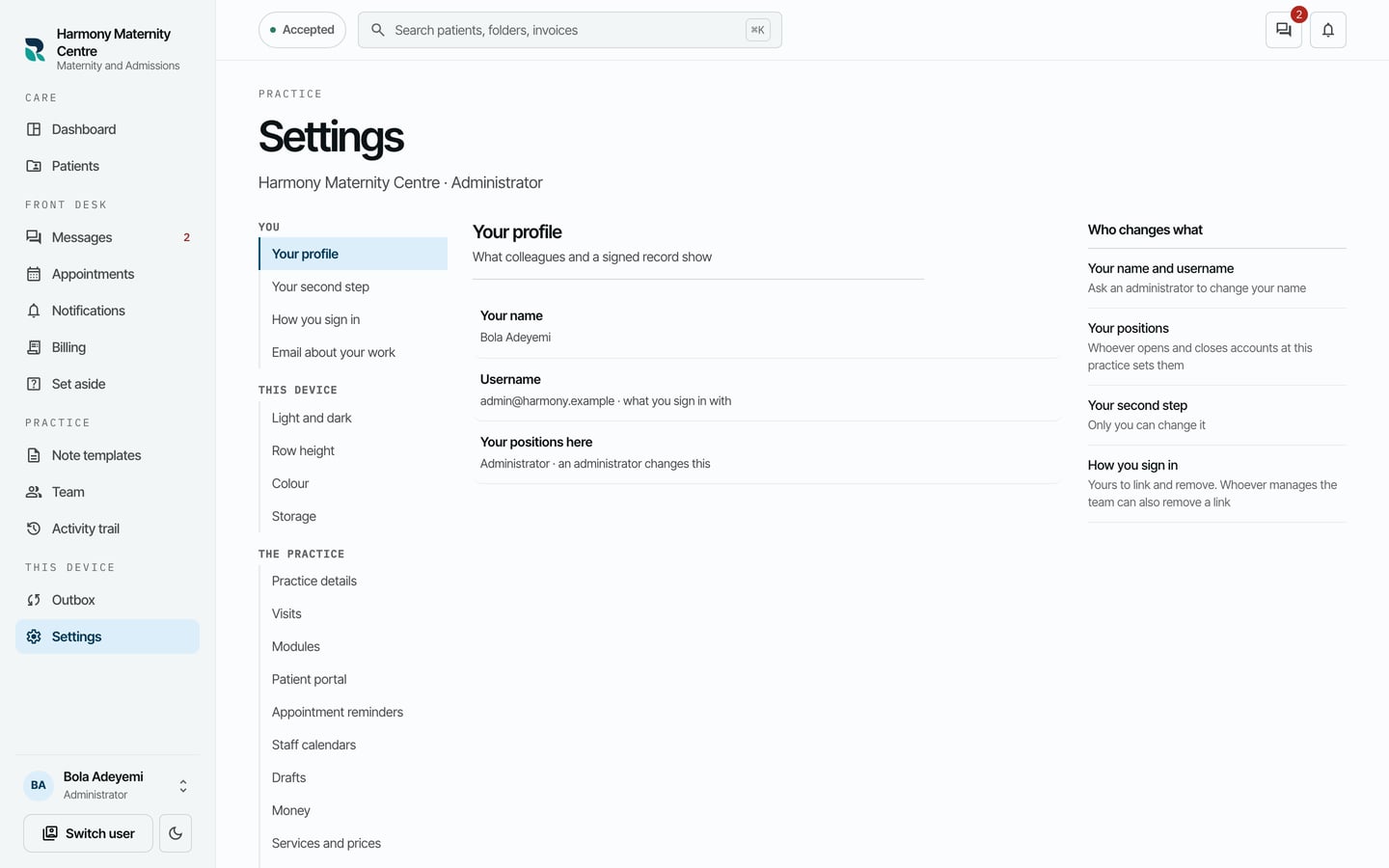
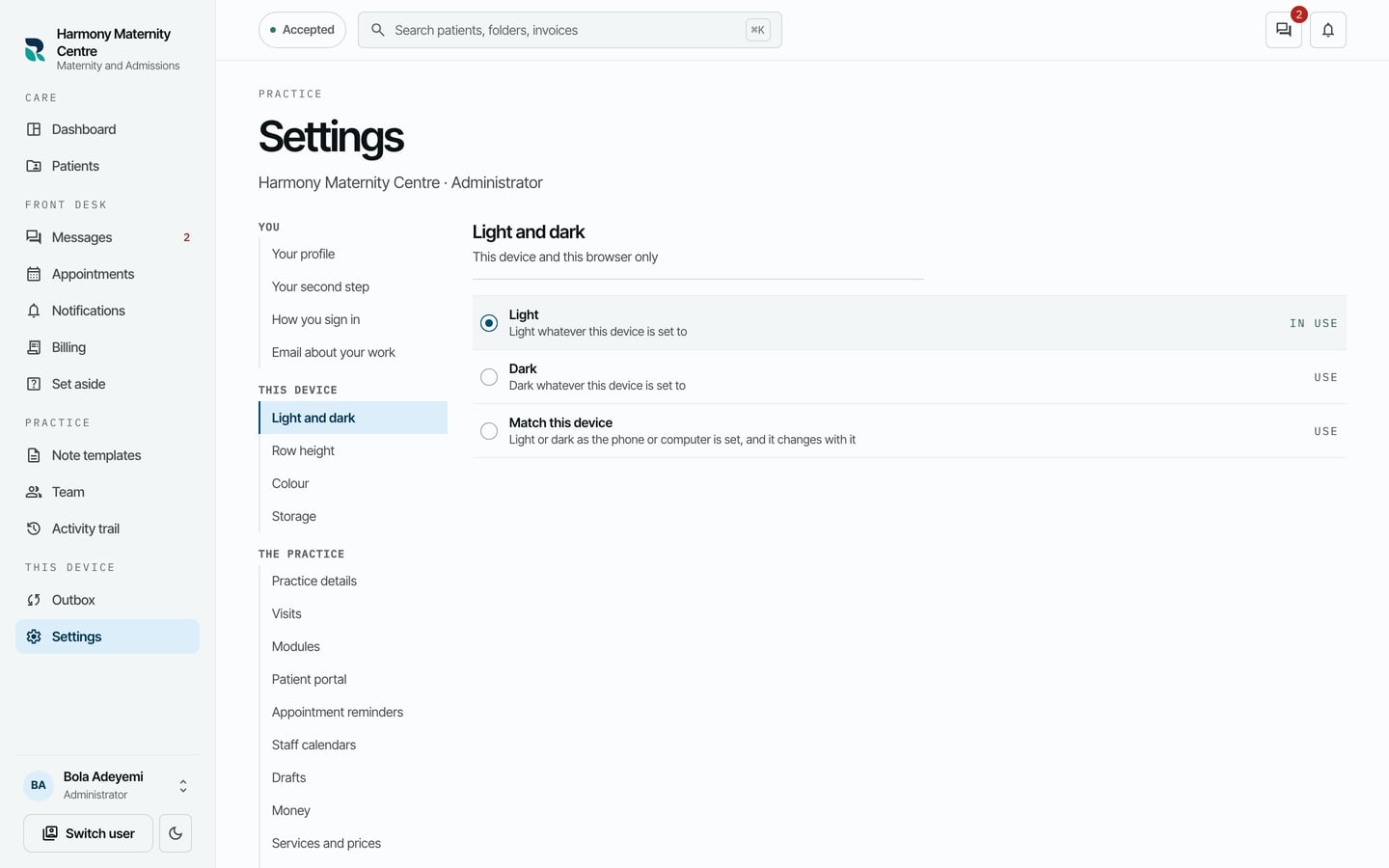
- To change how RizCare looks on this computer, choose Light and dark, and choose Light, Dark or Match this device.
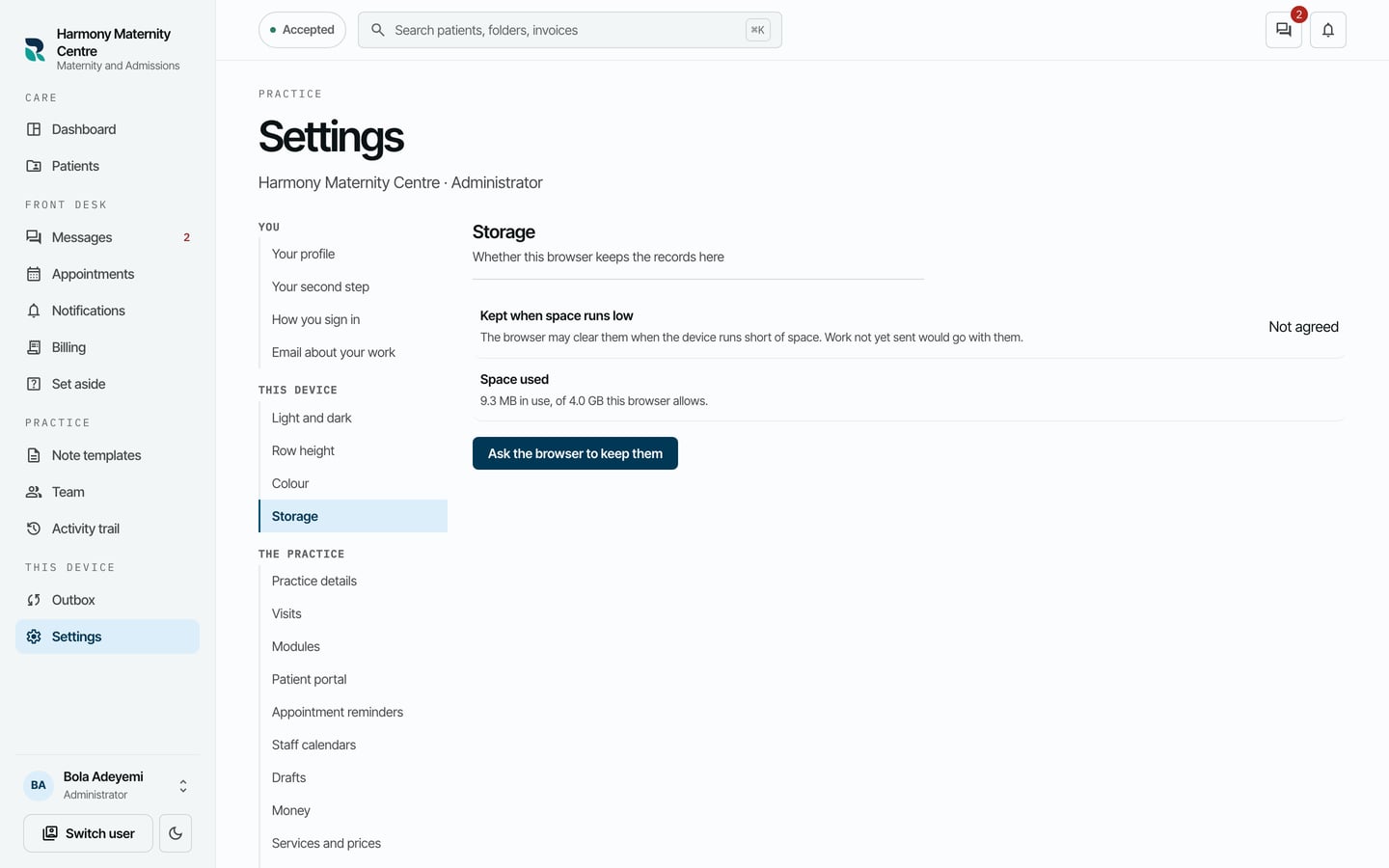
- To keep this computer's records from being cleared by the browser when space runs low, choose Storage, then Ask the browser to keep them.
What to expect
Choices under This device apply only to this computer and this browser. Row height and Colour in the same list change how dense and how coloured the screens are.
An administrator changes your name and your positions. Ask them if either is wrong.