See your notifications
Read what the practice tells you about your own work, and mark it as read.
- Where
- Practice portal
- Who can do this
- Administrator, Billing, Doctor, Midwife, Nurse, Reception and Staff
Notifications tell you when something you are responsible for changes, such as a payment you recorded being reversed. RizCare writes them, not a colleague, and nobody can reply to one.
Steps
- Choose Notifications on the left, or the bell at the top right. The number beside it is how many you have not read.
- Read each row.
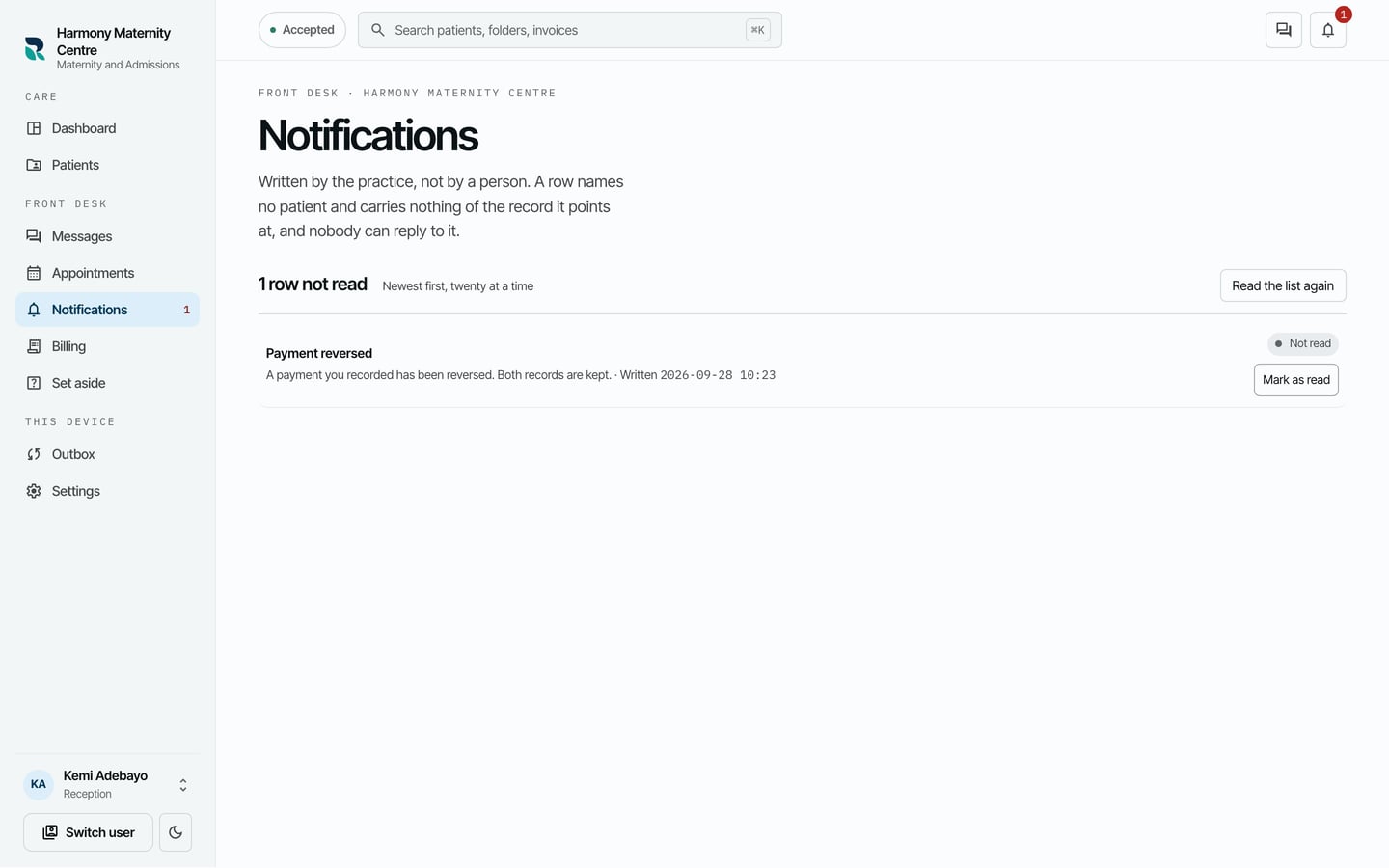
- Choose Mark as read when you have dealt with it.
What to expect
The row is marked as read and the count beside Notifications goes down. A notification names no patient; open the record it is about to see the details.
Some notices can also be emailed to you. Choose where in Settings > Email about your work.