Let staff add bookings to their own calendar
Turn on calendar links, and choose how a patient appears in a colleague's calendar.
- Where
- Practice portal
- Who can do this
- Administrator
With calendar links on, each colleague can add the appointments they are booked to see to the calendar on their own phone or computer.
Steps
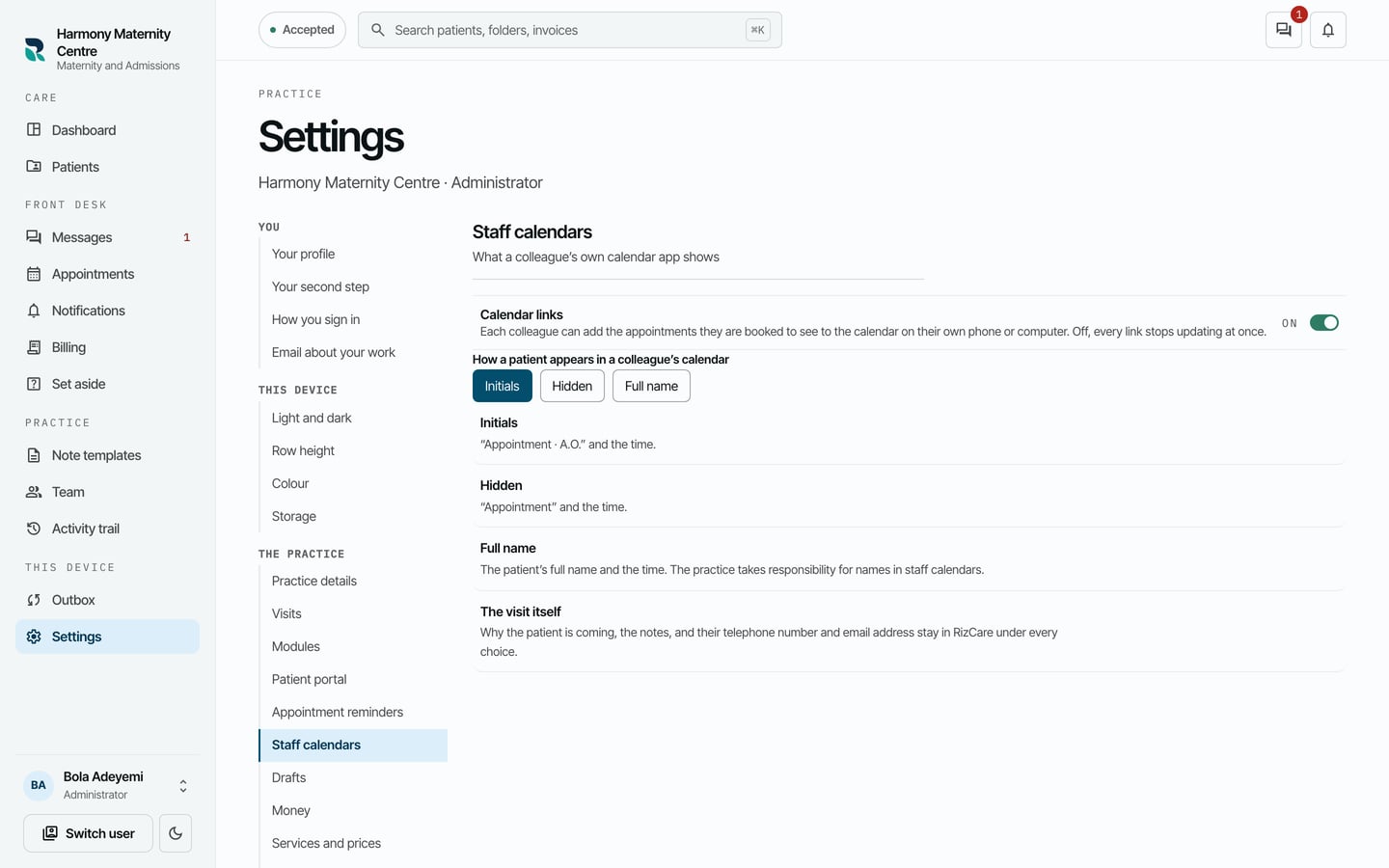
- Choose Settings on the left, then Staff calendars.
- Turn on Calendar links.
- Under How a patient appears in a colleague's calendar, choose Initials, Hidden or Full name.
What to expect
Colleagues now see Get my link under Add to my calendar on Appointments. With Initials, a booking shows as "Appointment · A.O." and the time.
Why the patient is coming, the notes, and their phone number and email address stay in RizCare under every choice. Turning calendar links off stops every link updating.