Add your appointments to your own calendar
Get a link that shows the appointments you are booked to see in the calendar app on your phone or computer.
- Where
- Practice portal
- Who can do this
- Administrator, Billing, Doctor, Midwife, Nurse, Reception and Staff
If you keep a calendar on your phone, you can have your RizCare bookings appear in it and stay up to date.
Before you start
Your practice must have calendar links on. An administrator turns them on in Settings > Staff calendars.
Steps
- Choose Appointments on the left.
- Choose Add to my calendar.
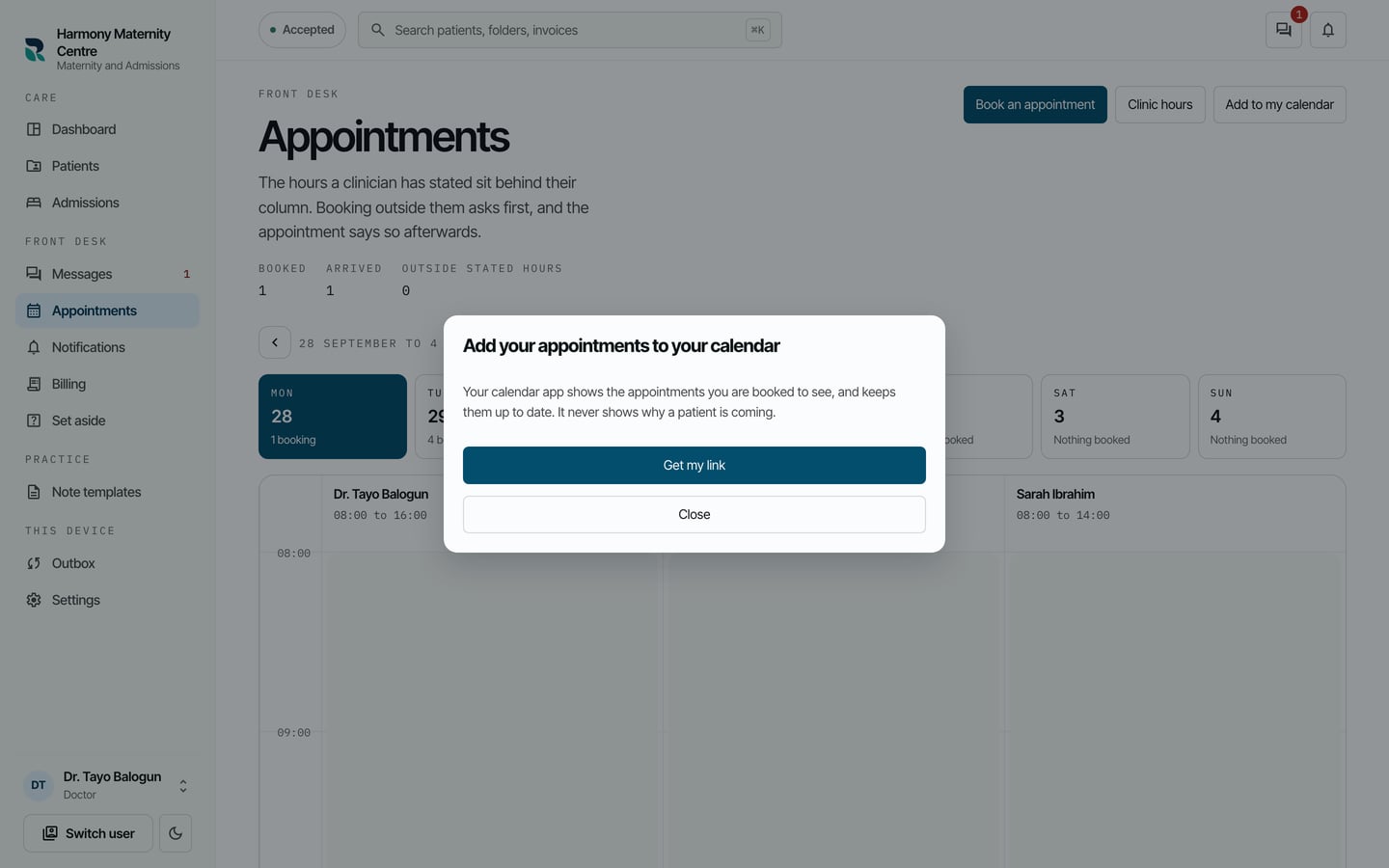
- Choose Get my link.
- Your link appears under Your link, with Copy link beside it and where to paste it in Google Calendar, Apple Calendar and Outlook.
What to expect
Your calendar shows the appointments you are booked to see, and updates as bookings change. It never shows why a patient is coming. How a patient's name appears is set by your practice.