Require signed notes before a visit is completed
Choose whether a visit can be completed while a note in it is still unsigned.
- Where
- Practice portal
- Who can do this
- Administrator
By default the clinician decides: a visit can be completed with a note still unsigned, and the confirmation names each one. Some practices want a visit to close only when every note in it is signed.
Steps
- Choose Settings on the left, then Visits.
- Turn on Require signed notes before a visit is completed.
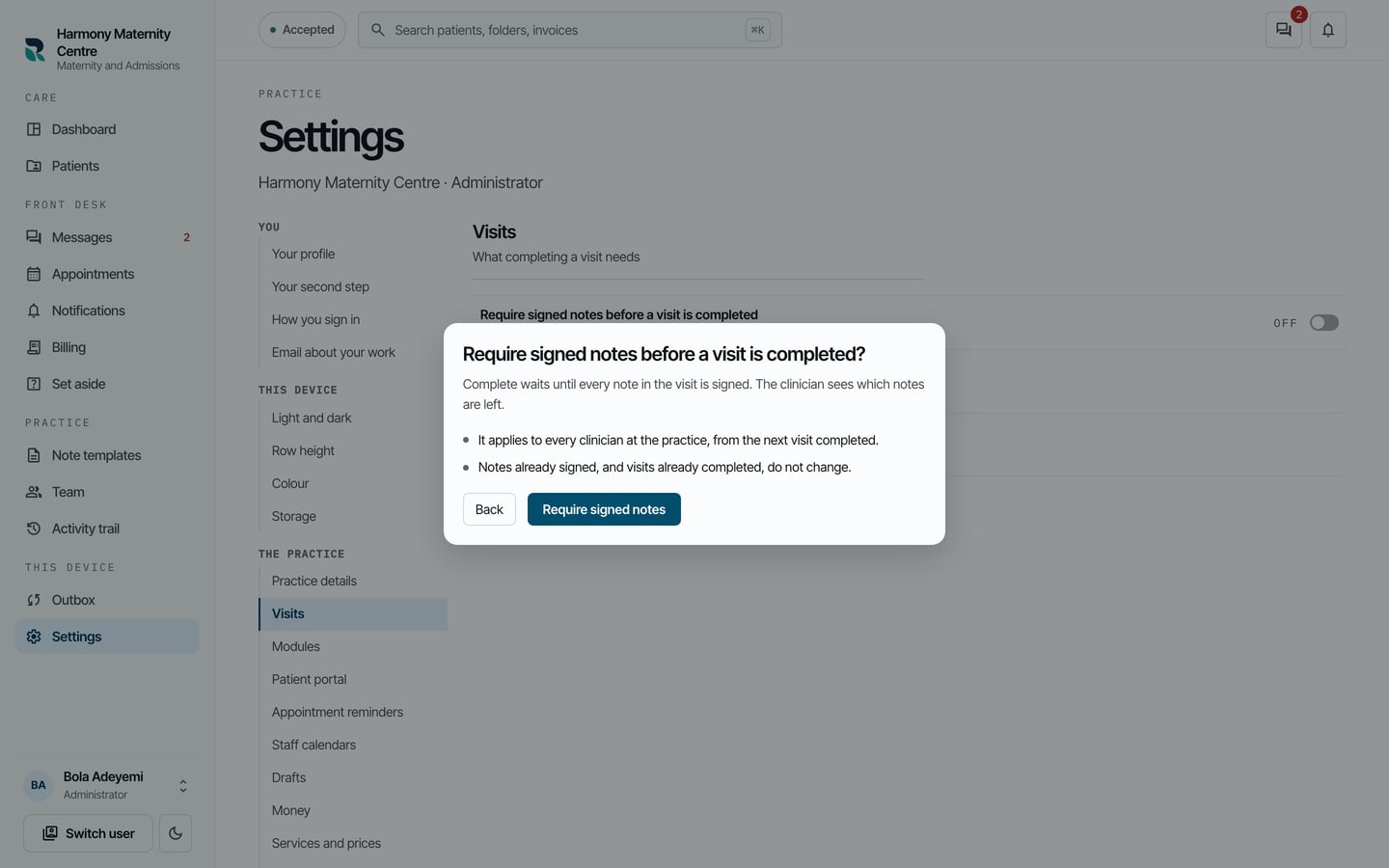
- Read the confirmation, then choose Require signed notes.
What to expect
The switch shows as on. From then on a visit closes only with every note in it signed. Notes already signed, and visits already completed, do not change.