Open RizCare on a shared computer
Choose your account on a computer several colleagues use, and open your records with your password.
- Where
- Practice portal
- Who can do this
- Administrator, Billing, Doctor, Midwife, Nurse, Reception and Staff
A computer at the desk or in a consulting room is often shared. Each colleague sets it up once with their own account. After that, RizCare asks who is using the computer each time it opens.
Steps
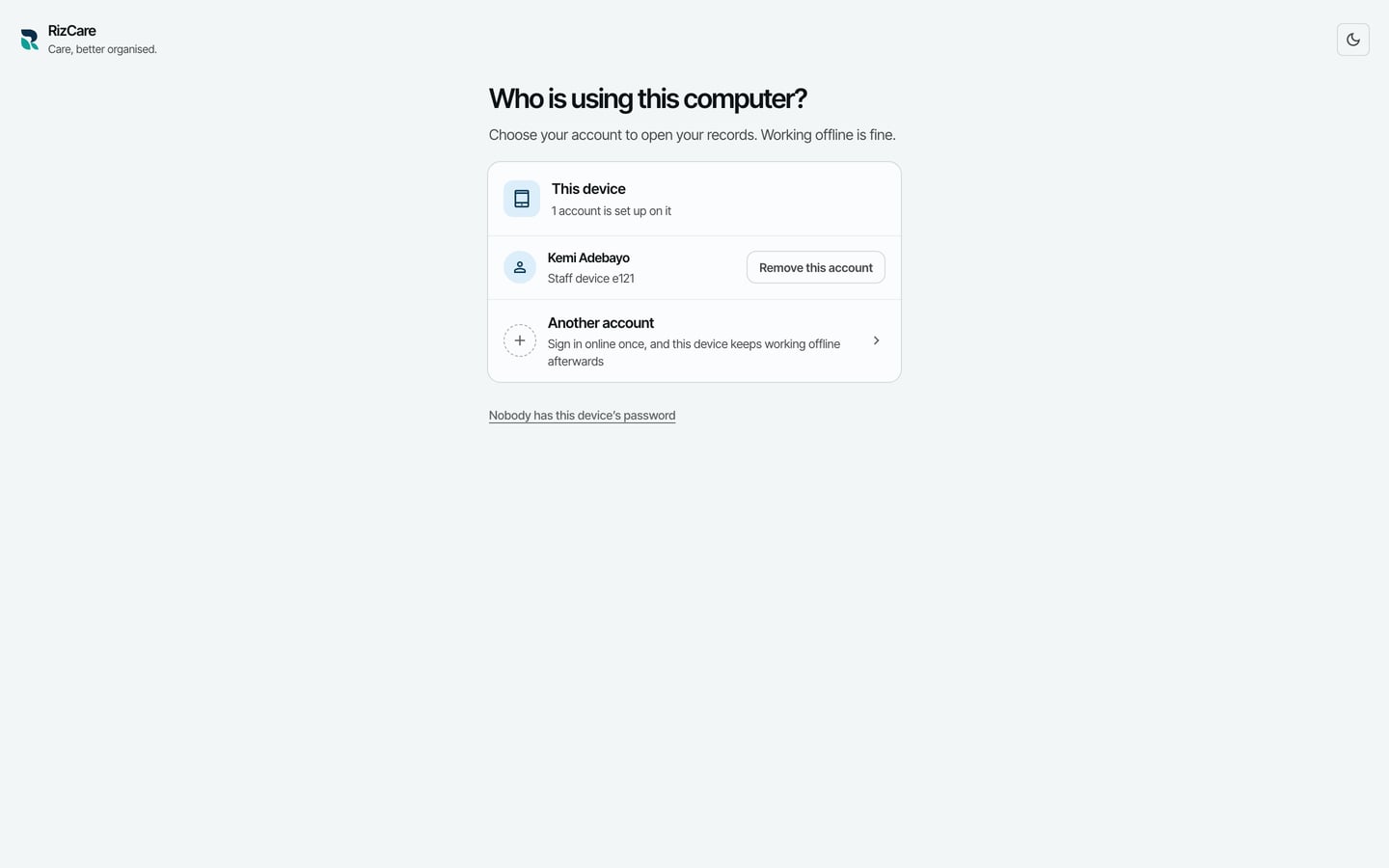
- Open RizCare. It asks Who is using this computer? and lists the accounts set up on it.
- Choose your name.
- Type your Password. It is the same password you sign in with.
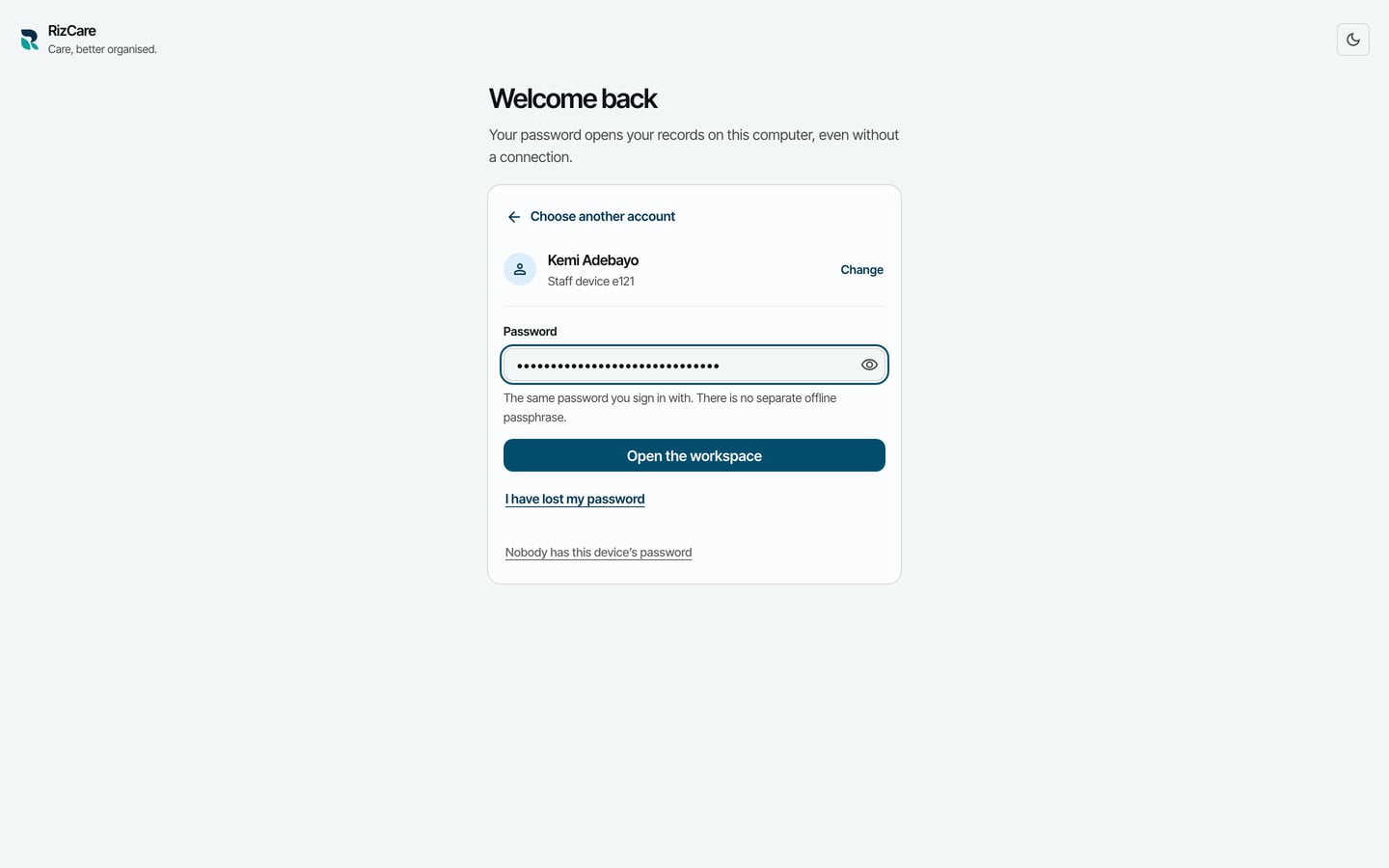
- Choose Open the workspace.
If your name is not on the list, choose Another account and sign in; RizCare sets the computer up for you as well.
What to expect
Your records open where you left them, with or without a connection. When you finish, choose Switch user at the bottom left so the next colleague opens their own account.