Update the practice app when it asks
What the phone shows when RizCare needs an update before you carry on, and how to tell whether your work has been sent.
- Where
- Practice phone app
- Who can do this
- Administrator, Doctor, Midwife, Nurse, Reception, Billing and Staff
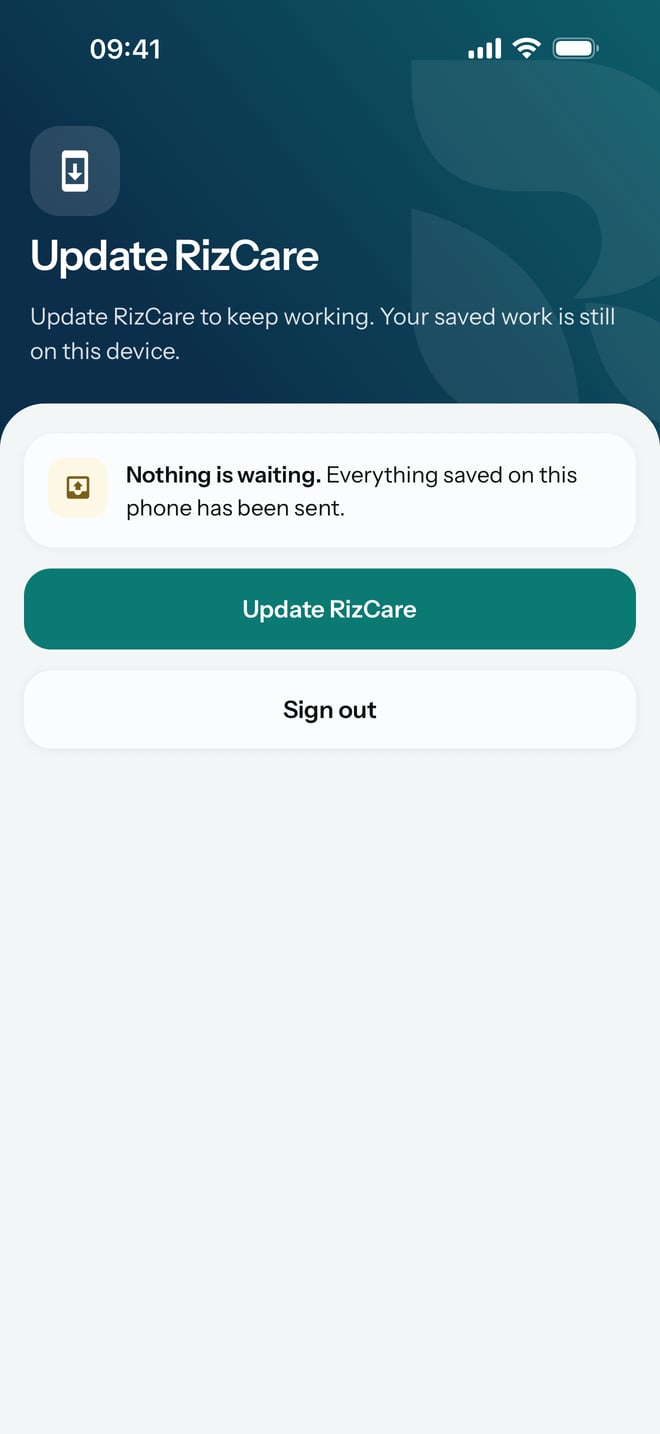
Now and again the practice needs every phone on a newer version of RizCare. When that happens, the phone shows Update RizCare after you type your password, and it tells you whether any of your work is still on the phone.
Steps
- Open RizCare and type your password as usual. The phone shows Update RizCare.
- Read the box under the heading. Nothing is waiting. means everything saved on the phone has been sent to the practice.
What to expect
Until the phone has the newer version, this screen is all RizCare shows. Your work saved on the phone is kept while it waits, and the Update RizCare button is the way to the new version.