Add a colleague to a conversation
Put a colleague on a patient's conversation, so they are told of new messages and can answer.
- Where
- Practice portal
- Who can do this
- Administrator, Billing, Doctor, Midwife, Nurse, Reception and Staff
When a patient asks something another colleague should answer, such as a question about a bill, add that colleague to the conversation.
Steps
- Open the conversation from Messages.
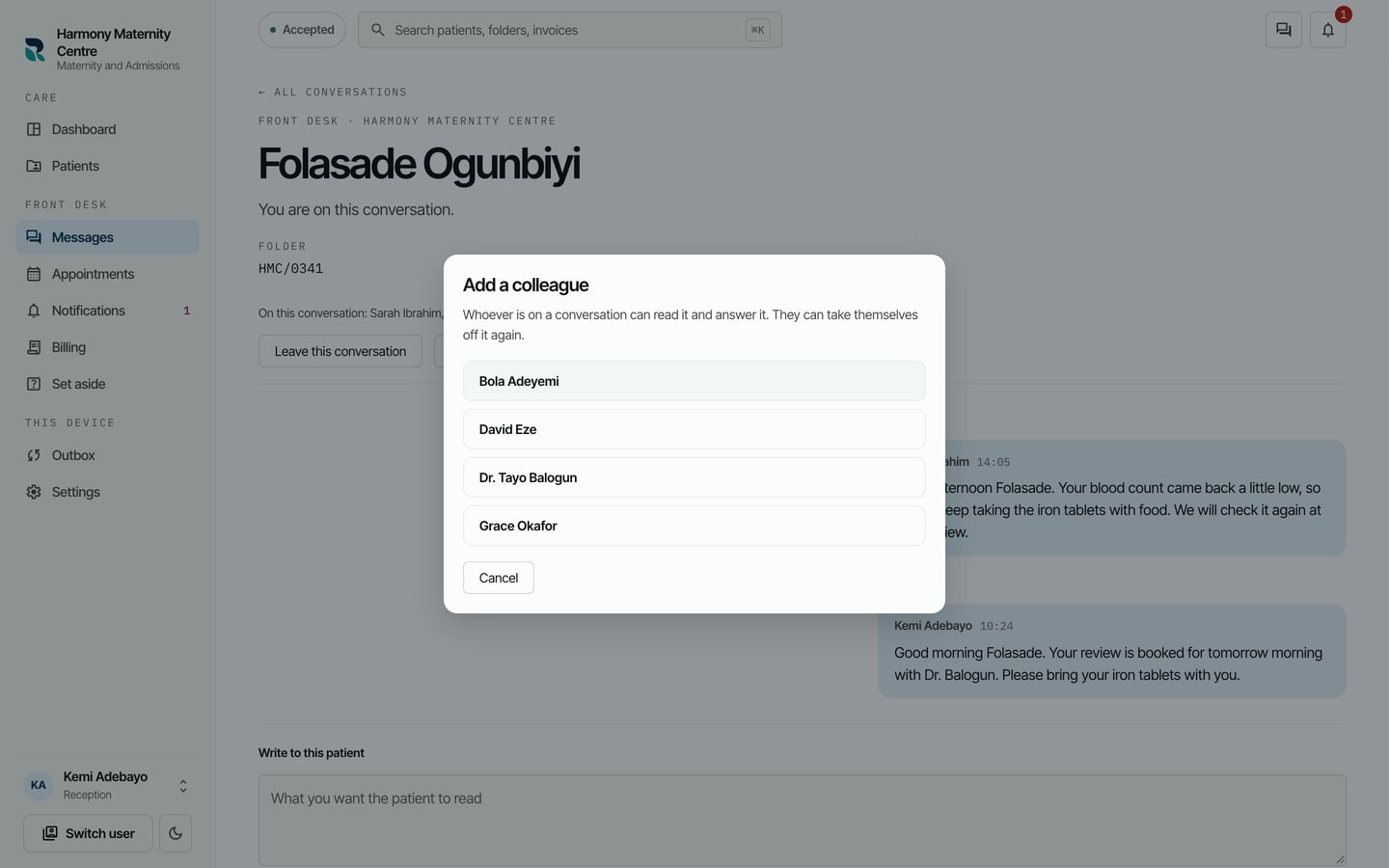
- Choose Add a colleague.
- Choose the colleague.
What to expect
The colleague's name joins On this conversation, at the head of the conversation. Everybody on a conversation is told when a new message is written in it.
Anybody who can read patients can open a conversation they are not on. It says You are reading this without being on it, and writing in it, or Join this conversation, puts them on it.