Create your practice on RizCare
Ask for your practice to be opened on RizCare, confirm your email address, and wait for the practice to open.
- Where
- Practice portal
- Who can do this
- Administrator
If your practice is not on RizCare yet, the owner or practice manager creates it. You become its first administrator, and a doctor as well, so you can invite the rest of the team.
Steps
- Open RizCare, and on the sign-in screen choose Your practice is not on RizCare yet? Create it.
- Fill in Practice name, Your full name, Email address and a Password.
- Fill in Telephone, Town or city and State. Choose Clinicians who work there (optional) if you want to say.
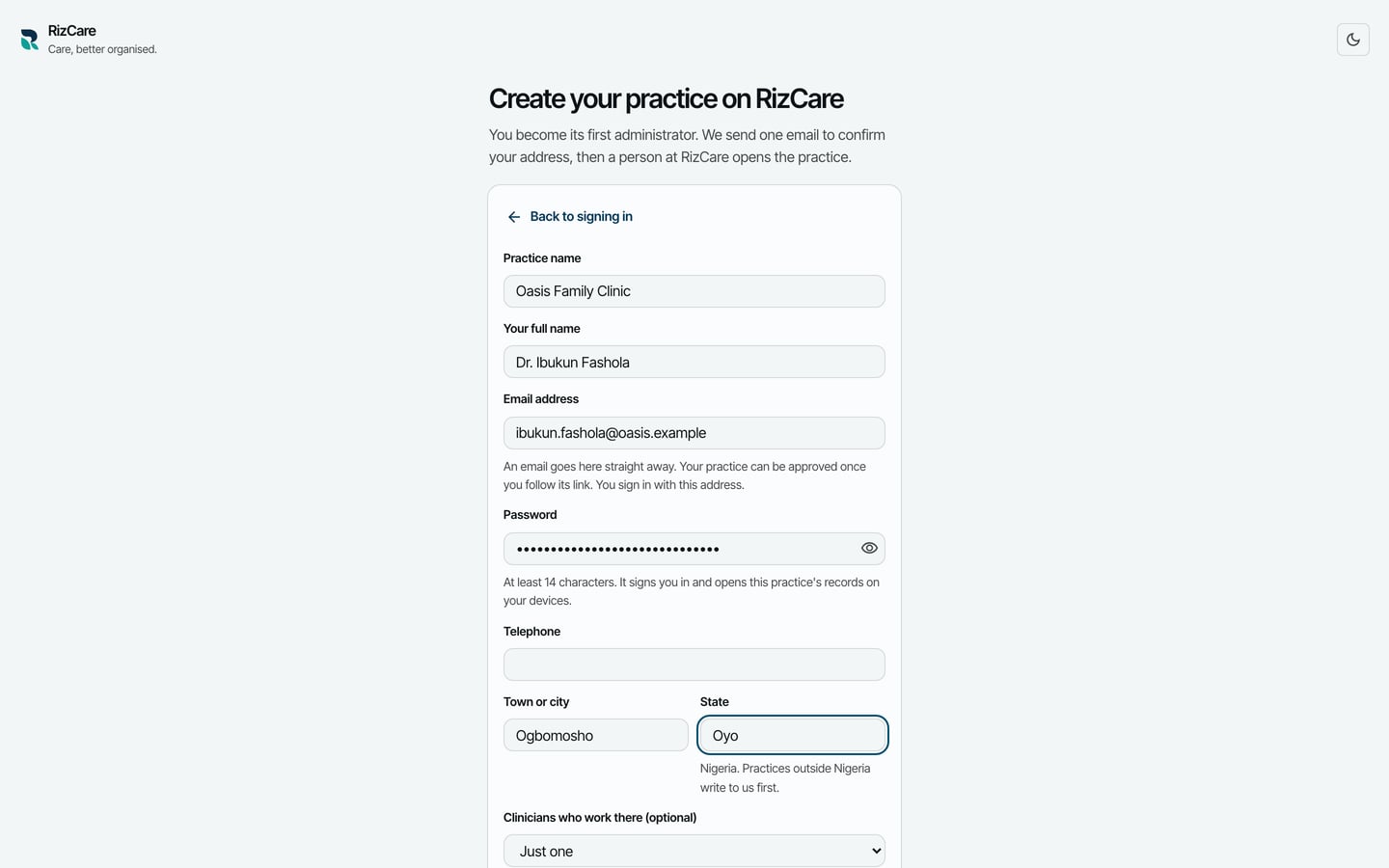
- Choose Create the practice.
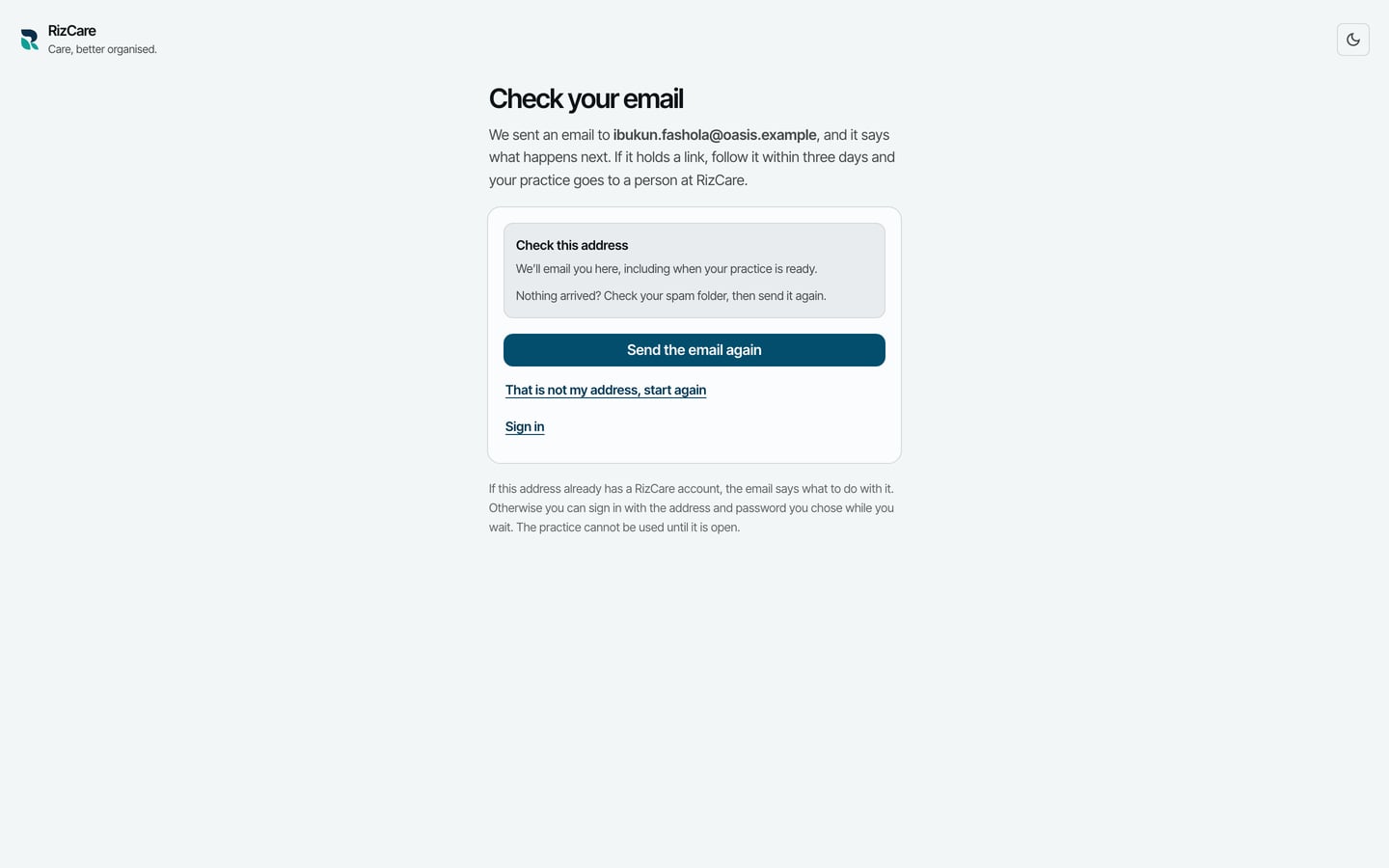
- RizCare asks you to Check your email. Open the email and follow the link in it.
What to expect
Following the link confirms your address. A person at RizCare then looks at the new practice before it opens, and emails you when it is ready.
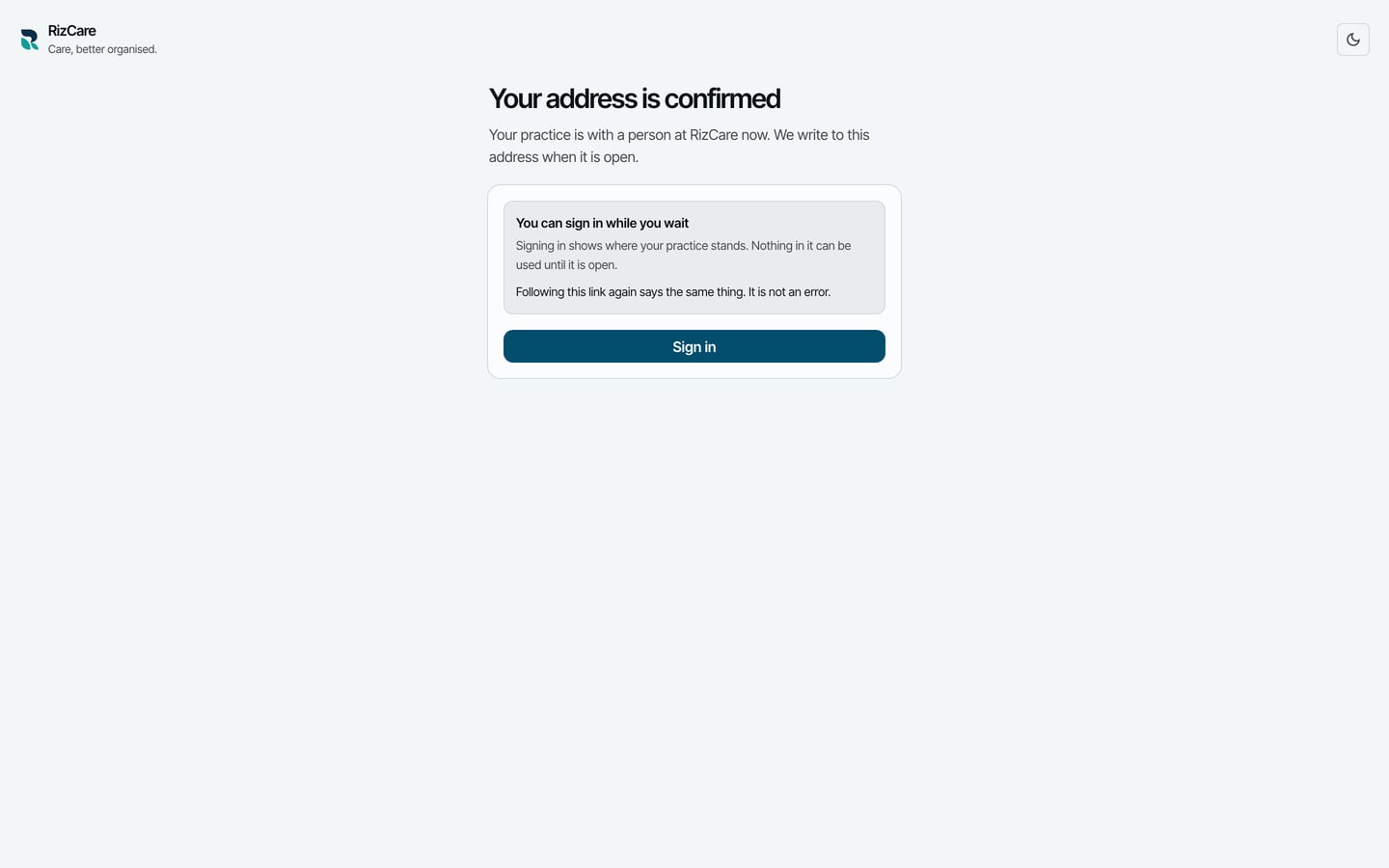
You can sign in while you wait. Your sign-in name is your email address.