Join your practice from an invitation
Follow the link in your invitation email, choose your password, and sign in for the first time.
- Where
- Practice portal
- Who can do this
- Administrator, Billing, Doctor, Midwife, Nurse, Reception and Staff
When a practice administrator adds you to the team, RizCare emails you a link. The email has the practice's name and your sign-in name. You choose the password.
Steps
- Open the email and choose the link. Open it on the computer you will use.
- Type the password you want in New password.
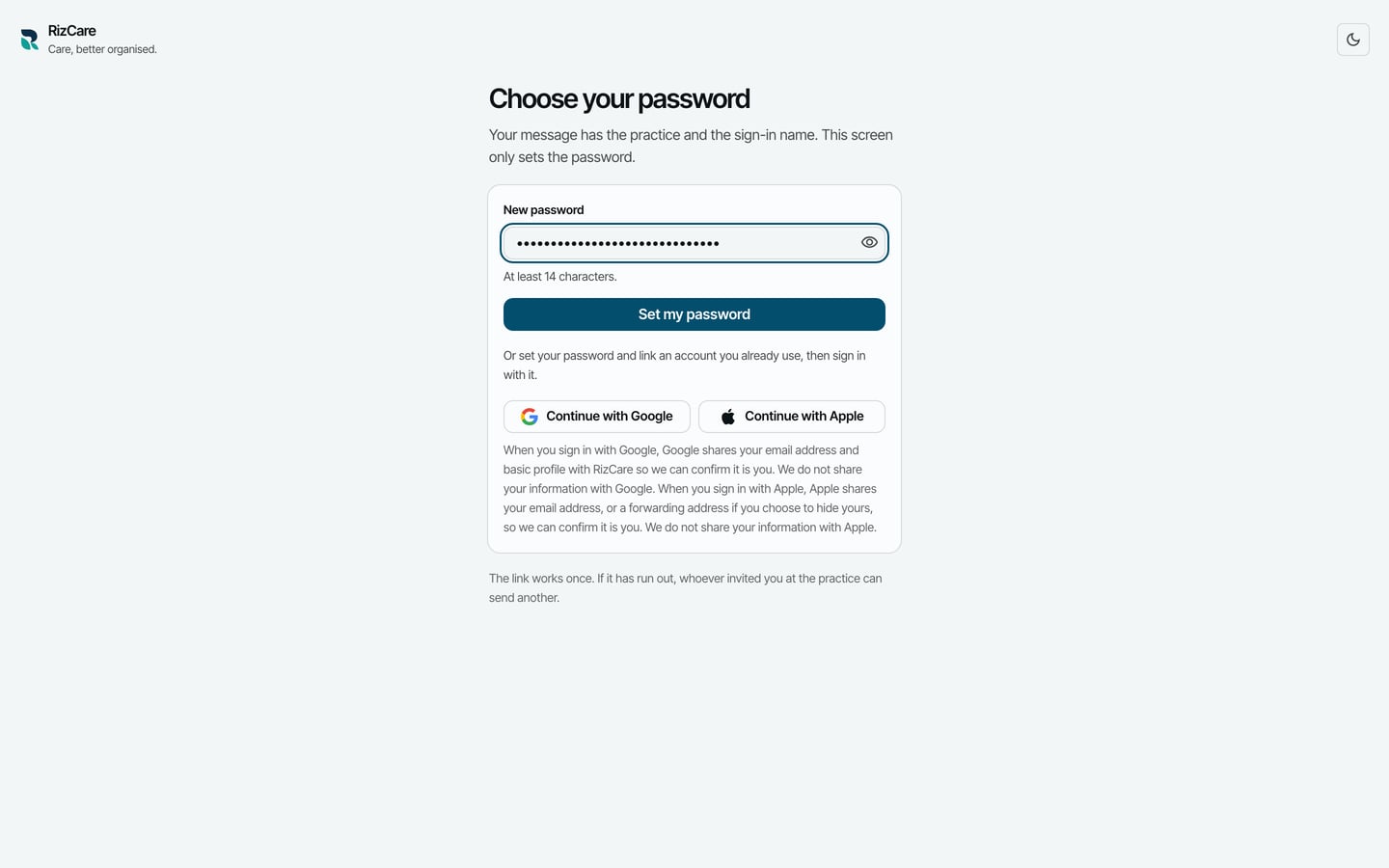
- Choose Set my password.
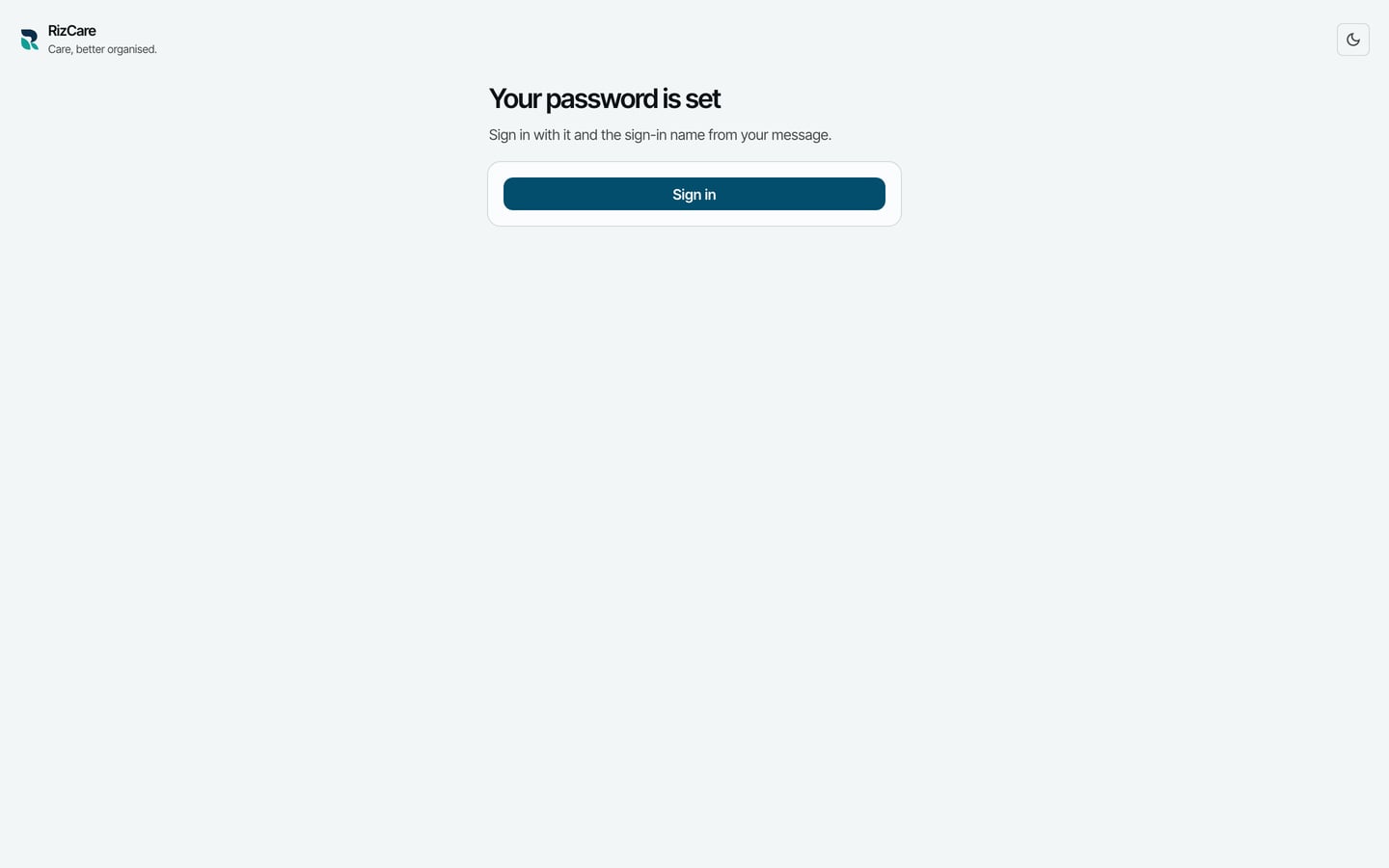
- Choose Sign in, and sign in with the sign-in name from the email and your new password.
What to expect
After signing in, RizCare sets up this computer for you. You see the parts of the practice your position opens, and your administrator can change them later.