Delete your patient portal account on the web
Delete your portal account, so you no longer sign in or see records in the portal.
- Where
- Patient portal
- Who can do this
- Patients and the family members linked to them
You can delete your portal account yourself. Your hospital keeps your medical records and bills; only your portal account goes.
Steps
- Choose You in the sidebar.
- Choose Delete account.
- Read what deleting does.
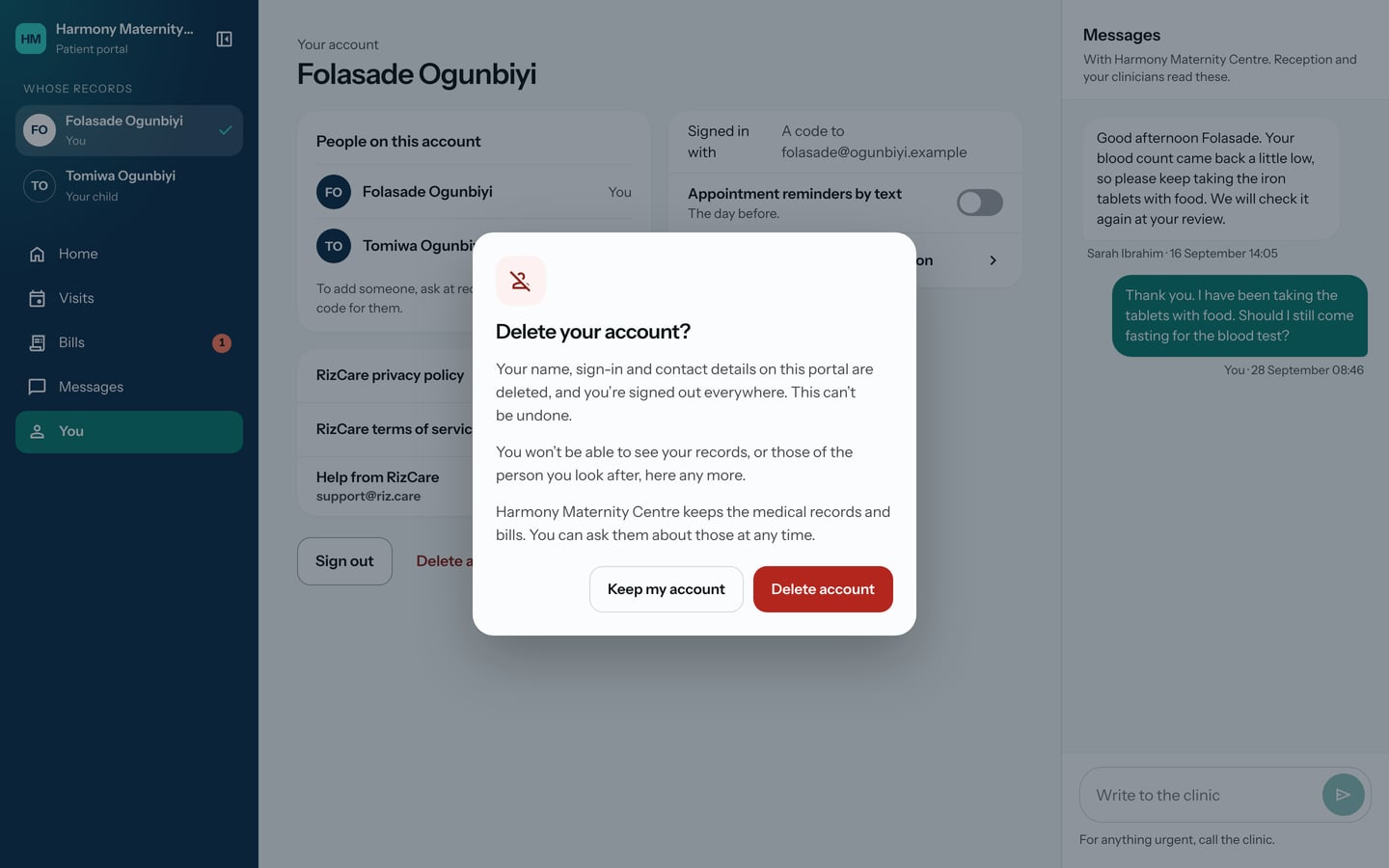
- Choose Delete account. Choose Keep my account if you change your mind.
What to expect
You are signed out everywhere and the portal returns to Sign in. This cannot be undone. You will no longer see your records, or those of anyone you look after, in the portal.
Ask your hospital about your records and bills at any time.