Change your patient portal settings on the web
See who is on your account, turn appointment reminders on or off, and sign out.
- Where
- Patient portal
- Who can do this
- Patients and the family members linked to them
You holds your account: the people on it, how you signed in, reminders, and signing out.
Steps
- Choose You in the sidebar.
- Check People on this account.
- To get a reminder the day before an appointment, turn on Appointment reminders by text. It applies to the person chosen under Whose records.
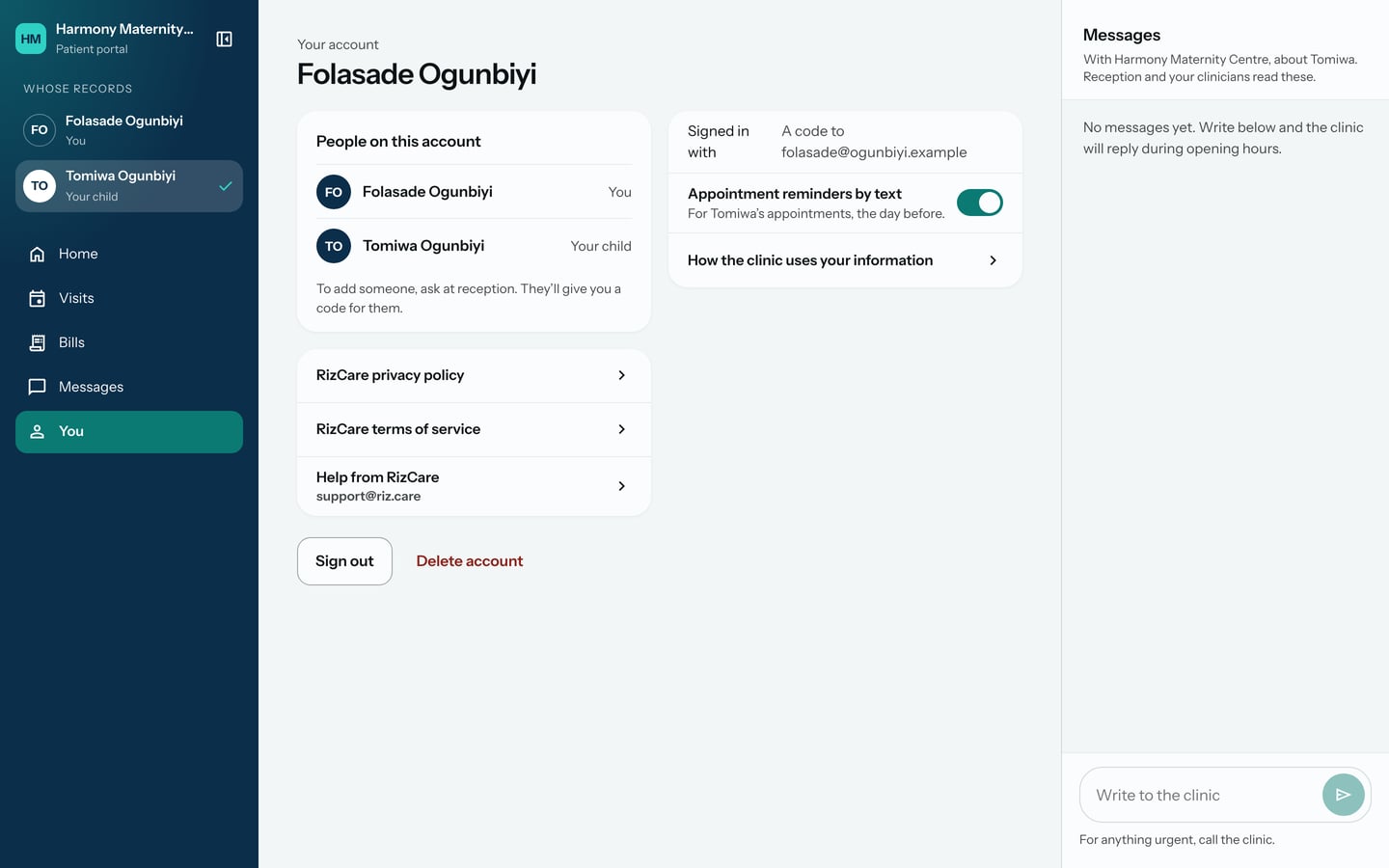
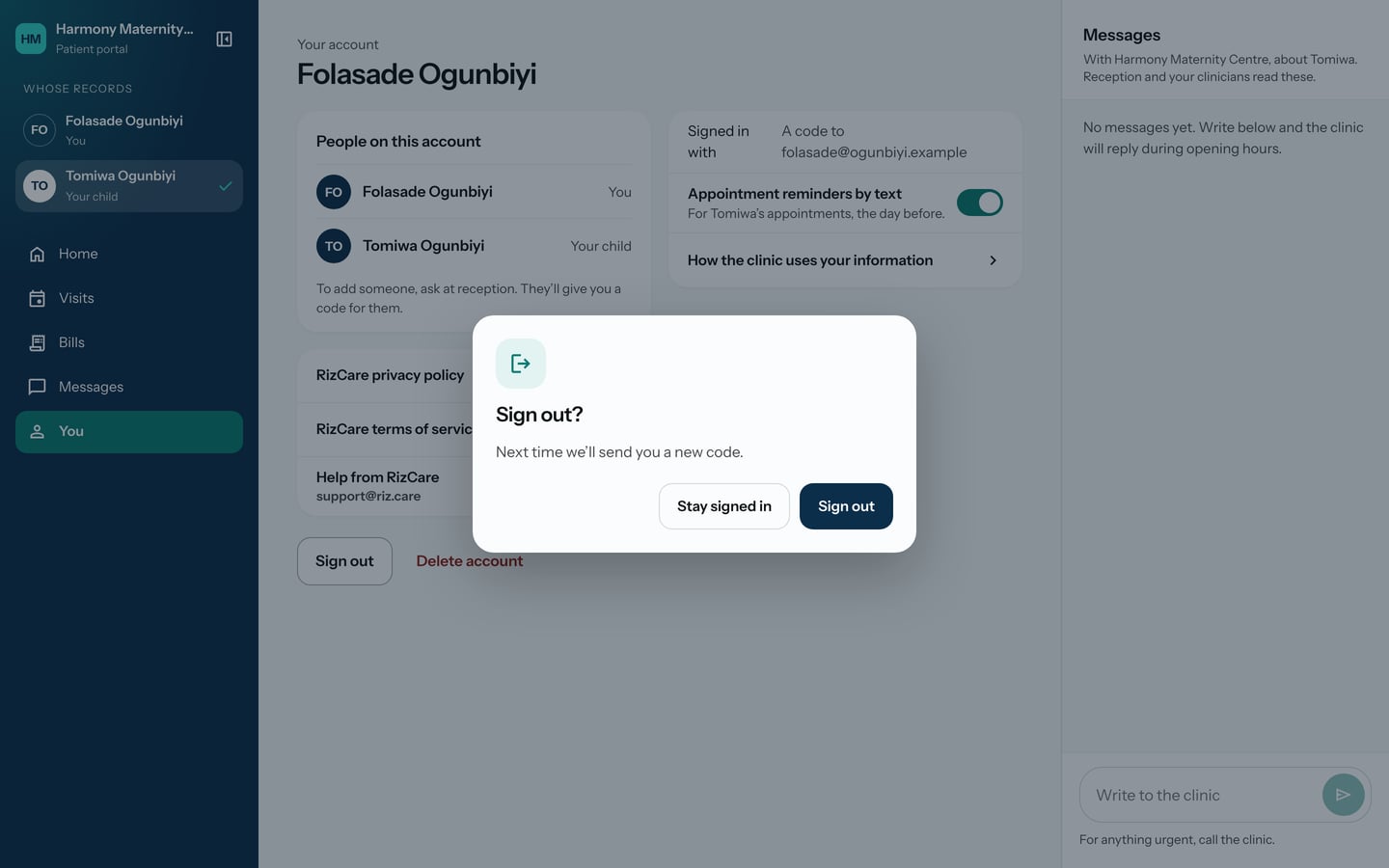
- To sign out, choose Sign out, then Sign out again. Choose Stay signed in if you change your mind.
What to expect
A reminder change is saved when you make it. After signing out, the portal returns to Sign in, and next time it sends you a new code.
To add someone to your account, ask at reception.