Read how your hospital uses your information
Open your hospital's own statement of how it keeps and shares your records, from the You screen in the app.
- Where
- Patient app
- Who can do this
- Patients and the family members linked to them
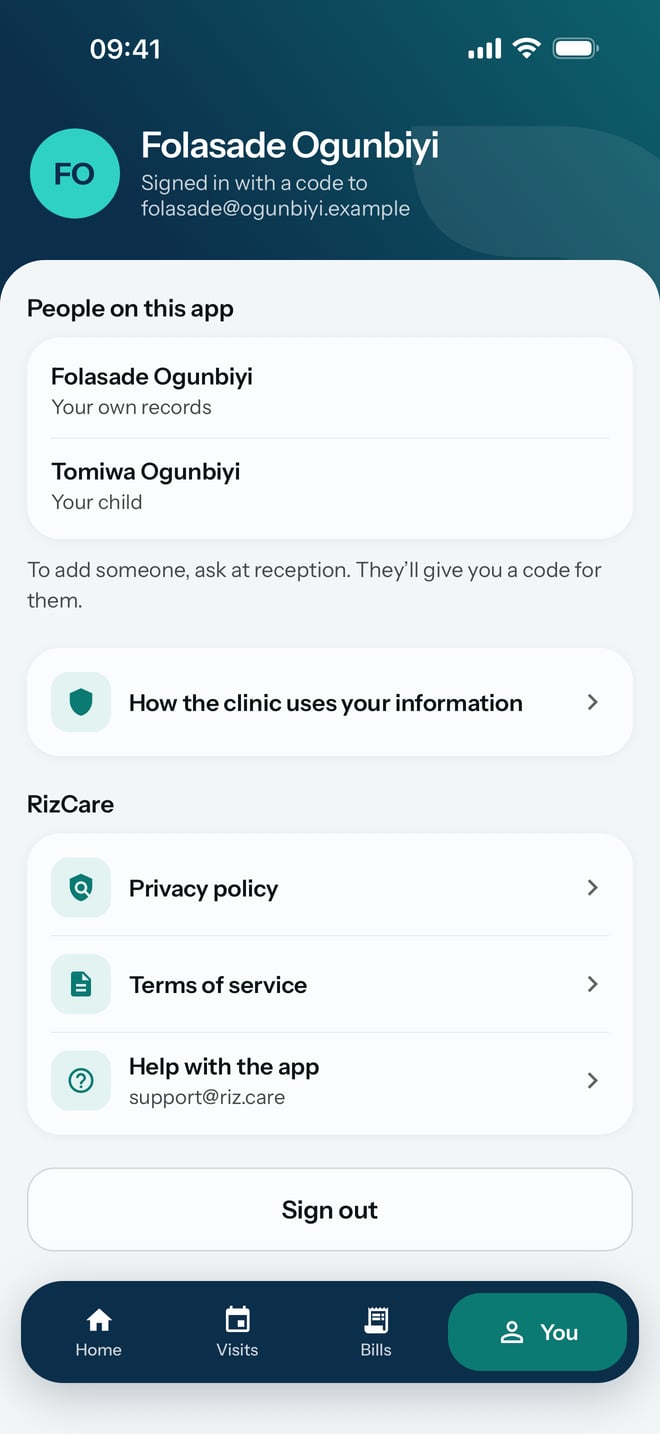
Your hospital keeps your medical records, and it writes its own statement of how it uses them. The app shows that statement, and it also links to RizCare's privacy policy and terms.
Steps
- Tap You at the bottom of the screen.
- Tap How the hospital uses your information.
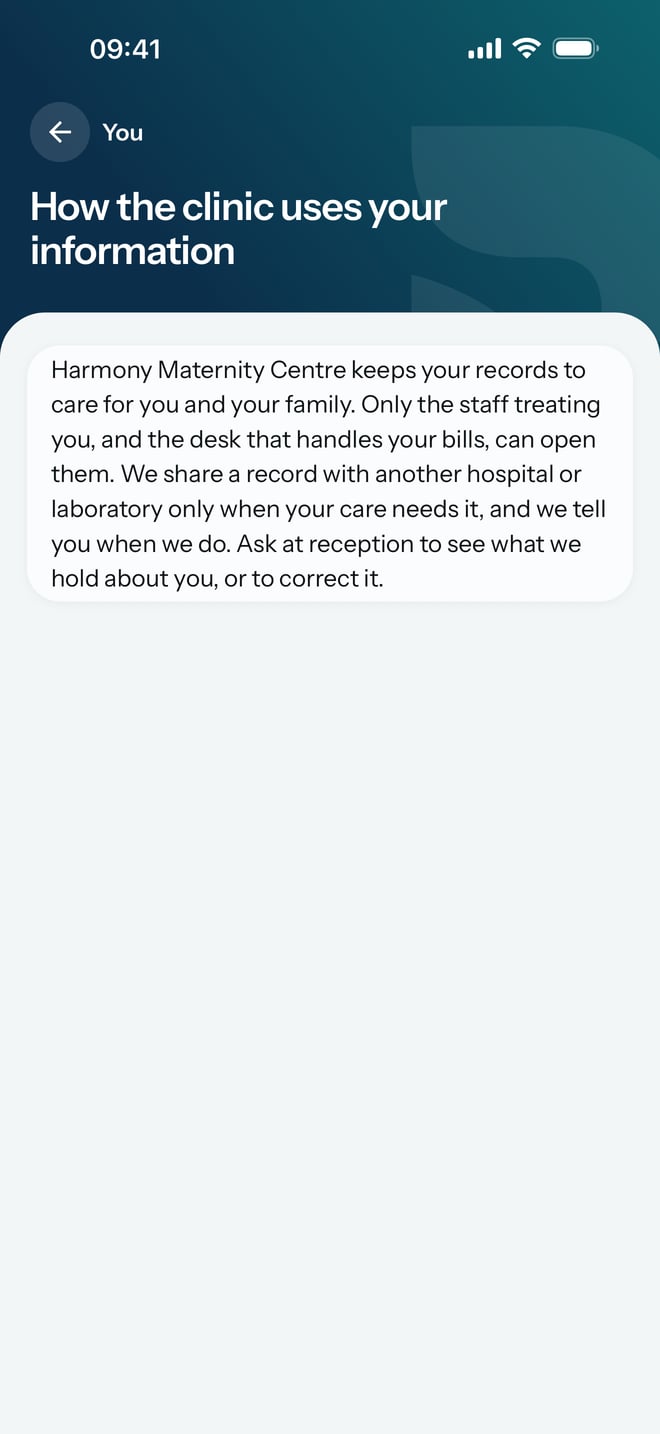
- Read the hospital's statement.
- Tap You at the top to go back.
What to expect
The statement is written by your hospital, in its own words. If the hospital has not written one in the app, the screen says so and asks you to get a copy at reception.
Under RizCare on the same screen, Privacy policy and Terms of service are RizCare's own, and Help with the app shows the address to email when the app itself is giving you trouble.