Delete your account on the app
Delete your RizCare app account, and know what goes with it and what your hospital keeps.
- Where
- Patient app
- Who can do this
- Patients and the family members linked to them
You can delete your account from the app at any time. Your sign-in and contact details on the app go. Your medical records and bills stay with your hospital, because the hospital needs them to care for you.
Before you start
- Deleting cannot be undone.
- You need a connection.
Steps
- Tap You at the bottom of the screen.
- Scroll down and tap Delete account.
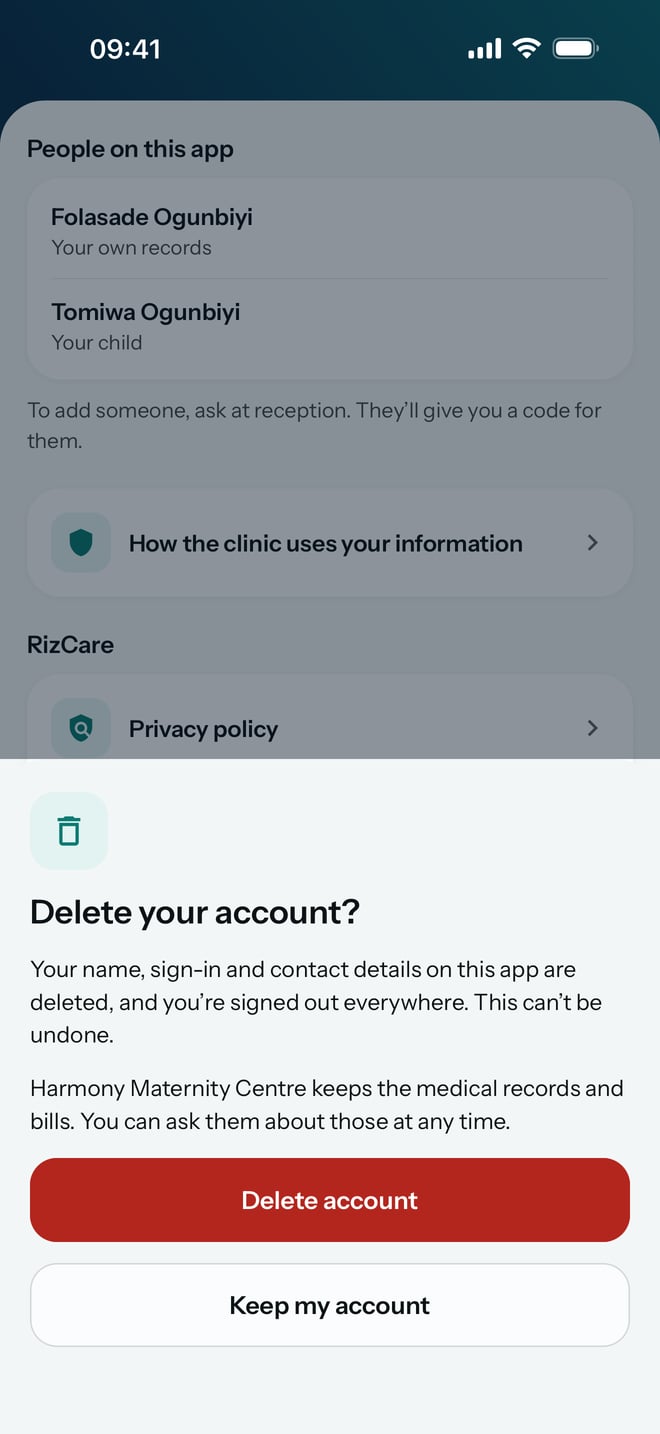
- Read Delete your account?. It says what is deleted and what the hospital keeps.
- Tap Delete account to confirm. To stop, tap Keep my account.
What to expect
Your name, sign-in and contact details on the app are deleted, and you are signed out everywhere. The app goes back to Find your hospital.
Your hospital keeps your medical records and bills, and those of anyone else on the account. You can ask the hospital about them at any time.