Choose your money settings
Read how the practice records money, and choose who carries a payment provider's charge and how receipts are emailed.
- Where
- Practice portal
- Who can do this
- Administrator
The Money settings hold the practice's choices about payments that are not about one invoice.
Steps
- Choose Settings on the left, then Money.
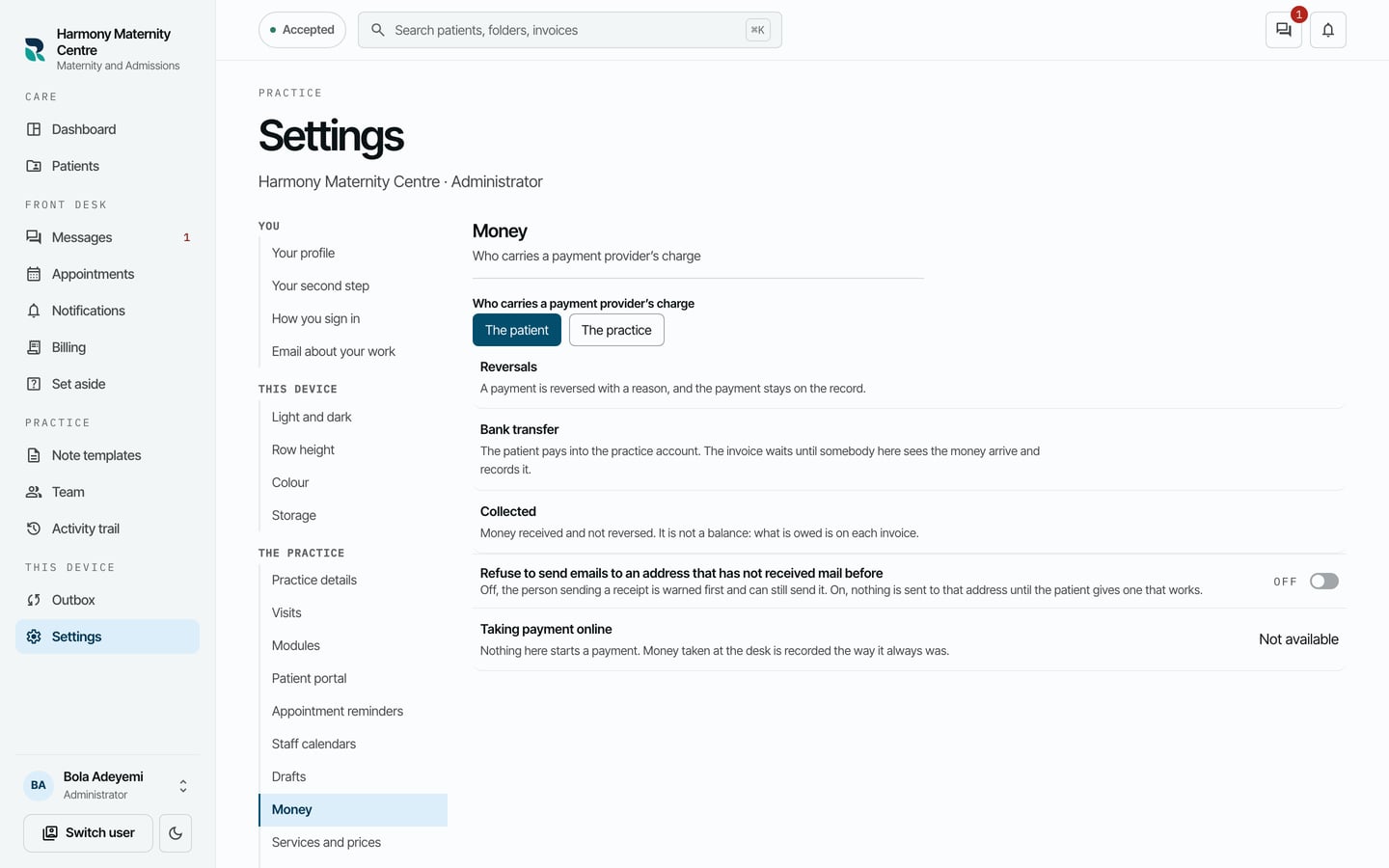
- Under Who carries a payment provider's charge, choose The patient or The practice.
What to expect
Emailing a receipt has a switch to refuse sending a receipt to an address that has not received mail before. Recording money says how the practice's money is kept: a reversed payment stays on the record with its reason, and a transfer waits until somebody sees the money arrive and records it.
Taking payment online says Not available. Patients pay at the desk, by cash or transfer, and staff record what they confirm.