Check payments set aside for a decision
See payment reports that did not match what the practice asked for, which wait until somebody decides.
- Where
- Practice portal
- Who can do this
- Administrator, Billing, Doctor, Midwife, Nurse, Reception and Staff
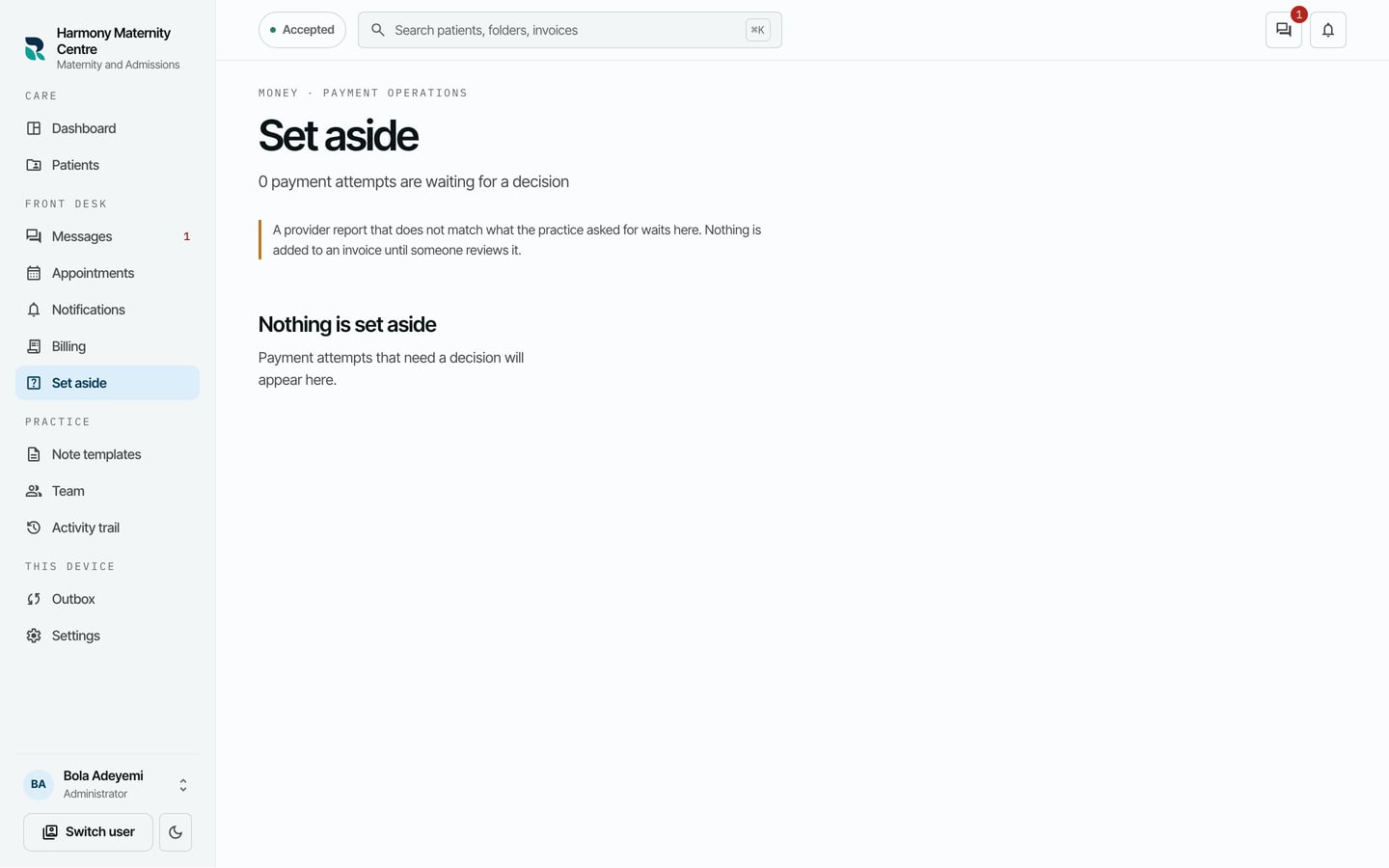
Set aside holds payment reports from outside the practice that do not match what the practice asked for. Nothing in them is added to an invoice until somebody reviews it.
Steps
- Choose Set aside on the left.
- Read how many payment attempts are waiting for a decision.
What to expect
When nothing is waiting, the screen says Nothing is set aside. Money taken at the desk, in cash or by transfer, never comes here: you record it on the invoice.
Settings > Money says whether taking payment online is available to your practice. While it is not, this list stays empty.