Record that a booked patient has arrived
Mark a booked patient as arrived, which opens their visit and puts them in the building.
- Where
- Practice portal
- Who can do this
- Administrator, Doctor, Midwife, Nurse, Reception and Staff
When a patient with an appointment reaches the desk, record their arrival from the diary. Their visit opens and they join the list of people in the building.
Steps
- Choose Appointments on the left, and choose today.
- Choose the patient's booking in the diary.
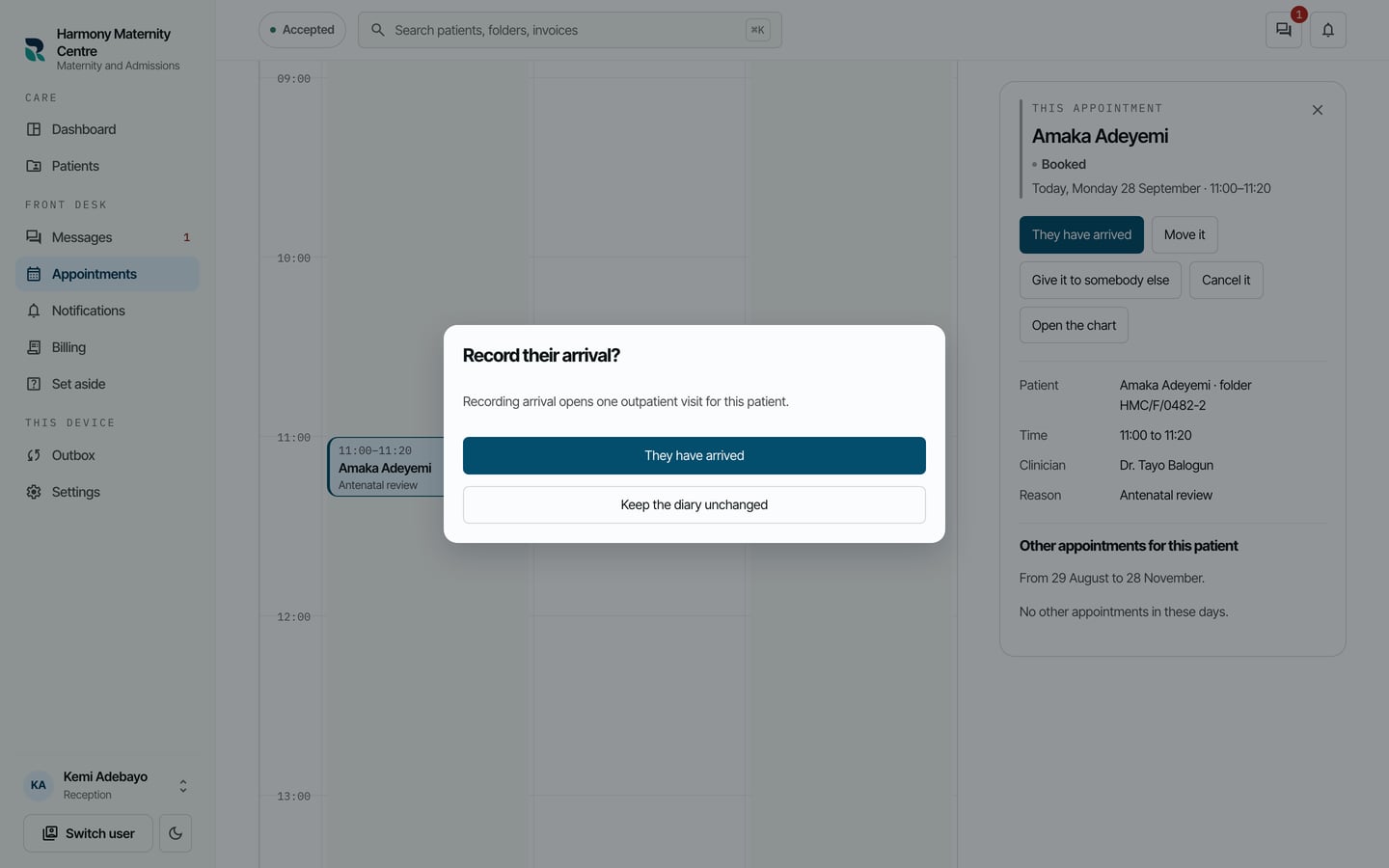
- In This appointment, choose They have arrived.
- Read the confirmation, then choose They have arrived again.
What to expect
The booking shows Arrived, and Open the visit takes you straight to the visit that was opened. The patient appears on the dashboard under In the building, waiting to be seen.
For a patient who comes in without a booking, open a visit from their chart instead.